
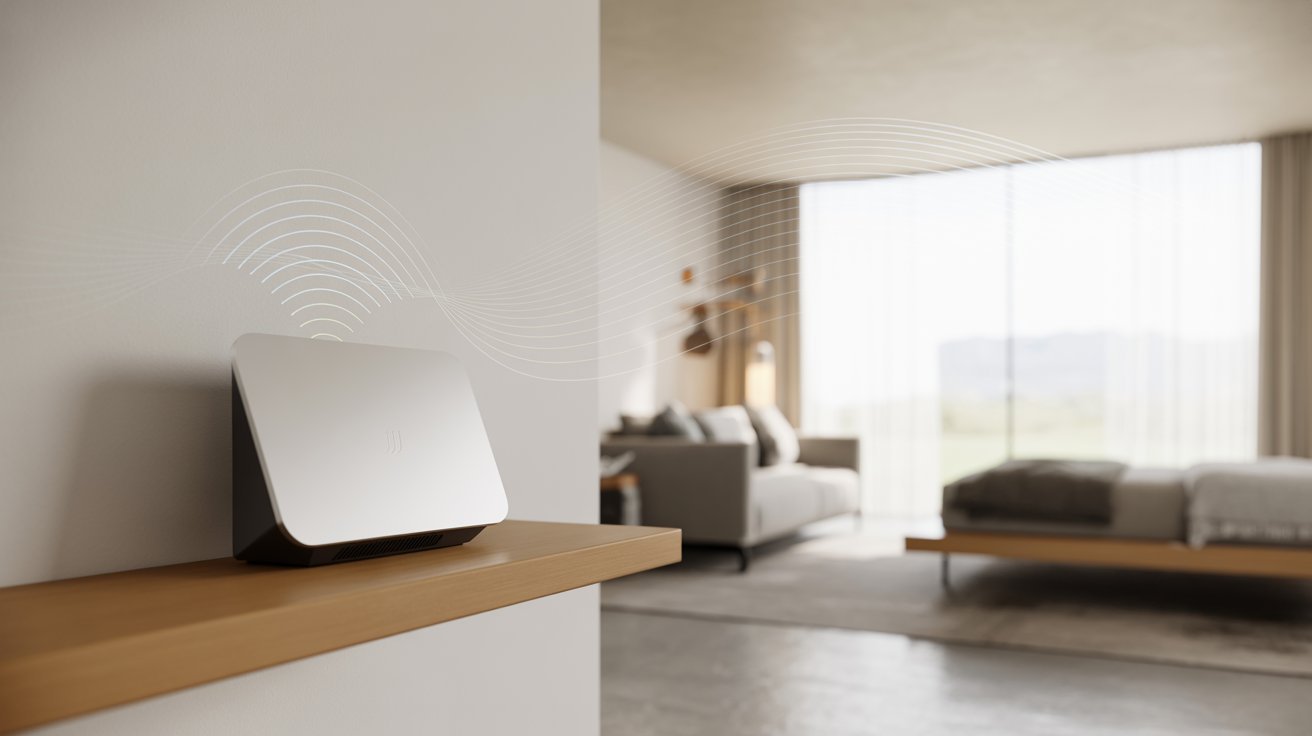
I used to keep my WiFi router right next to my bed. Bad idea.
Most of us never think twice about where the router sits. But placement actually matters more than you’d think.
Here’s what I’ll cover: the safe distance you should keep from your router, the best spots to place it at home, and simple ways to cut down on EMF exposure every day.
I’ve spent time going through the research so you don’t have to. Let’s get into it.
What Is WiFi Router Radiation?
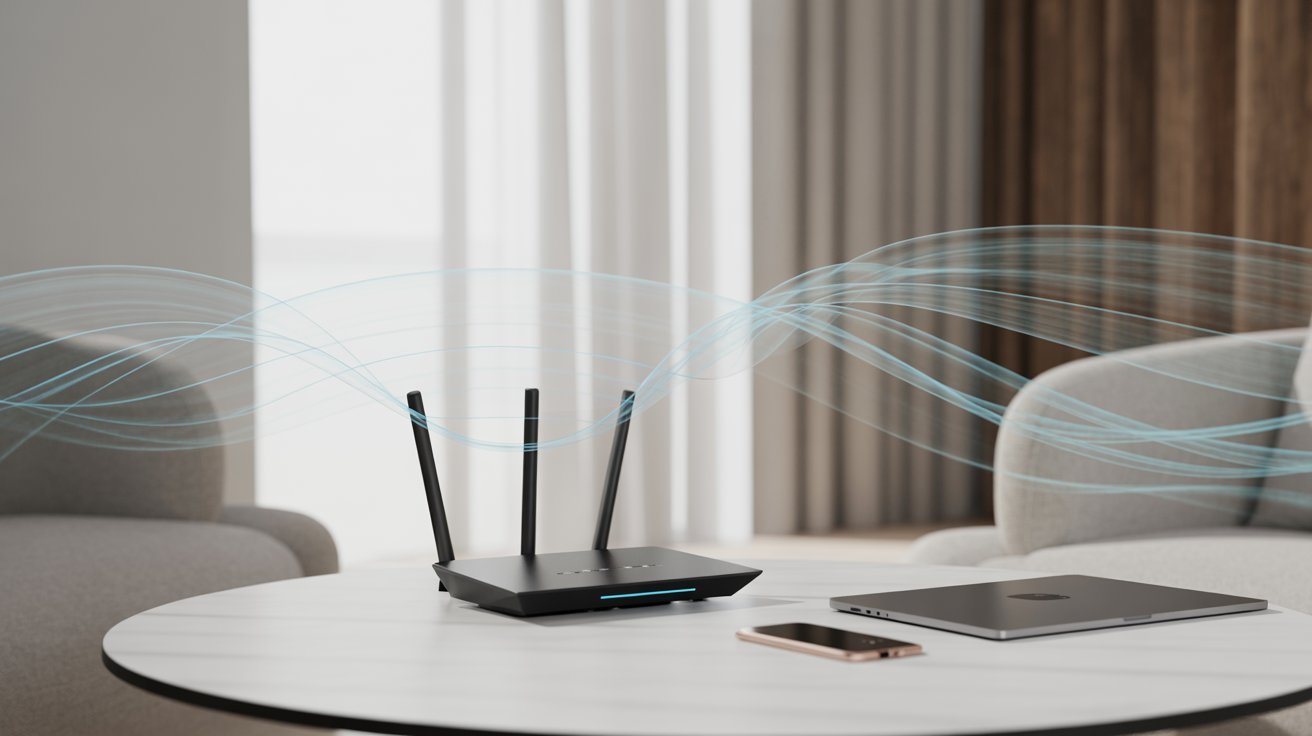
Before you move your router, it helps to know what you’re actually dealing with.
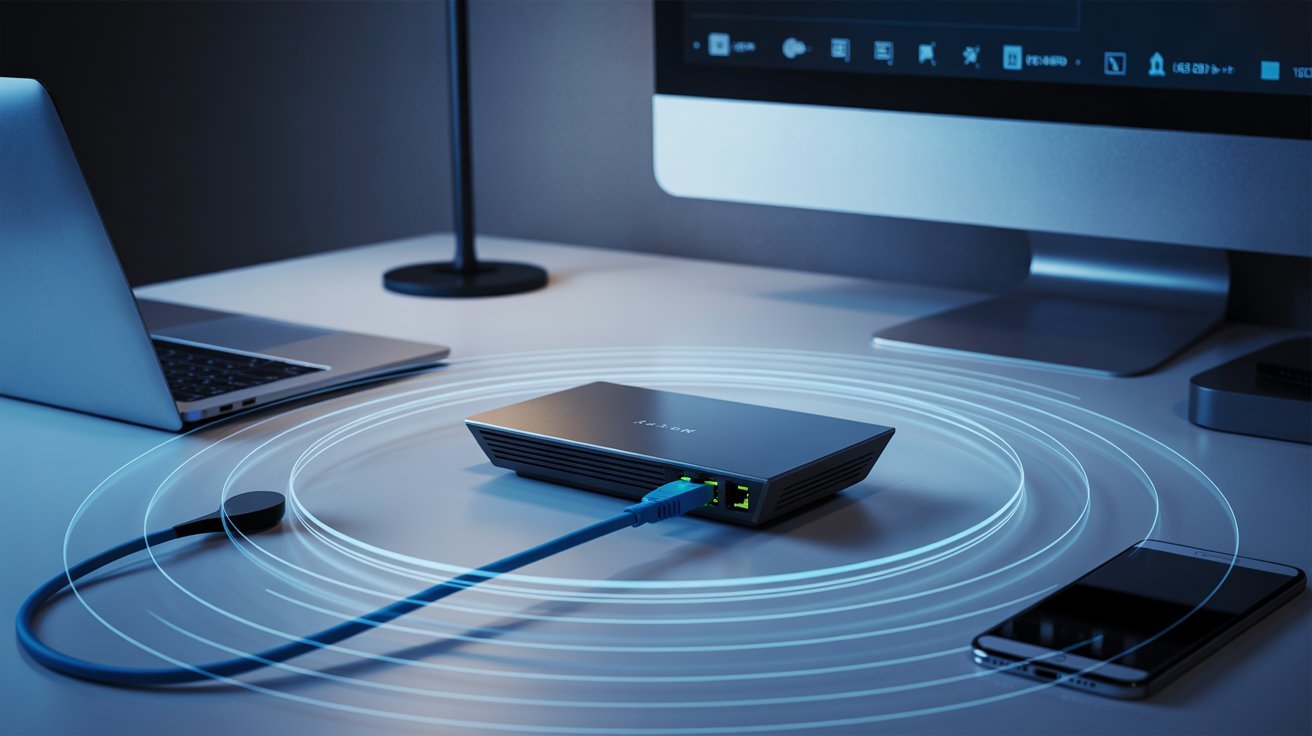
WiFi routers send out radio waves to connect your devices to the internet. These are a type of non-ionizing radiation.
They don’t have enough energy to damage cells or DNA the way X-rays can. Think of it like light from a lamp. Technically radiation, but not the dangerous kind.
Major health organizations like the WHO say WiFi radiation at normal levels is not a proven health risk. Still, keeping a reasonable distance is a smart habit.
WiFi Router Radiation Safe Distance (Recommended Range)
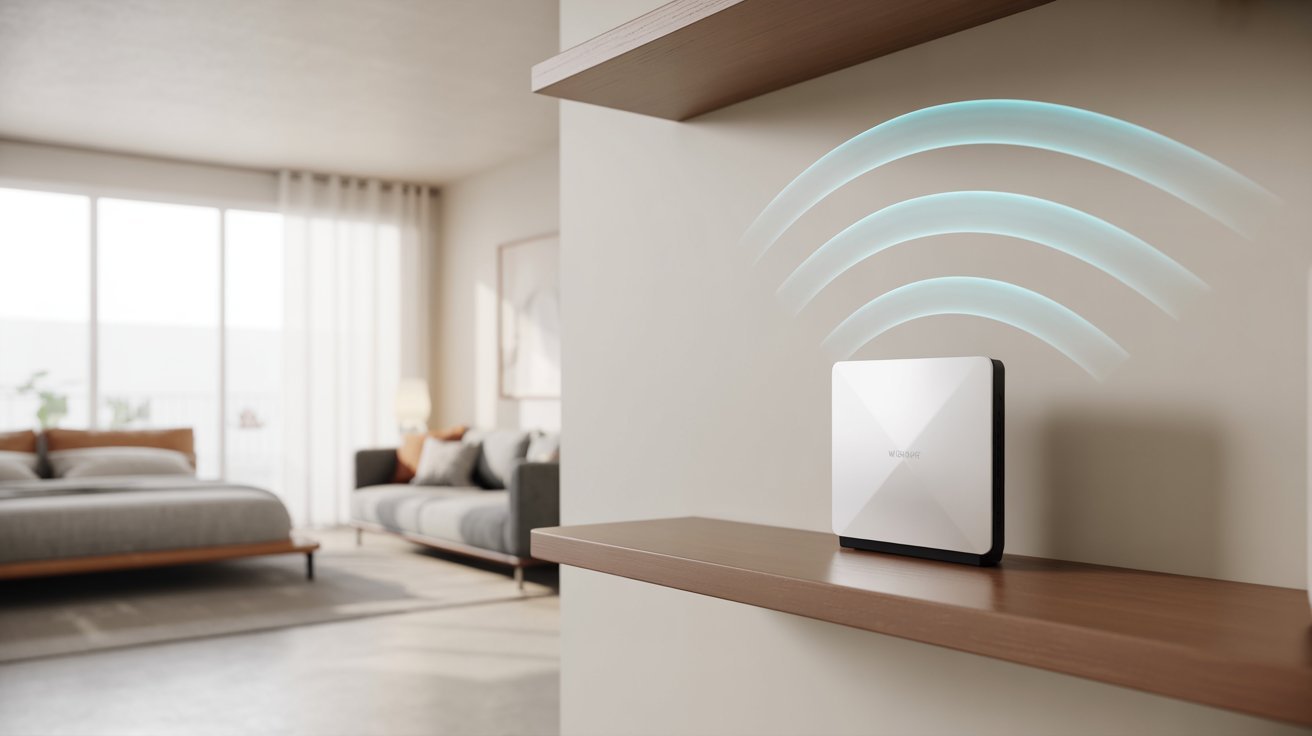
Knowing the right distance can make your daily setup much safer and smarter.
Ideal Distance: 6–10 Feet Explained
Most experts suggest staying at least 6 to 10 feet away from your router during regular use. At this range, EMF levels drop significantly.
The signal is still strong enough to browse, stream, and work without being right next to the source. If your router is in the living room, sit across the room rather than right beside it.
How Distance Reduces EMF Exposure
EMF follows the inverse square law. The farther you are, the weaker the radiation. Double your distance and exposure drops by roughly four times. It doesn’t take much space to make a real difference.
Best Place to Put Your WiFi Router for Safety
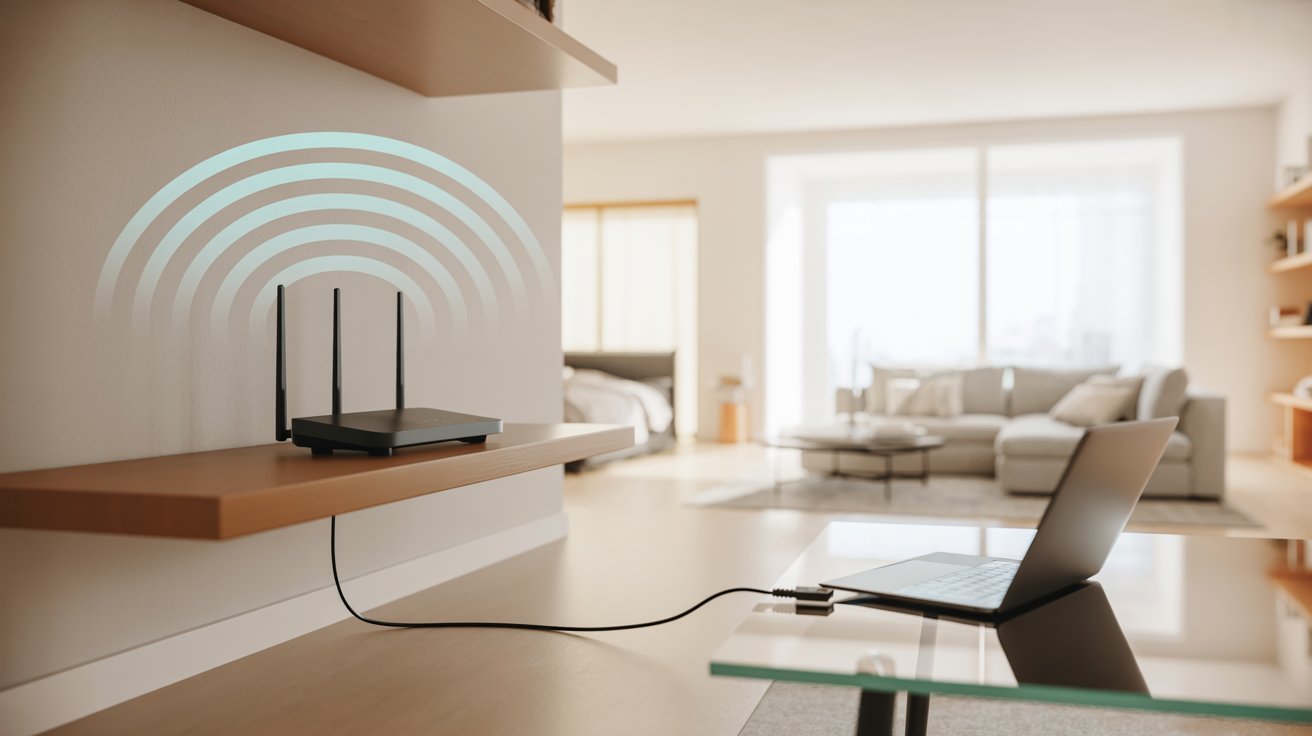
Where you put your router at home affects both your signal and your safety.
Central and Elevated Placement Tips
The best spot is somewhere central, up off the floor. A high shelf in a hallway or living room works well. Place it at least 3 to 4 feet off the ground, away from walls that back onto bedrooms.
Areas to Avoid (Bedroom, Desk, Sofa)
Keep it off your bedside table, work desk, and sofa area. These are the places you spend the most time. Less exposure there adds up in the long run.
Is It Safe to Sleep Near a WiFi Router?
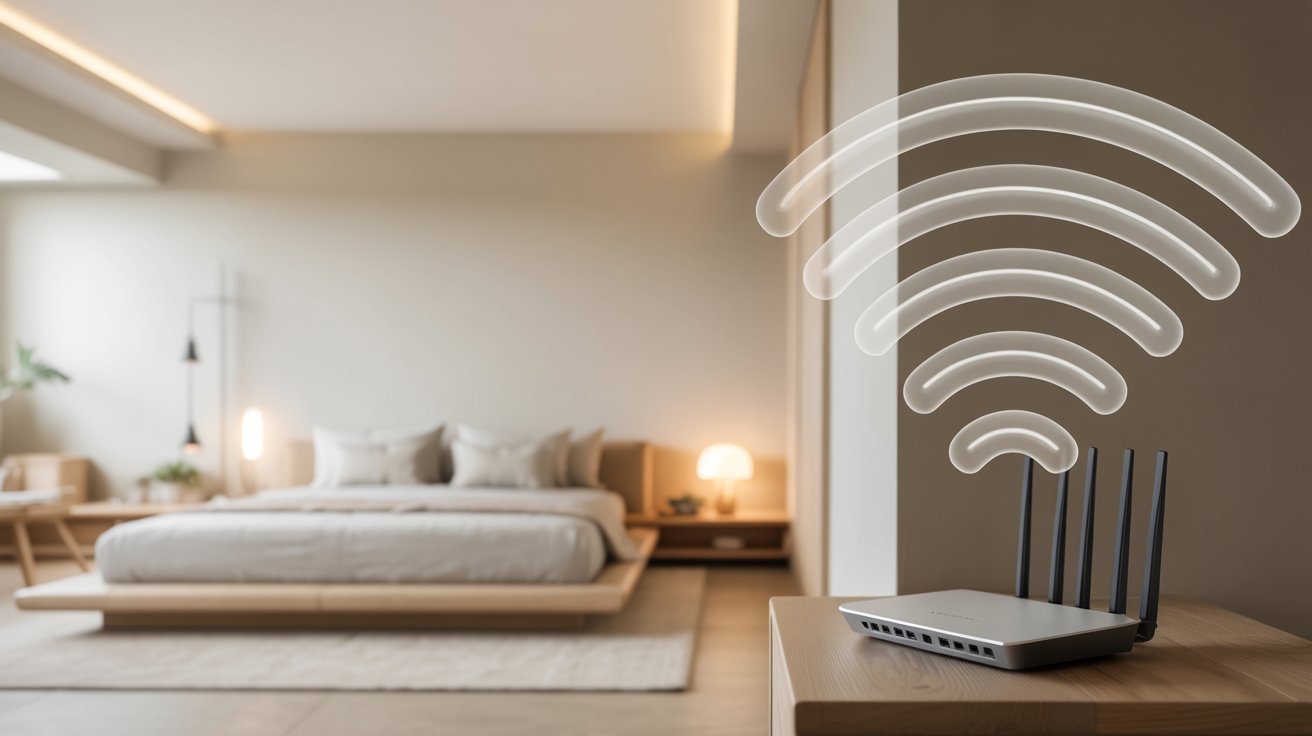
Sleep is when your body recovers. You want the environment to work for you, not against you.
Recommended Distance While Sleeping
Try to keep your router at least 10 to 15 feet from where you sleep. If your bedroom is small, putting it in a different room is the better call. Even a closed door helps reduce signal strength.
Should You Turn Off WiFi at Night?
Yes. If you’re not using it, there’s no reason to keep it on. Turning it off cuts your exposure during the 7 to 8 hours you’re most still. Some routers have a built-in scheduler so it powers down on its own.
How to Reduce WiFi Radiation at Home
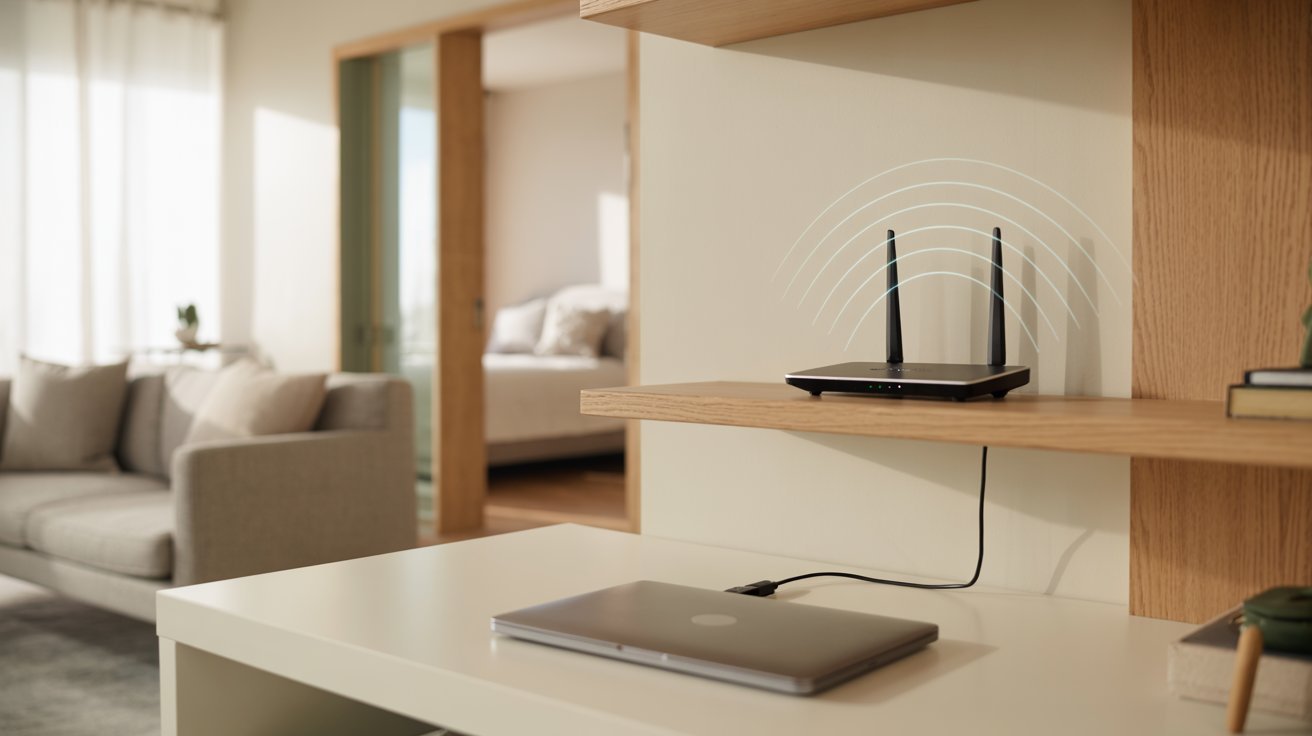
A few simple habits can go a long way in lowering your daily EMF exposure.
Keep Safe Distance from Router
Don’t sit right next to your router. Move it somewhere you won’t be hovering over it all day. Even a few extra feet makes a difference.
Use Wired Connections When Possible
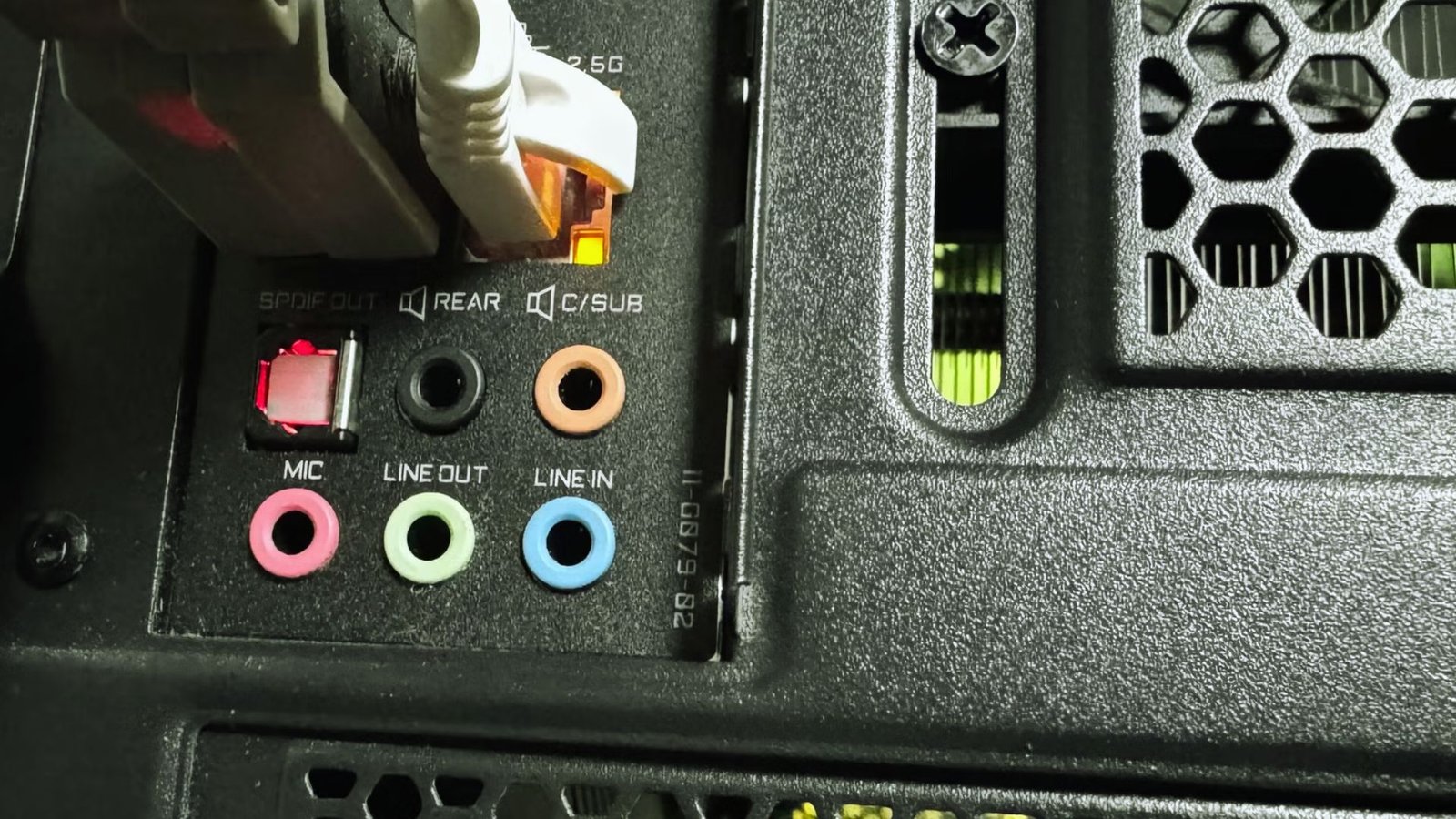
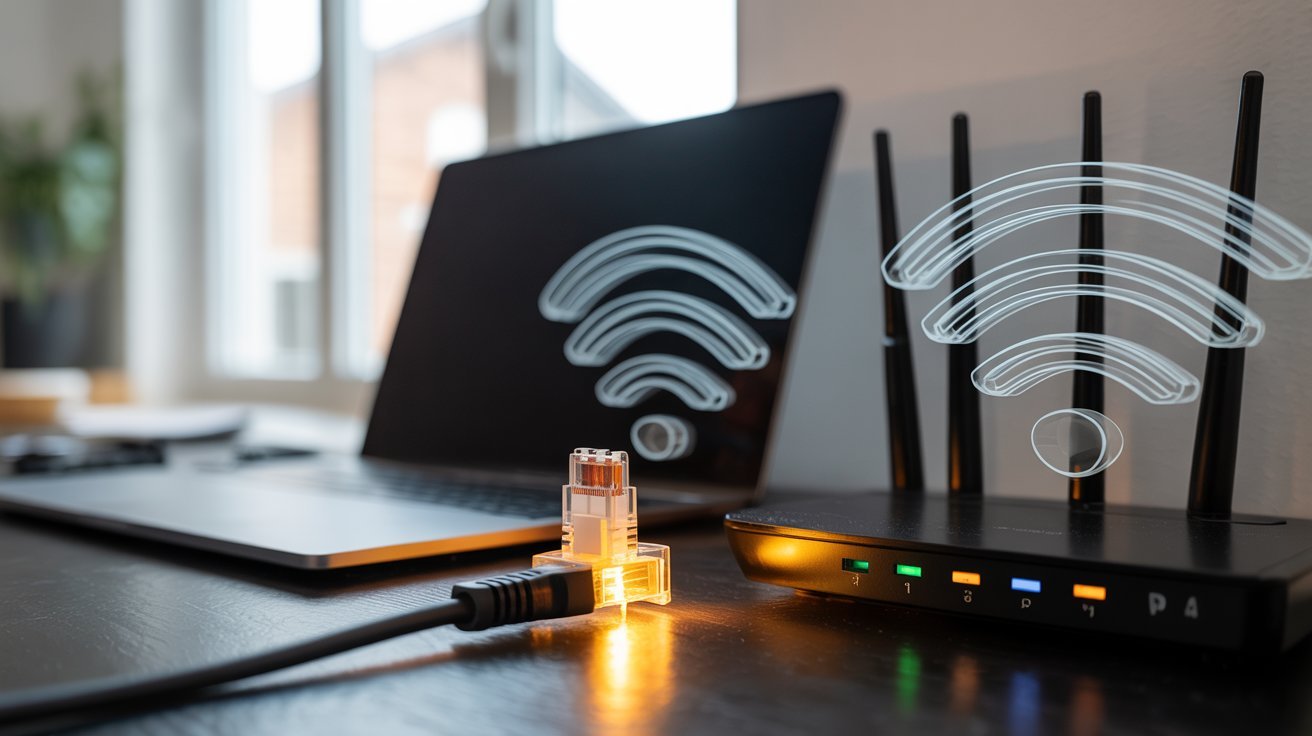
Plug your desktop or laptop directly into the router with an Ethernet cable. No WiFi means no wireless radiation from that device, and it’s faster too.
Turn Off Router When Not in Use
When no one’s home or everyone’s asleep, just turn the router off. It’s one of the easiest ways to limit total exposure without changing much about how you live.
Does Router Placement Affect Your Health Over Time?
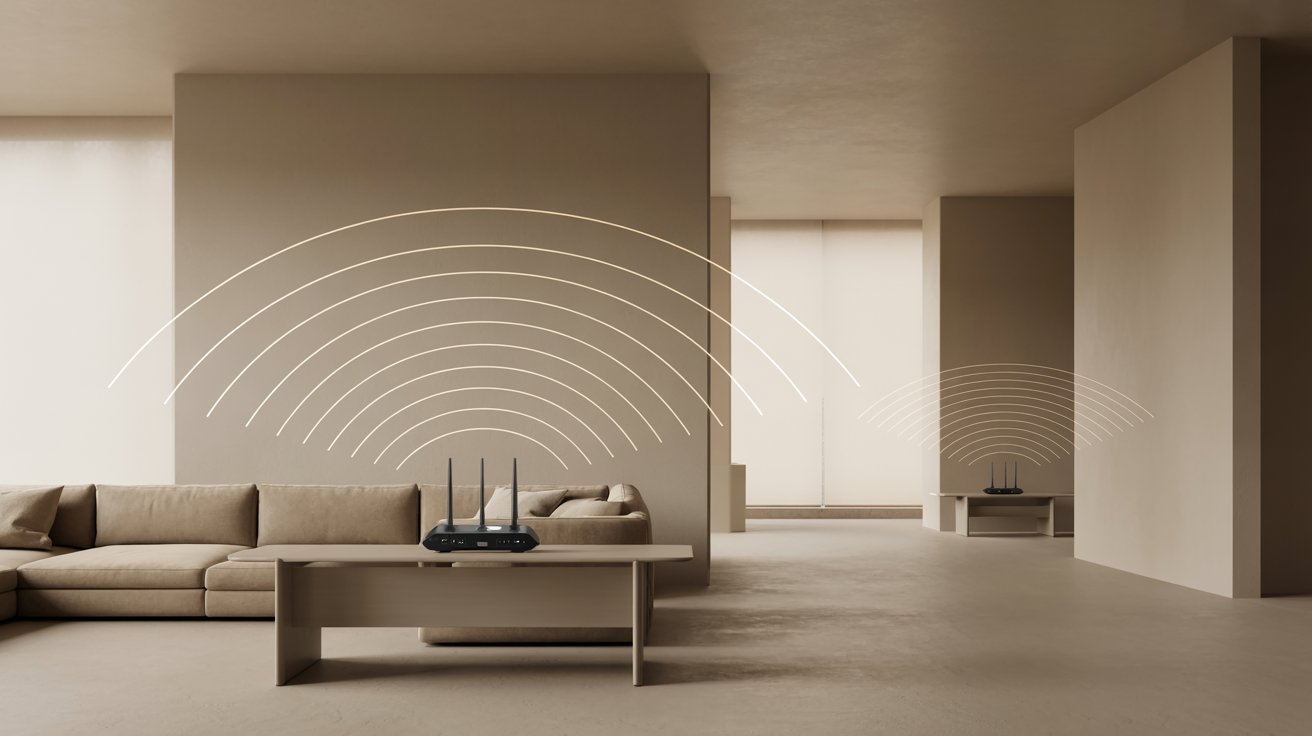
Small daily habits around your router can add up to a big difference over months and years.
Long-Term Exposure and What It Means
WiFi radiation at normal levels isn’t considered dangerous. But long-term, low-level exposure is still something researchers keep an eye on.
Being mindful now just makes sense. You don’t have to go off the grid. Just be smart about where you spend your time relative to the router.
Why Kids and Pregnant Women Should Be Extra Careful
Children’s bodies are still developing, and pregnant women have extra reason to be cautious.
Keeping routers out of kids’ rooms and away from areas where they spend long hours is a simple and sensible step. It costs nothing and takes very little effort.
Common Mistakes to Avoid
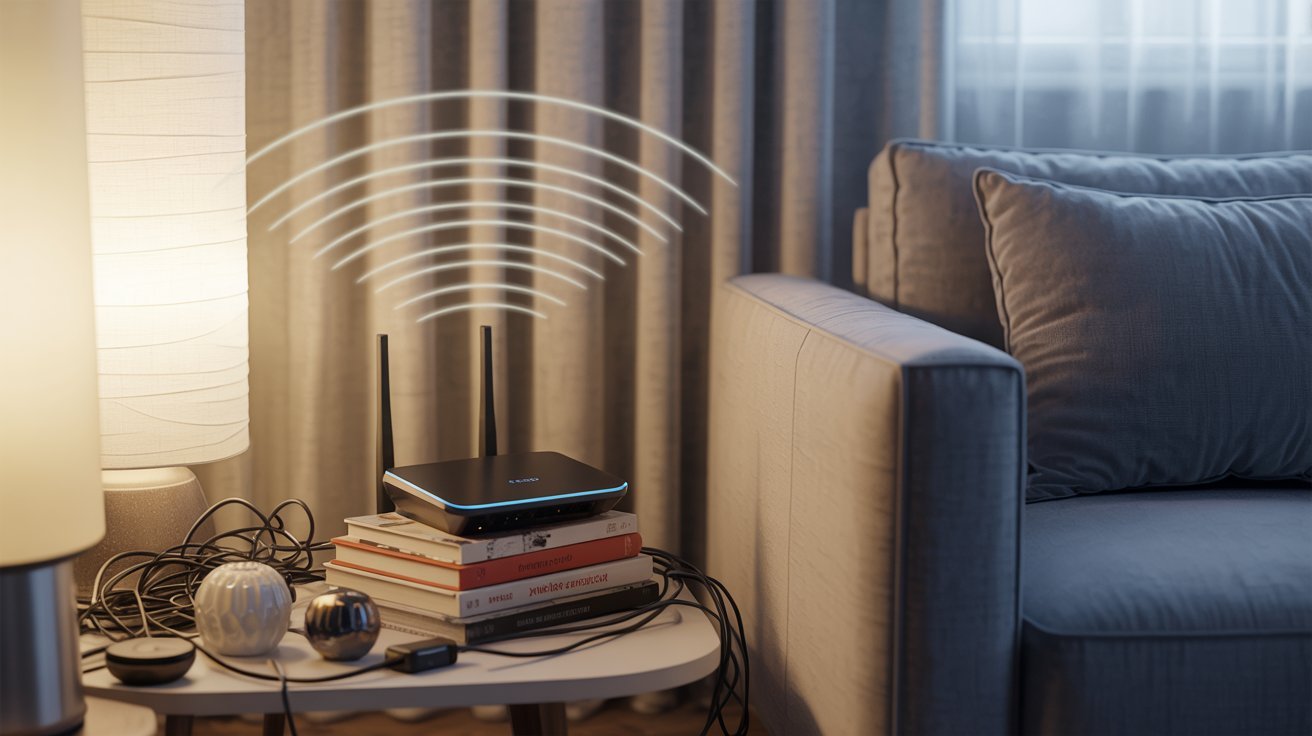
These are the habits most people don’t realize are a problem.
Keeping Router Too Close to Bed
A lot of people place their router in the bedroom for a better signal. But sleeping within a few feet of it every night adds up. Your body is at rest, and that’s exactly when you don’t want a strong EMF source nearby. Move it out if you can.
Placing Router in Closed or Crowded Spaces
Stuffing the router inside a cabinet or tight space is another common one. Enclosed spots trap heat and make the router work harder. Keep it in an open, ventilated area instead.
Practical Tips for Everyday Safety
Small and steady changes work better than big ones you won’t stick to.
- Place the router in a central, open area of your home
- Keep it elevated on a shelf, not sitting on the floor
- Stay at least 6 feet away from the router during daily use
- Avoid placing it in bedrooms or on kitchen counters
- Turn the router off at night when no one is using it
- Use an Ethernet cable instead of WiFi when you can
- Keep kids’ play areas well away from the router at all times
Conclusion
When I finally moved my router out of the bedroom, I honestly slept better. Maybe it was psychological, maybe not. But it felt like the right call.
WiFi router radiation safe distance is something most of us overlook because routers are so normal now. But small shifts in placement and habits can make your home feel safer for everyone in it.
Try one change this week. See how it feels. And if this helped, share it with someone who could use it or drop your thoughts in the comments.
Frequently Asked Questions
What is the safest distance from a WiFi router?
Keeping at least 6 to 10 feet between you and the router is generally recommended. The farther you are, the lower your EMF exposure throughout the day.
Is it safe to sit near a WiFi router?
Sitting near a router occasionally is fine. But if you’re close to it for several hours daily, try to move it farther away or reposition your seating area.
Can I sleep in the same room as a router?
You can, but it’s better to keep the router at least 10 to 15 feet from your bed. Turning it off at night is the easiest way to reduce overnight exposure.
How can I reduce WiFi radiation exposure?
Keep your distance from the router, use wired Ethernet connections when possible, and turn the router off when it’s not in use, especially at night.
Does a WiFi router affect children more than adults?
Children may be more sensitive to EMF due to their developing bodies. It’s a good idea to keep routers out of kids’ rooms and away from areas where they spend most of their time.