
I used to think plugging in an Ethernet cable was messing up my WiFi.
Spoiler: it wasn’t.
Does Ethernet affect WiFi or slow it down? The short answer is no, not directly. But there’s more to it.
In this guide, I’ll cover how Ethernet and WiFi work together, what really causes slowdowns, and simple fixes you can use today.
I’ve tested this on my own network, so I’ll walk you through everything clearly. No fluff, no guesswork. Just straight answers.
Does Ethernet Affect WiFi?
Ethernet and WiFi are two separate ways to connect to the internet.
One uses a cable, the other uses wireless signals. They don’t interfere with each other at the signal level.
So why do people think Ethernet slows WiFi? It comes down to bandwidth. Both connections share the same internet plan.
If one device is using a lot of data, less is left for others. Heavy downloads, a limited internet plan, or an older router can all make it seem like Ethernet is the problem. It isn’t.
How Ethernet and WiFi Work Together
Ethernet and WiFi use the same internet connection here’s how they split it.
Shared Bandwidth Explained
Your router connects to your ISP, and every device shares that same connection. Think of it like a water pipe. The more taps open at once, the lower the pressure for each.
Does Ethernet affect WiFi bandwidth? Yes, but only indirectly. A wired device using a lot of data reduces what’s left for WiFi devices. It’s basic sharing, not a flaw.
No Direct Signal Interference
Ethernet carries data through wires. WiFi uses radio signals through the air. A cable can’t block or slow down a wireless signal. They work side by side without getting in each other’s way.
Does Ethernet Affect WiFi Speed?
Heavy network use can slow things down but it’s not just about Ethernet.
Impact on Network Speed
Does Ethernet affect WiFi speed? Not on its own. But if a wired device is downloading a large file or streaming in 4K, it uses up a big chunk of your bandwidth. That leaves less speed for your phone or laptop on WiFi. It’s a bandwidth issue, not an Ethernet one.
Router Performance Matters
An older router can only handle so much at once. When too many devices connect, it starts to struggle. If yours is several years old, it might be the real bottleneck.
Does Ethernet Affect WiFi for Others?
One device using too much data can slow down the whole network for everyone.
Bandwidth Sharing Between Devices
Does Ethernet affect WiFi for others? In a shared network, yes. If one device pulls in large amounts of data, it takes away from what others can use. It’s about data consumption, not the connection type.
Real Life Examples
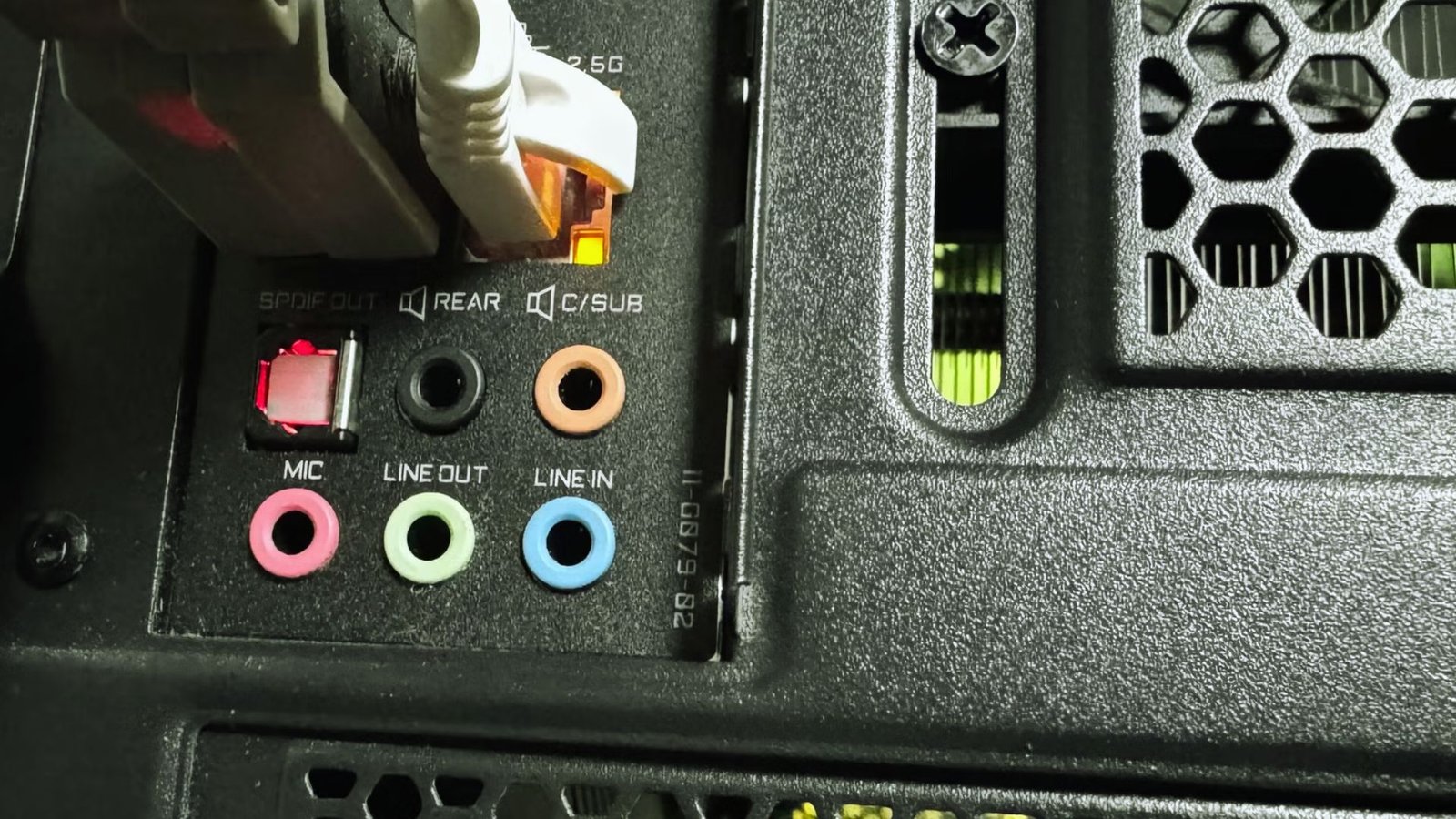
Gaming is a good example. A wired gaming PC uses steady bandwidth, which can affect WiFi speeds for others.
Streaming 4K video adds up fast, especially with multiple streams running. Large downloads on a wired device can also slow WiFi for everyone else in the house.
Can Ethernet Improve WiFi Performance?
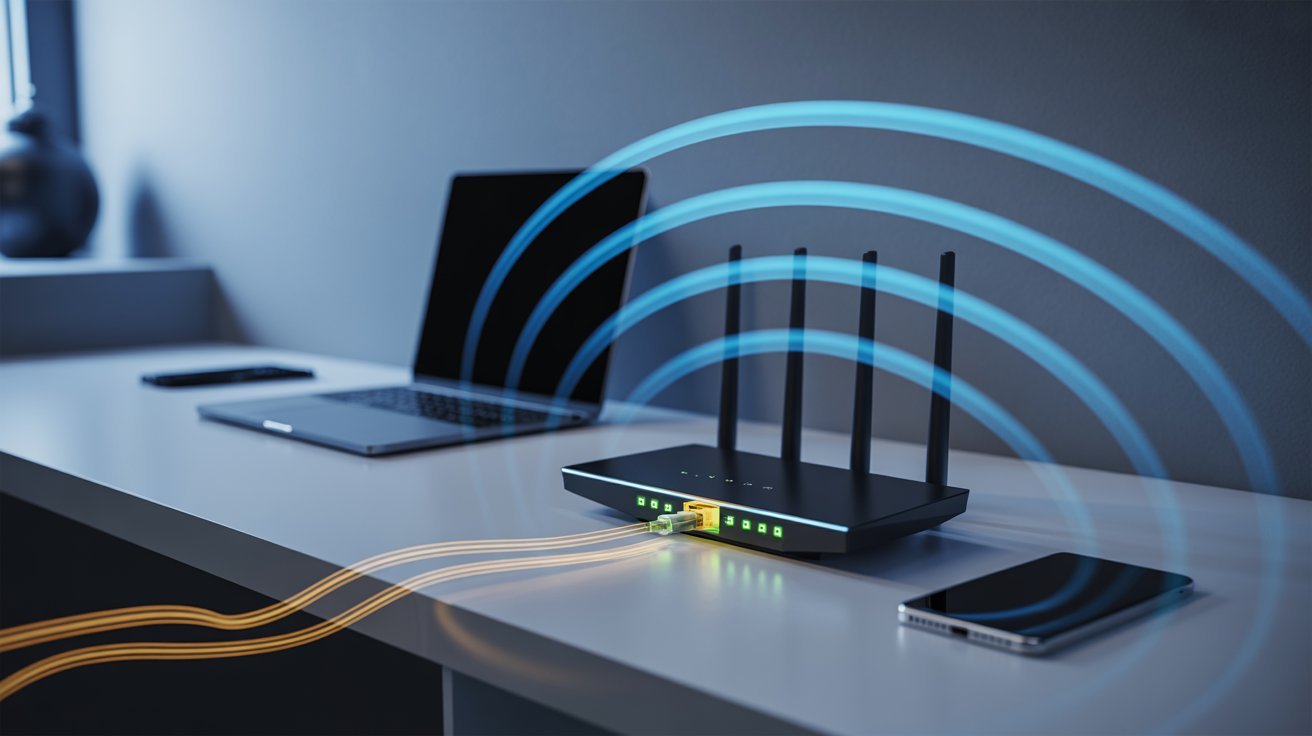
Moving heavy devices to a wired connection can actually free up your WiFi.
Reducing WiFi Congestion
The more devices on WiFi, the more crowded it gets. Moving high-usage devices like gaming consoles or desktop PCs to Ethernet takes them off the WiFi network. That leaves more room for phones, tablets, and other wireless devices.
Better Network Stability
A balanced setup gives your network more breathing room. Wired connections are more stable and don’t drop or fluctuate like WiFi can. Putting your most data-heavy devices on Ethernet keeps everything running smoother.
WiFi vs Ethernet: Which Is Better?
The right connection depends on what you’re doing and where you are.
When to Use Ethernet
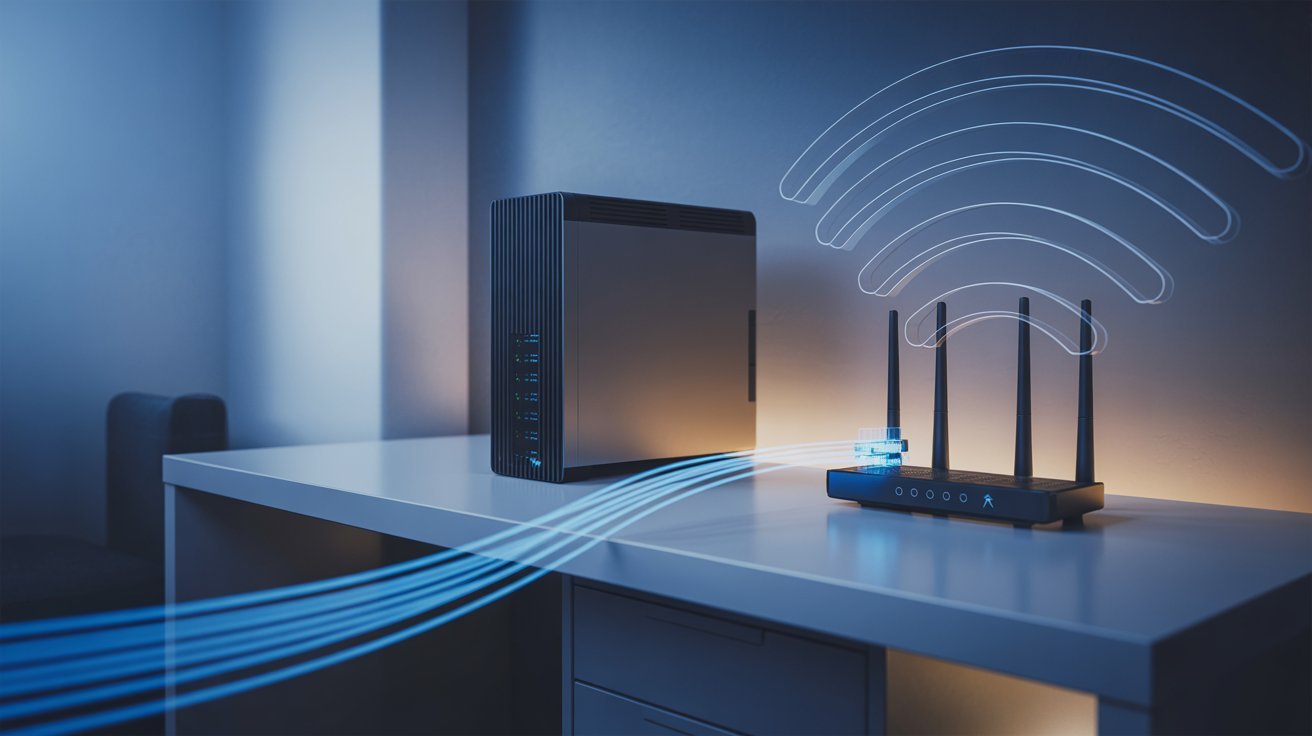
Ethernet works best when you need a stable, fast connection. It’s great for gaming, video calls, remote work, high-quality streaming, and large file downloads. You get lower lag and more consistent speeds.
When to Use WiFi
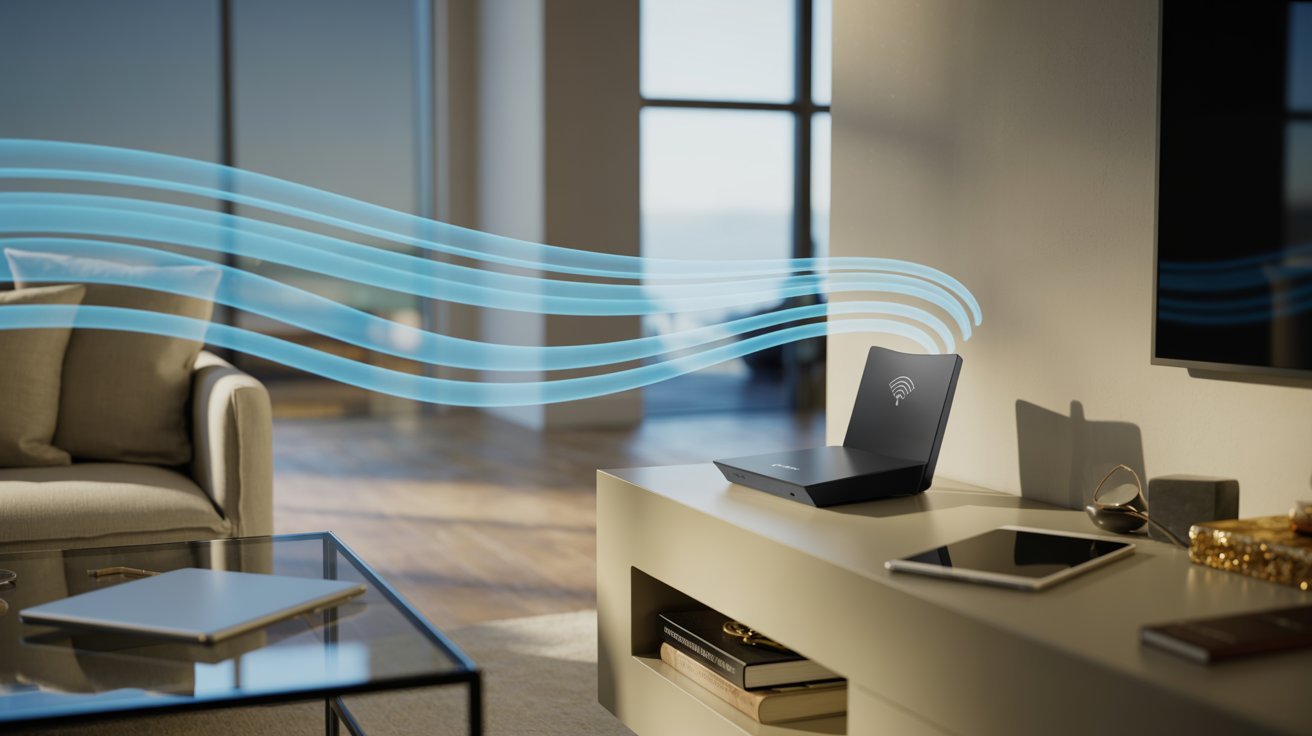
WiFi works great for everyday use, especially when you need to move around. It’s ideal for browsing, social media, casual streaming, and wireless devices like phones, tablets, and smart home gadgets.
Best Setup for Most Users
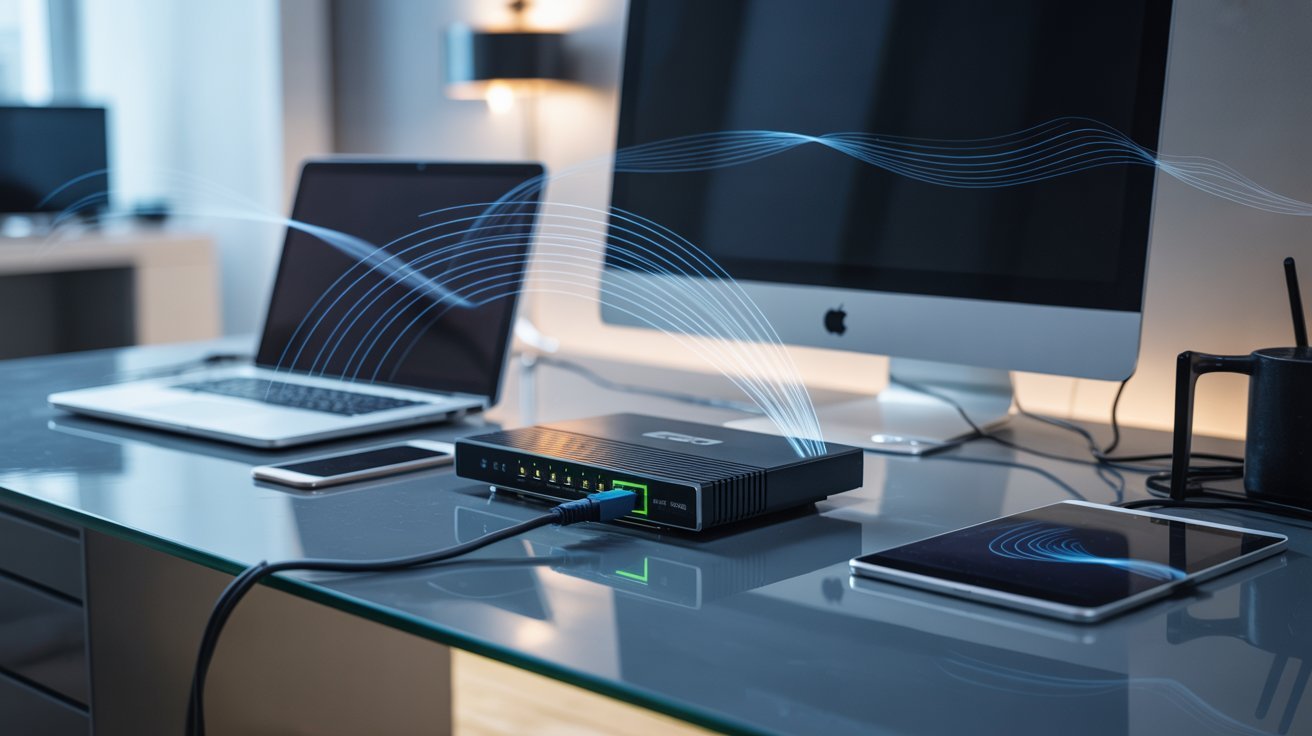
The best setup is a mix of both. Put your heavy-use devices on Ethernet and leave WiFi for everything else. This reduces congestion, improves stability, and gets the most out of your internet plan.
Common Issues and Quick Fixes
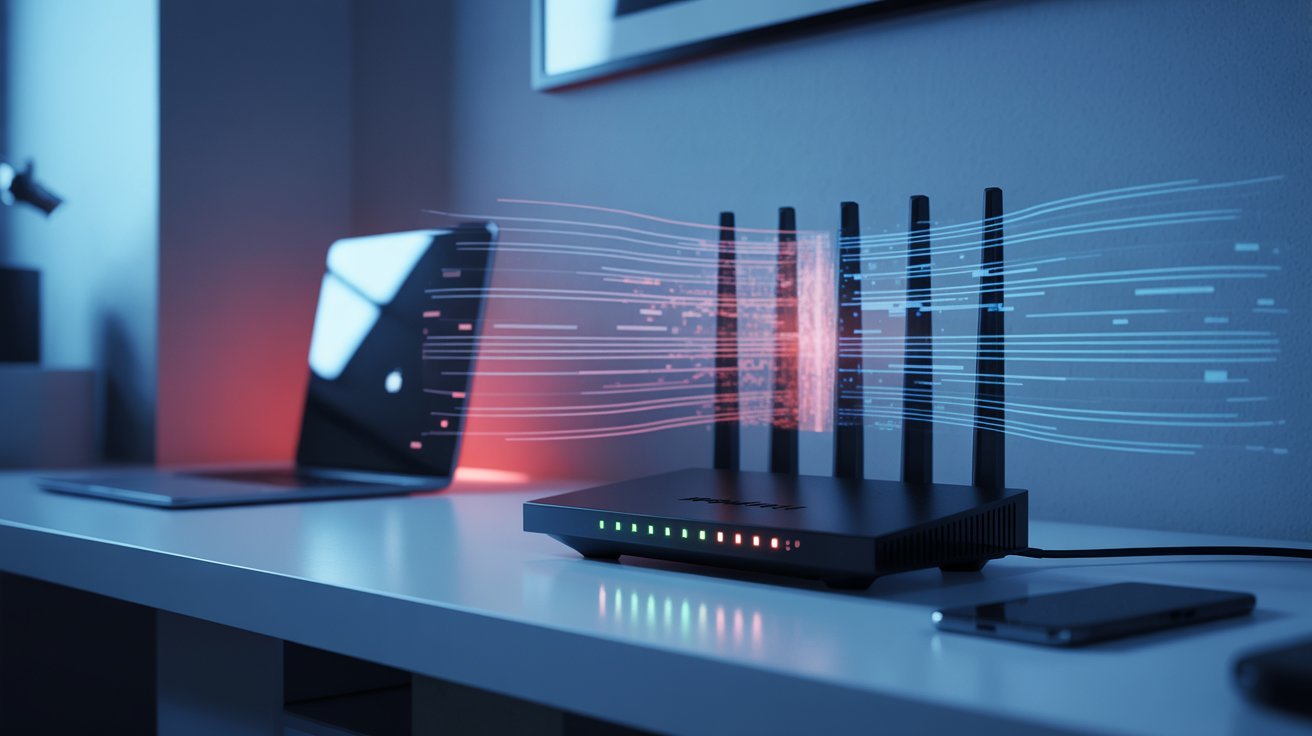
The slow internet is frustrating. Here’s how to spot what’s actually going wrong.
WiFi Slow but Ethernet Fast
This usually means your WiFi signal is the issue. Try moving your router to a more central spot, removing physical barriers, or switching to a less crowded WiFi channel. A simple restart can also help.
Ethernet Slower Than WiFi
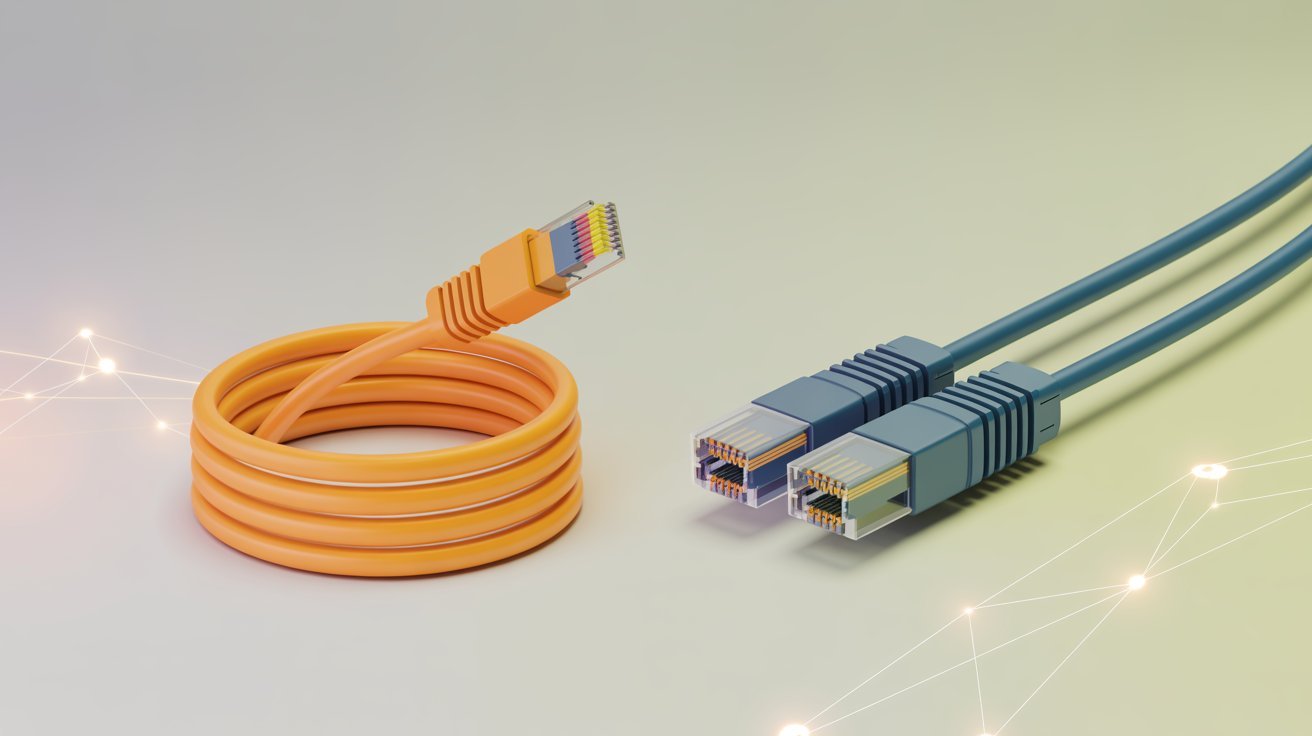
This often points to a damaged or old cable. Try a different cable, check that both ends are plugged in firmly, and make sure you’re using at least a Cat5e cable.
Too Many Devices on Network
When every device in the house is online at once, speeds drop for everyone. Disconnect devices you’re not using, set up QoS to prioritize important devices, or move high-usage devices to Ethernet to free up WiFi.
Tips to Optimize Ethernet and WiFi Together
Small changes to your setup can make a big difference in overall speed.
- If your router is over three years old, it’s likely slowing you down
- Look for routers with WiFi 6 support for better performance across multiple devices
- Check which devices are using the most data through your router’s app or settings
- Use QoS settings to prioritize video calls or gaming over background activity
- Old or cheap cables can reduce your wired speeds
- Use at least Cat5e, or go with Cat6 for faster, more reliable connections
- Schedule large downloads for late at night when fewer people are online
Conclusion
So, does Ethernet affect WiFi? Not directly. But shared bandwidth and a weak router can make it feel that way. Once I understood this on my own network, fixing the slow speeds became way easier.
The key is balance. Move heavy devices to Ethernet, manage your bandwidth, and use a decent router. You’ll notice the difference quickly.
Try one of these tips today and see how it goes. Got questions or results to share? Drop them in the comments below.
Frequently asked questions
Does Ethernet affect WiFi speed for others?
It can, but not directly. If a wired device is using a lot of bandwidth, it leaves less for WiFi users on the same network. The connection type isn’t the issue, heavy data use is.
Does Ethernet use more bandwidth than WiFi?
No. Both use the same internet plan. Ethernet doesn’t consume more data just by being wired. The amount of bandwidth used depends on what the device is doing, not how it’s connected.
Can Ethernet and WiFi be used together?
Yes, absolutely. Most home networks already run both at the same time. Wired and wireless devices work side by side without any conflict. Using both together can actually improve your overall network performance.
Why is my WiFi slow when Ethernet is connected?
A wired device might be using a large chunk of your bandwidth. It could also be a router issue. Try checking which device is consuming the most data, restarting your router, or upgrading to a better router.
Does switching to Ethernet improve WiFi for other devices?
Yes. Moving a high-usage device from WiFi to Ethernet frees up wireless bandwidth. That means other WiFi devices get more room to work with, which often leads to faster and more stable connections.