
I used to mix up these two terms all the time. Patch cable vs Ethernet – it sounds like one is just a fancier name for the other, right?
Not exactly. In this guide, I’ll break down what each term actually means, how they differ in build and use, and how to pick the right one for your setup.
I’ve set up home networks and small office rigs, so I know how confusing this gets. By the end, you’ll know exactly which cable fits your setup and why it matters.
Understanding Patch Cable vs Ethernet Basics
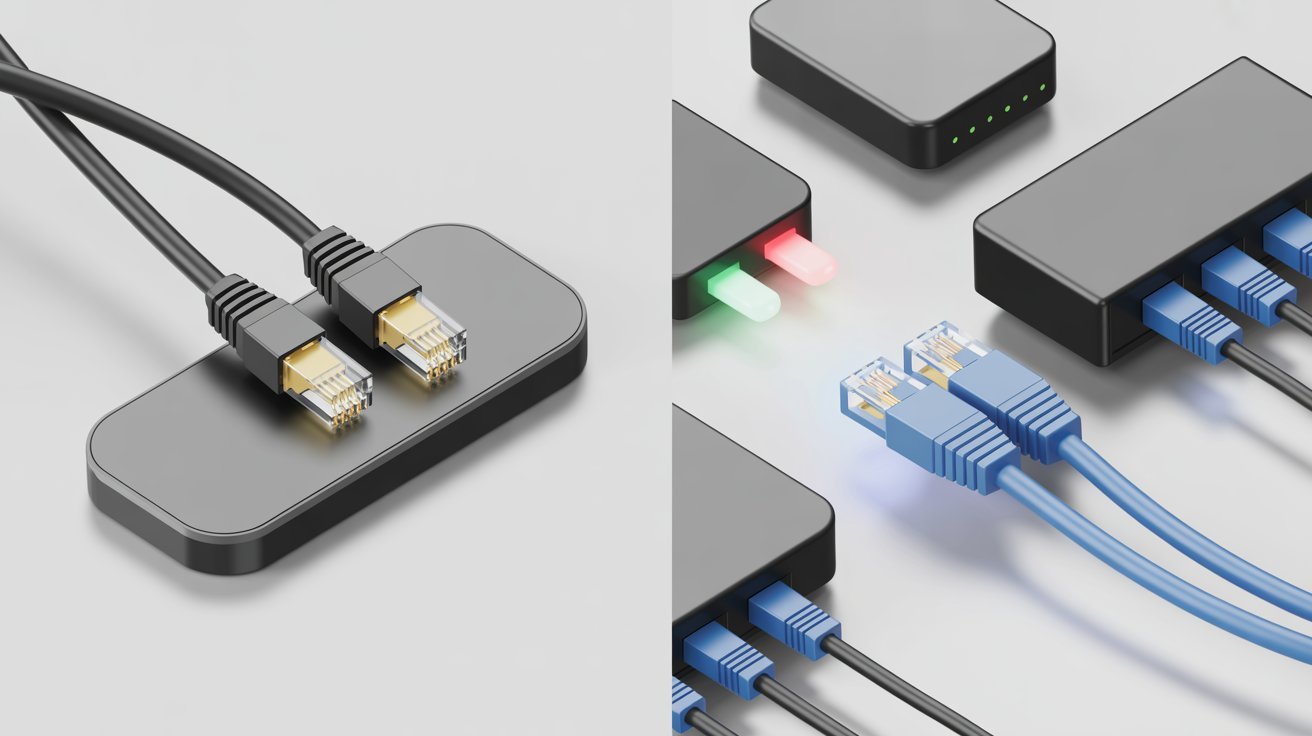
Ethernet is not a cable. It is a networking standard that defines how data moves between devices on a wired network. Think of it as the rules of the road, not the road itself.
A patch cable, on the other hand, is a short cable used to connect two devices directly. The word “patch” comes from the idea of patching one point to another.
Many people use both terms to mean the same thing, but they are not. One refers to a standard. The other refers to how a cable is used.
What Is an Ethernet Cable and How Is It Used?
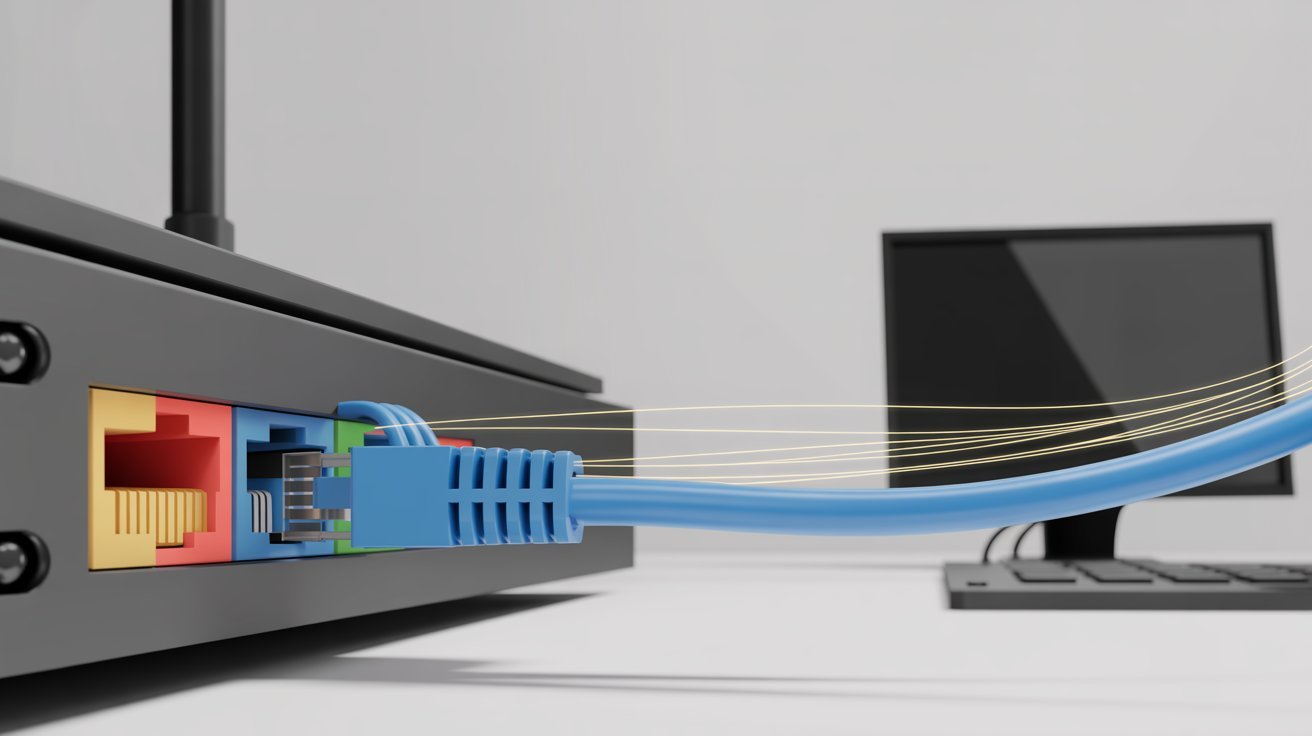
Learn what Ethernet cables do and where they fit into a real network setup.
Definition and Function
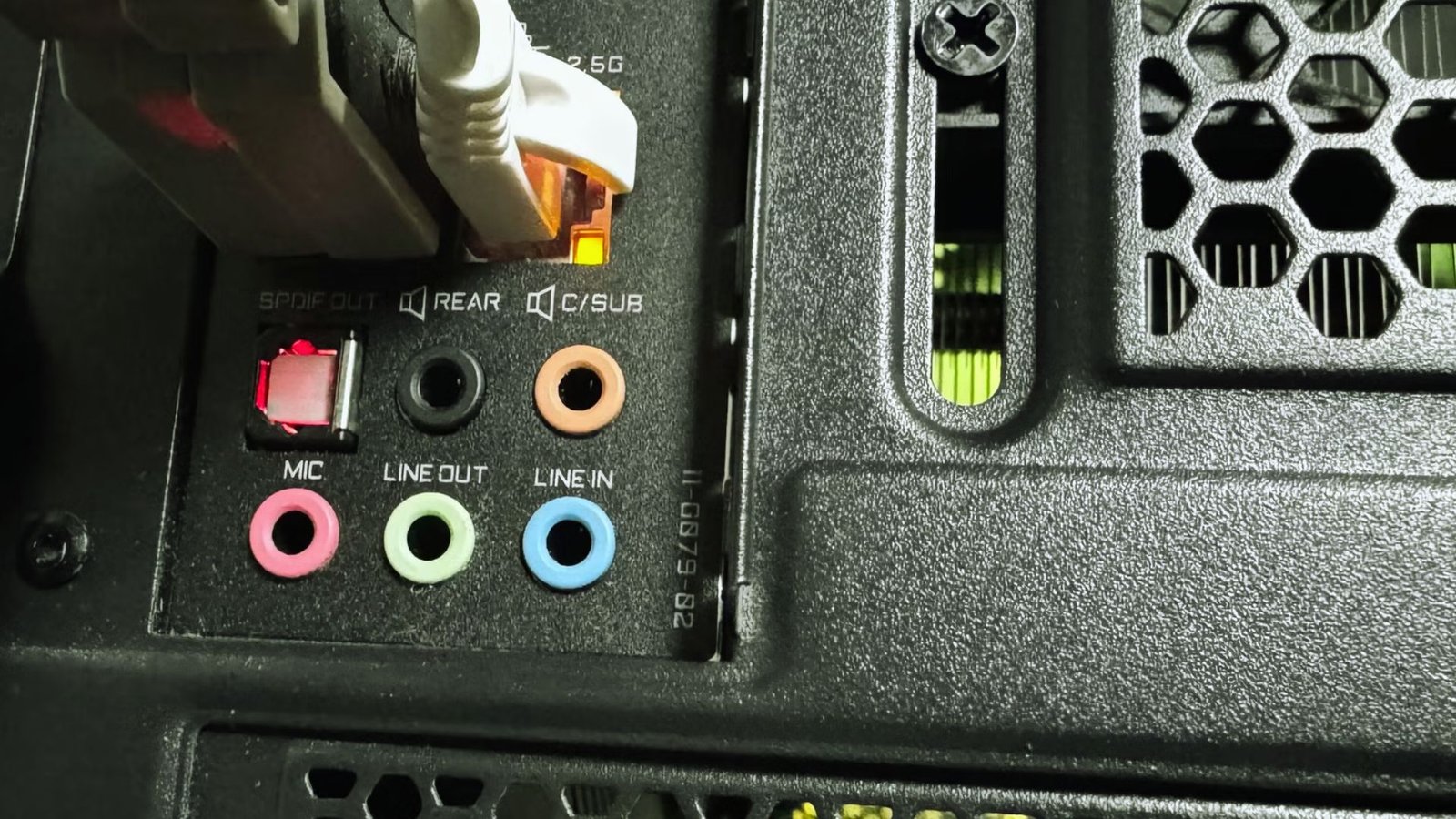
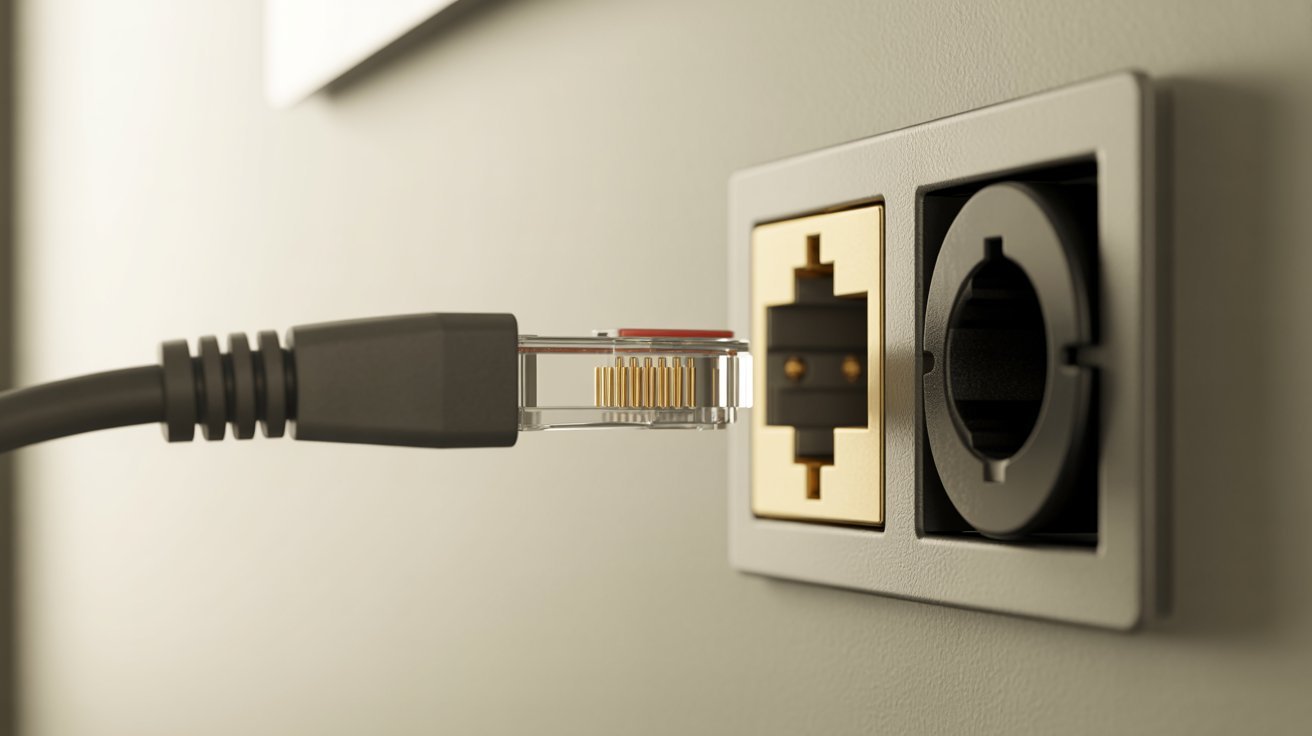
An Ethernet cable carries data between devices using the Ethernet standard. It connects your device to a router, modem, or switch for a wired internet connection.
Types of Ethernet Cables
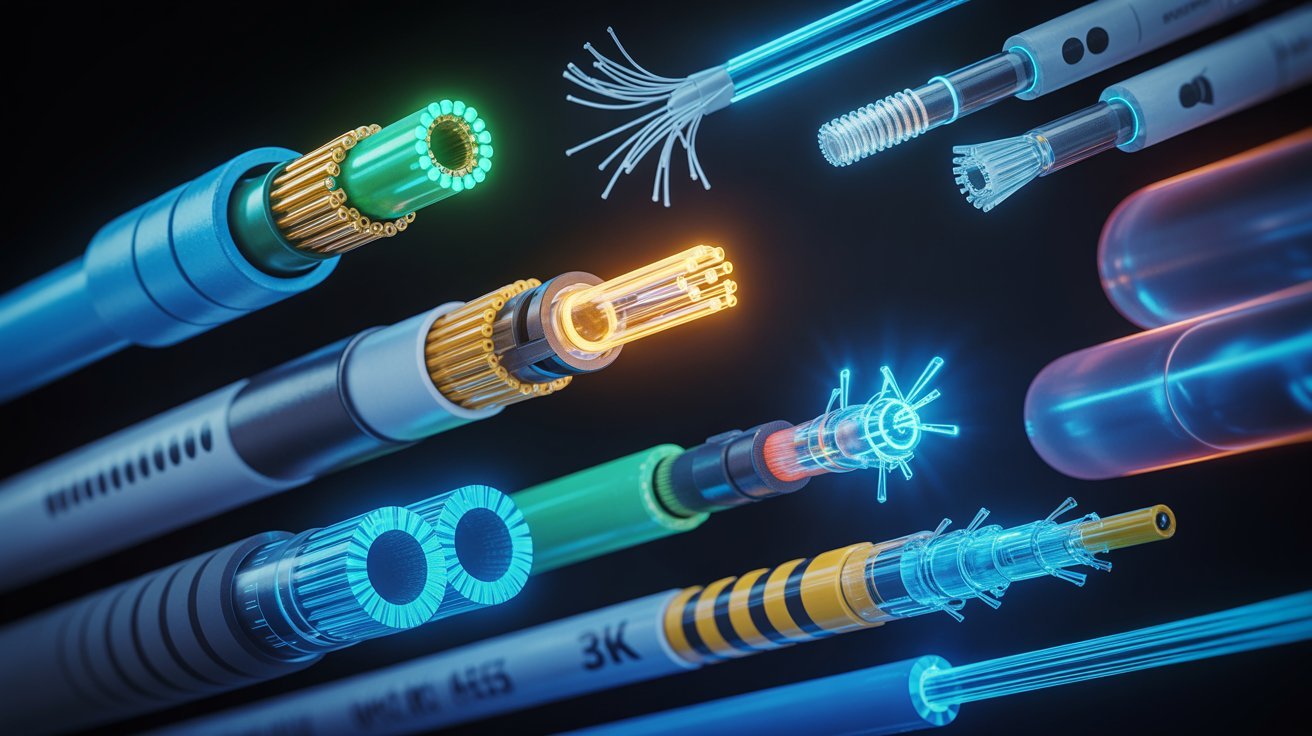
There are several categories of Ethernet cables
- Cat5e handles speeds up to 1 Gbps
- Cat6 supports up to 10 Gbps over short runs
- Cat7 offers better shielding and less interference
- Cat8 is built for data centers and very high-speed needs
Common Use Cases
Ethernet cables are commonly used for longer runs through walls, floors, and ceilings. They are part of permanent network setups in homes, offices, and buildings.
What Is a Patch Cable and When Is It Used?
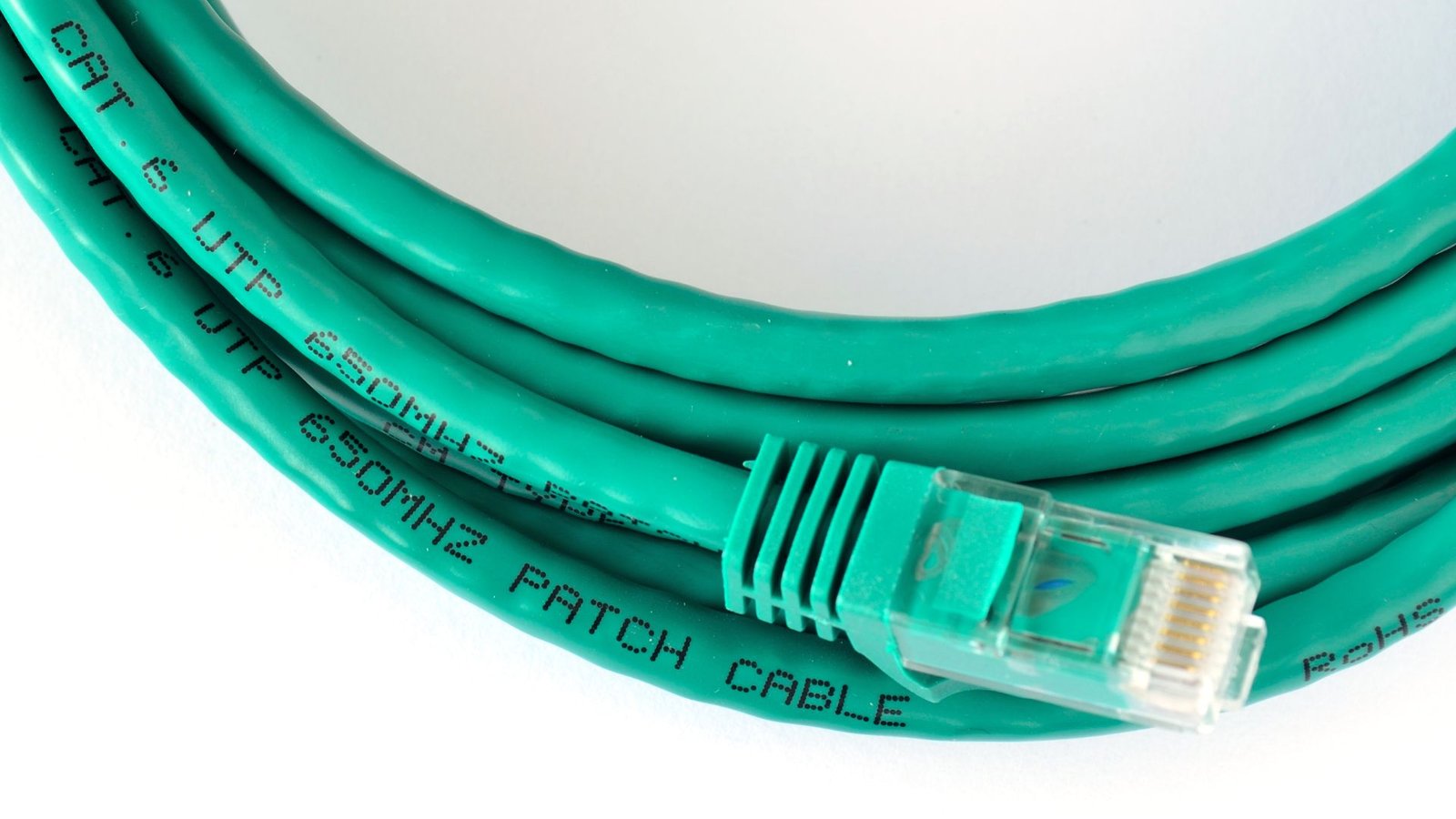
Find out where patch cables fit in and why they are built differently from standard Ethernet runs.
Definition and Purpose
A patch cable is a short, flexible cable used to connect two nearby devices. It is meant for quick, direct connections rather than long permanent runs.
Key Features
Patch cables are
- Short, usually between 1 and 10 feet
- Flexible and easy to manage
- Made with stranded wire for repeated bending
Common Use Cases
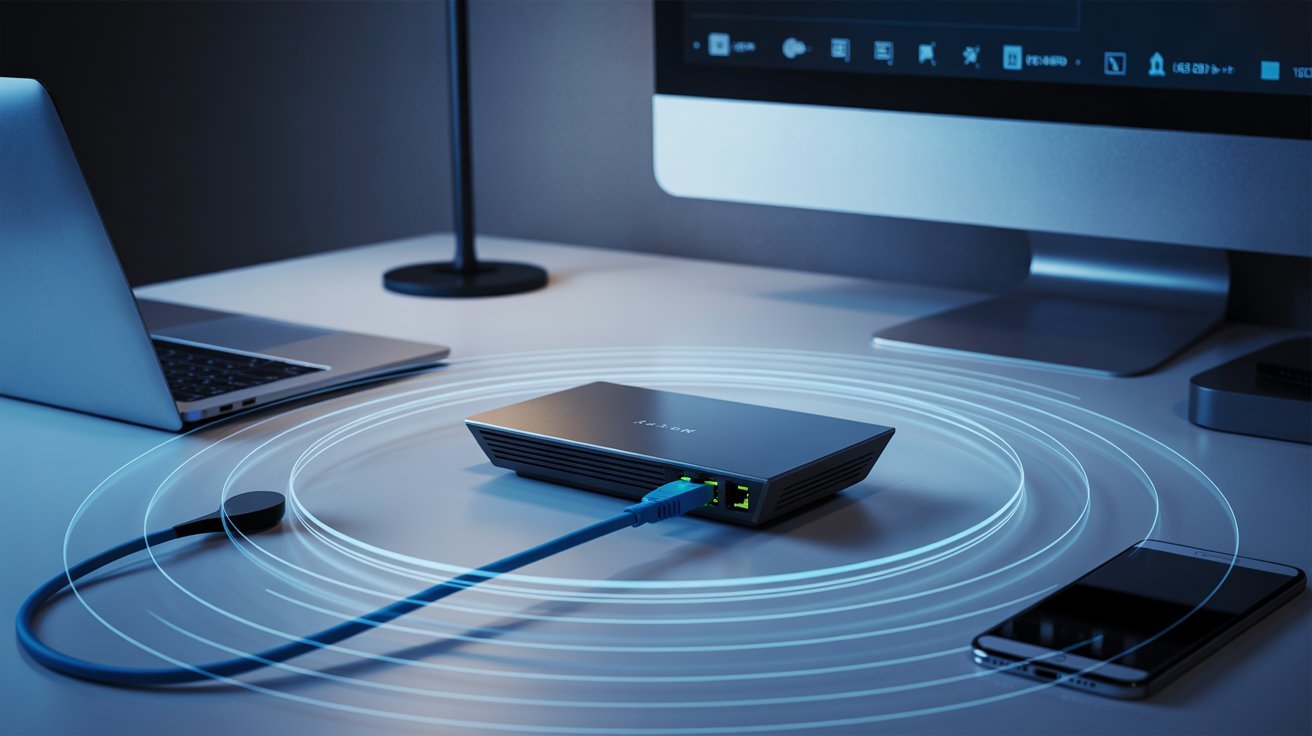
You will see patch cables connecting routers to switches, switches to patch panels, and wall jacks to computers. They are the short cables you spot on the back of networking racks or sitting on your desk.
Patch Cable vs Ethernet-Key Differences Explained
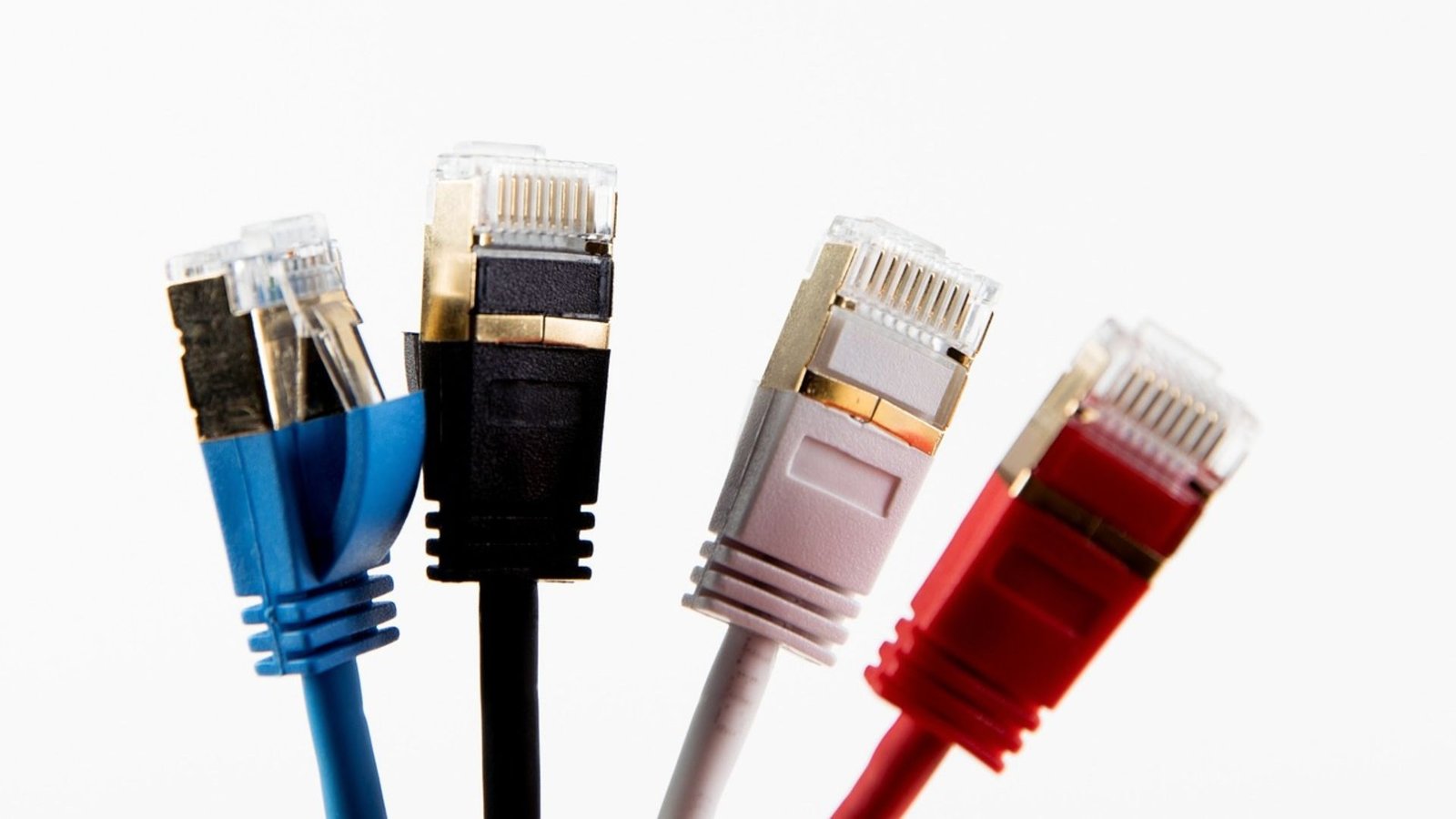
Here is a clear, no-fluff breakdown of what actually sets these two apart.
| Feature | Ethernet Cable |
Patch Cable |
|---|---|---|
|
Definition |
A networking standard and signal type |
A cable used for a specific connection purpose |
|
Wire Type |
Solid wire |
Stranded wire |
|
Length |
Longer, built for extended runs |
Short, usually 1 to 10 feet |
|
Flexibility |
Stiffer and less flexible |
Highly flexible and easy to bend |
|
Installation |
Permanent setups inside walls or floors |
Temporary or flexible connections |
|
Best For |
Long-distance wired network runs |
Connecting nearby devices directly |
Are Patch Cables and Ethernet Cables the Same?
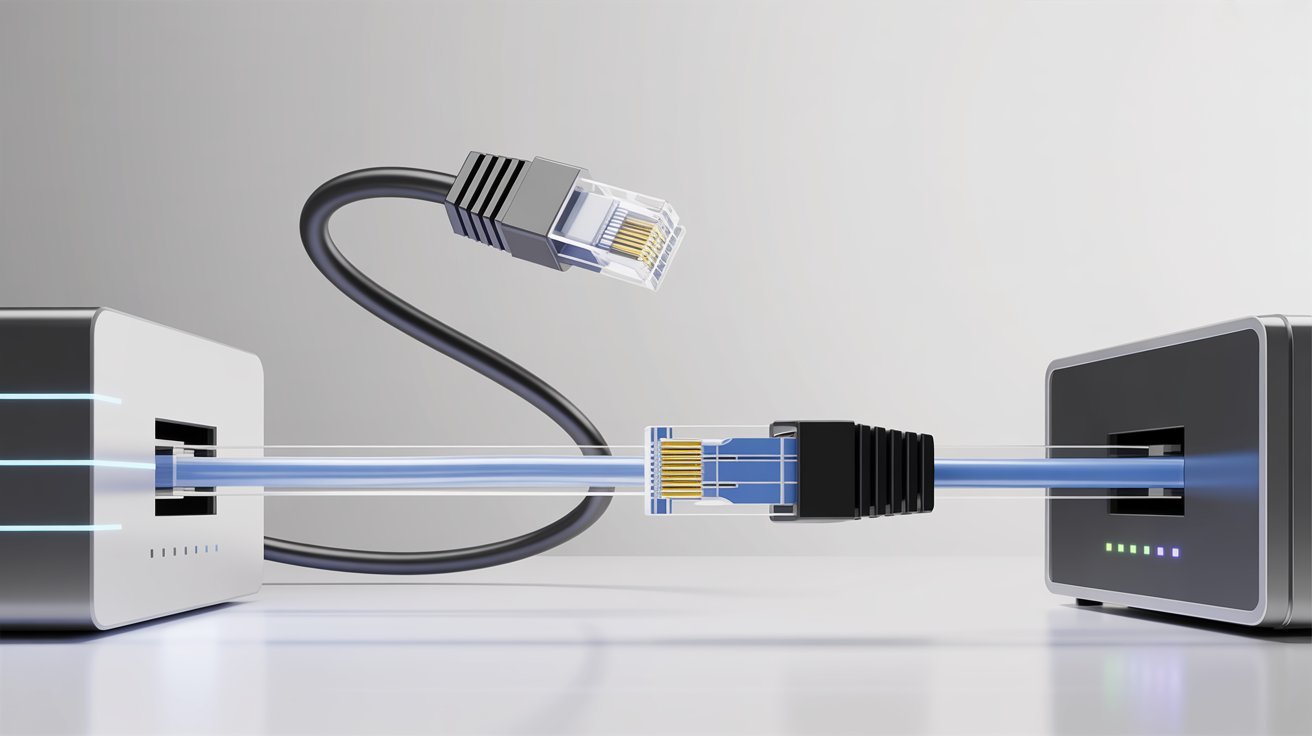
This is the big question – and the answer is more nuanced than a flat yes or no.
When They Are the Same
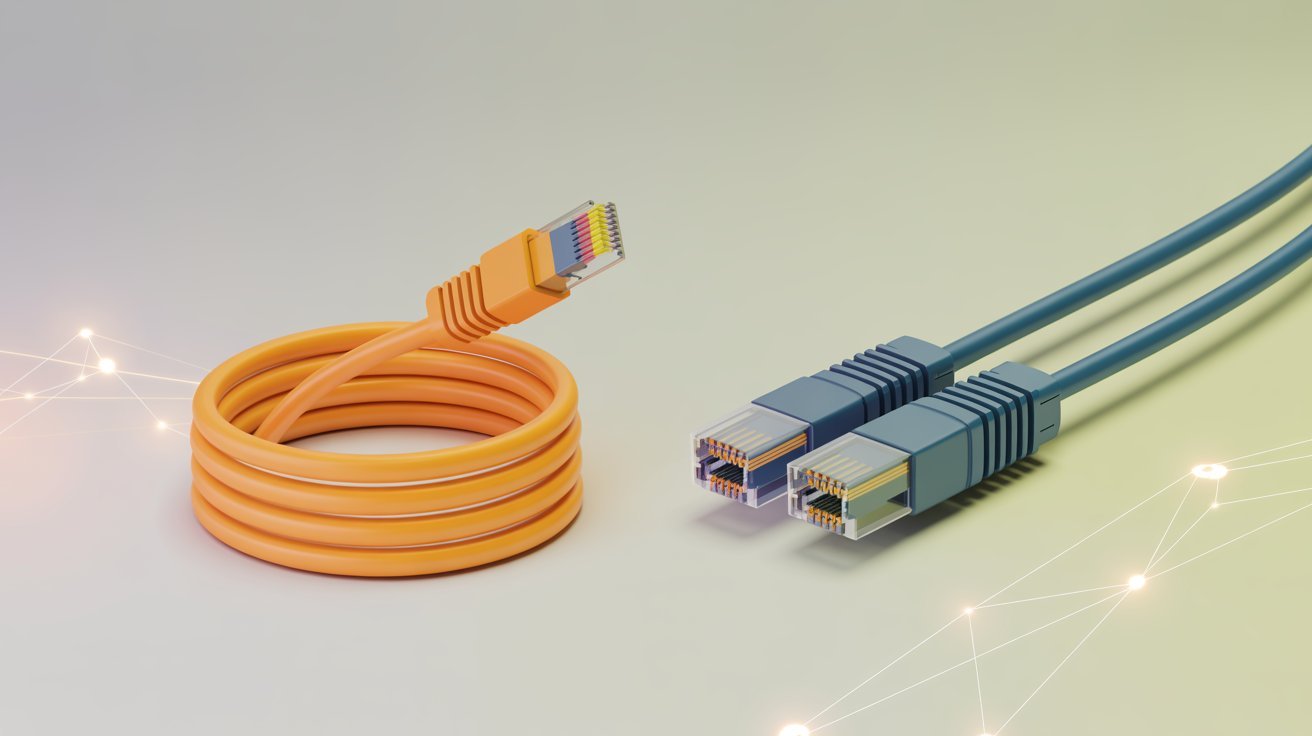
When someone calls something an “Ethernet patch cable,” they mean a short cable that uses the Ethernet standard. In that case, the terms do overlap. Most cables you buy at a store to connect your laptop to a router are both.
When They Are Different
Not all patch cables are Ethernet cables. A patch cable could carry audio, video, or other signals. Not all Ethernet cables are patch cables either. A long Cat6 cable running through your wall is an Ethernet cable, not a patch cable.
Simple Rule to Remember
Ask yourself two questions. What is the signal type? That tells you if it is Ethernet. How is it being used? That tells you if it is a patch cable. A cable can be both or just one.
Tips for Choosing the Right Cable for Your Network
Pick the right cable the first time with these straightforward, practical tips.
- Use a patch cable for short desk connections and a solid-core Ethernet cable for longer runs through walls or floors.
- Pick Cat5e for basic home use, Cat6 for faster speeds, and Cat7 or Cat8 for high-performance or interference-prone setups.
- Choose a stranded patch cable if you move it often, and solid-core Ethernet for fixed installs inside walls or ceilings.
- Make sure your router, switch, and devices actually support the cable category you plan to use before buying.
- Think two to three years ahead. Running Cat6 now can save you from pulling new cables when your network needs grow.
Conclusion
Patch cable vs Ethernet – I totally get why people mix these up. I used to grab whatever cable was nearby without thinking twice.
But now I know that Ethernet is the standard, and patch refers to how the cable is used. They can overlap, but they are not always the same thing.
Match the cable to your actual setup, and you will save yourself a lot of hassle down the road. Got questions about your network? Drop them in the comments. I would love to help you sort it out.
Frequently Asked Questions
Is a patch cable the same as an Ethernet cable?
Not always. A patch cable describes how a cable is used, while Ethernet refers to the signal standard. They overlap when you use a short Ethernet cable as a patch cable.
Can I use a patch cable for a long network run?
Patch cables are not ideal for long runs. They use stranded wire, which can degrade signal quality over distance. Use solid-core Ethernet cable for permanent, longer installs.
What is the best category of Ethernet cable for home use?
Cat6 is a solid choice for most home networks. It supports speeds up to 10 Gbps over short runs and performs better than Cat5e in most everyday setups.
Does cable length affect internet speed?
Yes, but only beyond certain limits. Ethernet cables can run up to 100 meters before signal loss becomes an issue. Beyond that, you may need a switch or repeater.
Can patch cables carry non-Ethernet signals?
Yes. Patch cables can carry audio, video, and other signal types. The term “patch cable” refers to the use case, not the type of signal running through it.