
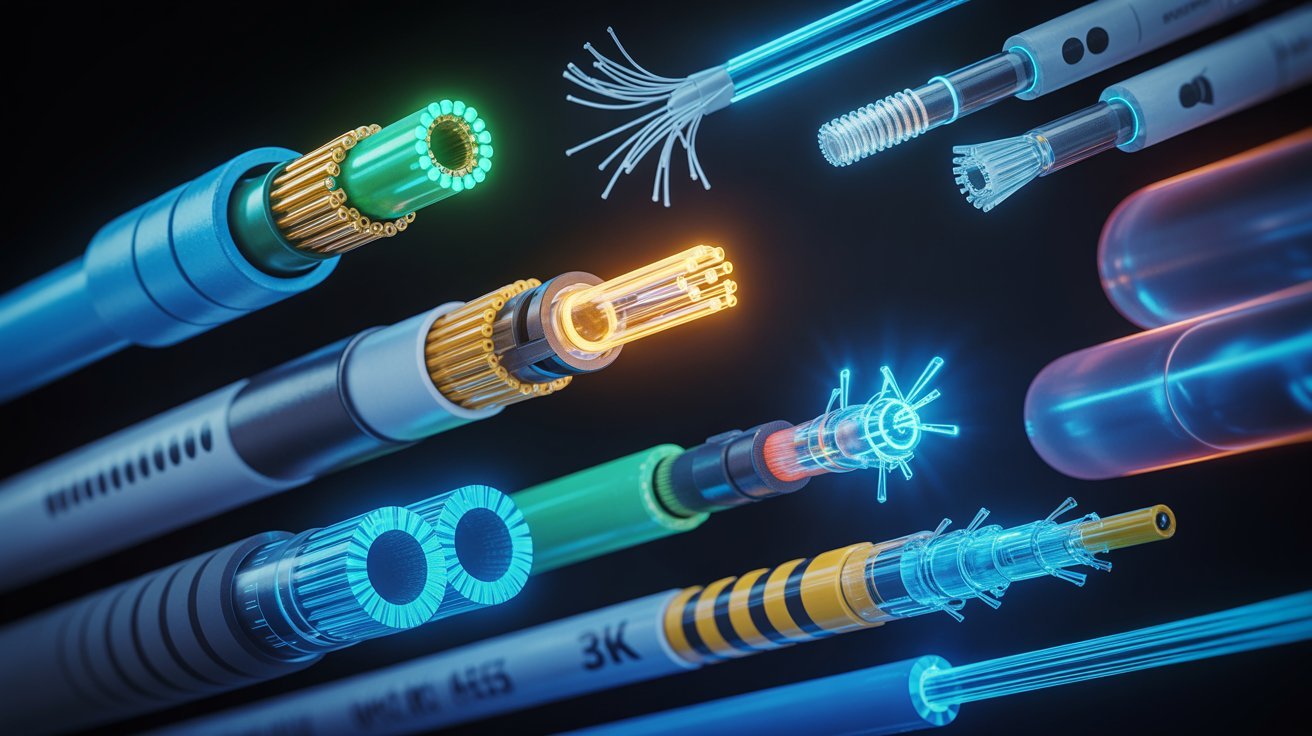
Fiber optic cables carry data using light instead of electricity. They are made of thin glass or plastic strands that send light signals at very high speed.
Light pulses travel through the core of the cable, while a cladding layer reflects the light back inward to keep the signal strong.
Not all fiber cables are the same. Different fiber cable types handle different speeds, distances, and setups. Picking the wrong type can slow down your network or cost you more money over time.
Overview of Fiber Cable Types
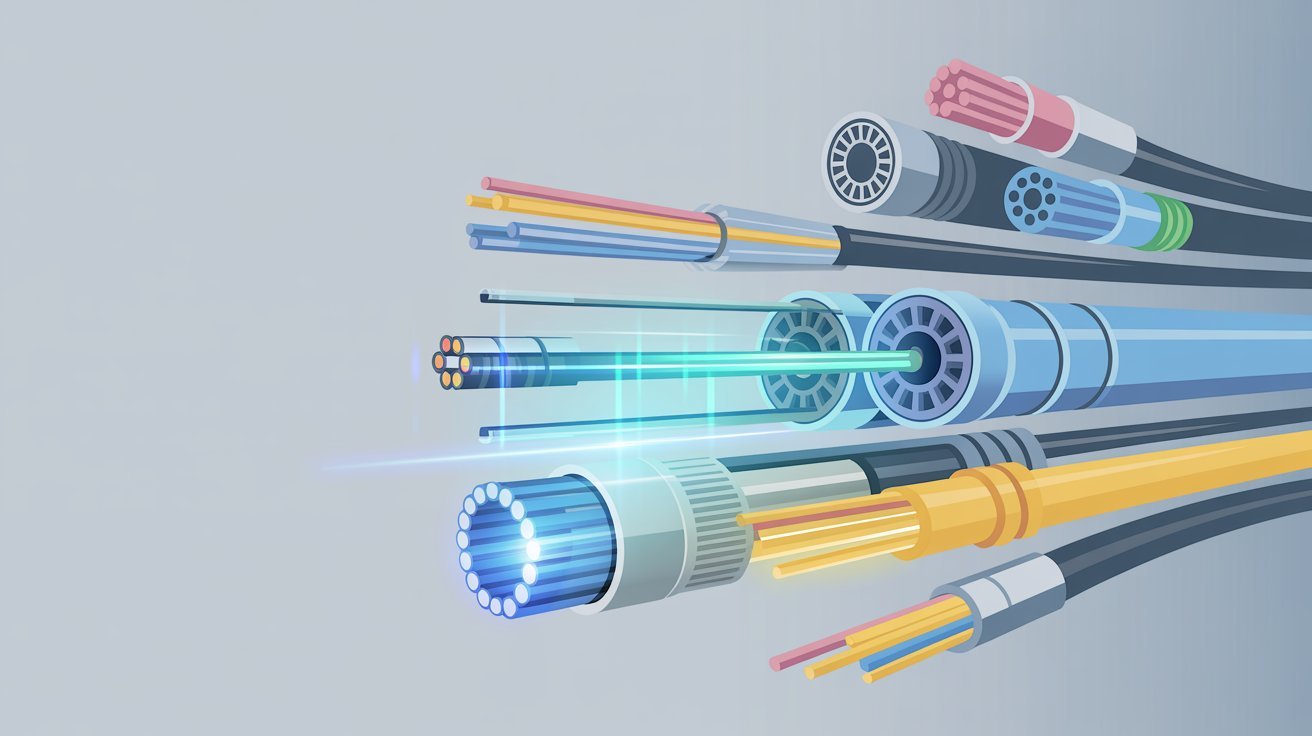
Optical fiber cable types refer to different categories of fiber cables used in networking, each with a different core size, operating wavelength, and transmission method.
Core size affects how much light travels through, wavelength determines the light source used, and transmission mode shapes speed and distance performance. There are two main categories; multimode and single mode.
Multimode fiber carries multiple light signals at once, while single mode carries only one. This single difference shapes everything about how each type performs and which network it best fits.
Multimode Optical Fiber Cable Types and Applications
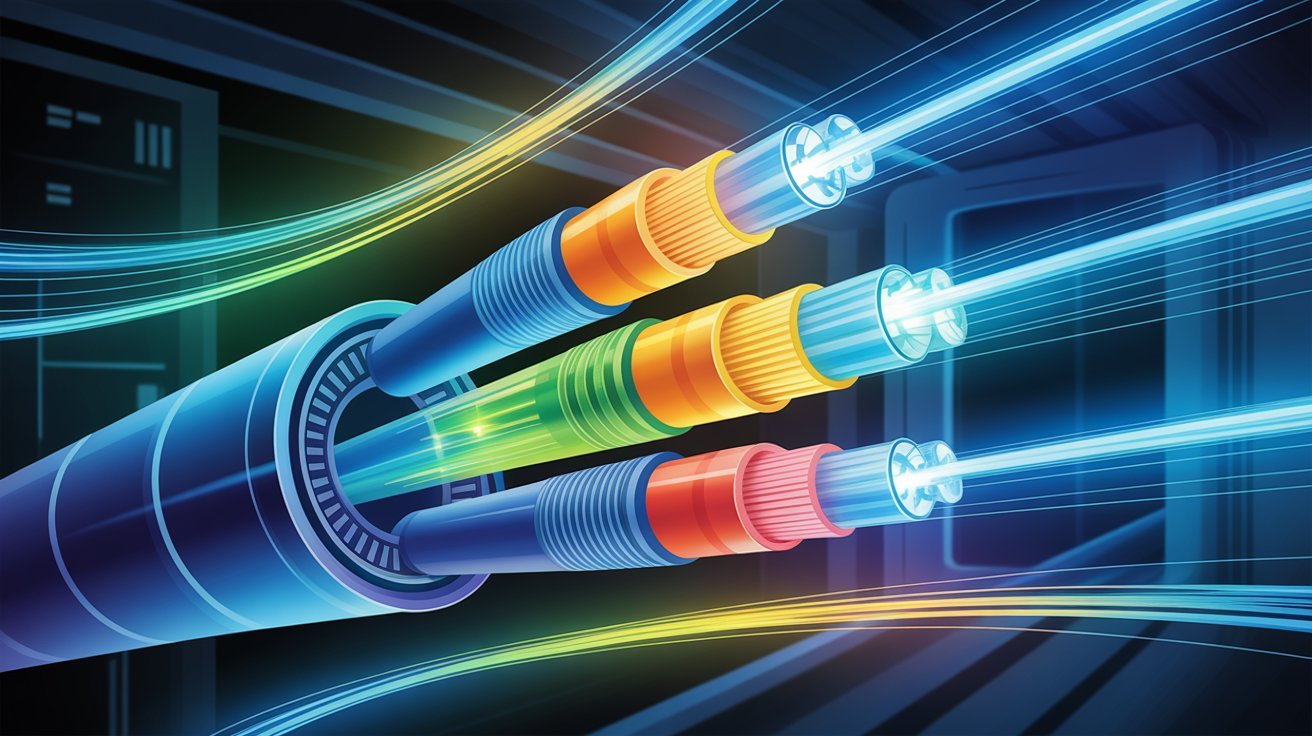
Multimode fiber comes in several types, each with different speed and distance capabilities for specific network applications.
What Is Multimode Fiber?
Multimode fiber has a larger core, usually 50 or 62.5 microns wide. It can carry multiple light signals at the same time. This makes it good for short-distance, high-bandwidth applications. It is commonly used inside buildings and on campuses.
Types (OM1, OM2, OM3, OM4, OM5)
Multimode fiber comes in five grades-
- OM1- 62.5-micron core. Supports 1 Gbps over 275 meters.
- OM2- 50-micron core. Supports 1 Gbps over 550 meters.
- OM3- Laser-optimized. Supports 10 Gbps over 300 meters.
- OM4- Laser-optimized. Supports 10 Gbps over 550 meters and 100 Gbps over shorter runs.
- OM5- The newest type. Supports wideband multimode for higher capacity using multiple wavelengths.
Performance, Speed, and Distance
Multimode fiber works best over short distances, usually under 600 meters. Speed depends on the grade. OM3 and OM4 are popular for 10 Gbps and 40 Gbps networks. OM5 supports future 400 Gbps applications.
Best Use Cases (LAN, Data Centers, Enterprises)
Multimode fiber is a solid pick for-
- Local area networks (LAN) inside offices
- Data center connections between switches and servers
- Campus networks linking nearby buildings
Single Mode Fiber Cable Types and Applications
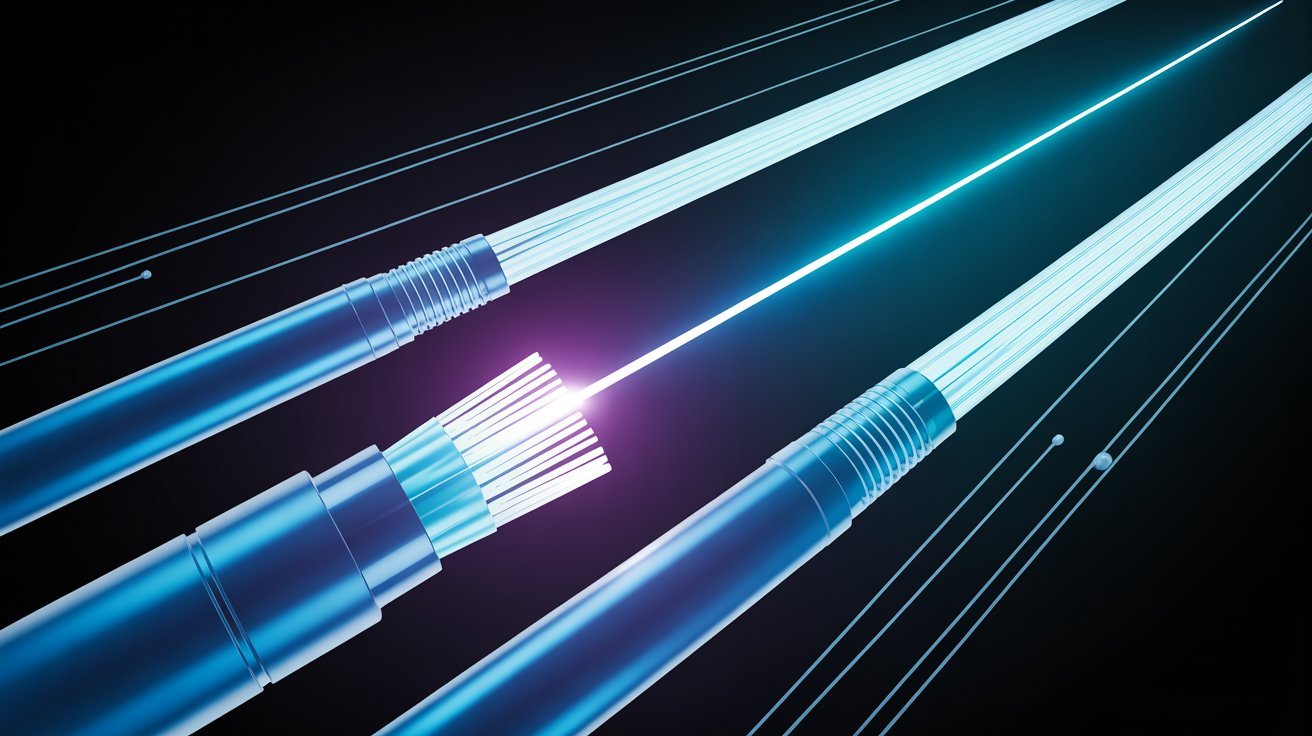
Single mode fiber is built for long-distance, high-speed connections with minimal signal loss across telecom and internet networks.
What Is Single Mode Fiber?
Single mode fiber has a small core, around 8 to 10 microns. It carries only one light mode at a time. This reduces signal interference and lets data travel much farther. It is used in telecom, internet infrastructure, and long-haul networks.
Single Mode Fiber Cable Types (OS1 vs OS2)
There are two types of single mode fiber-
- OS1- Tight-buffered cable. Best for indoor use. Supports distances up to 10 km.
- OS2- Loose-tube cable. Best for outdoor use. Supports distances up to 200 km.
Advantages for Long Distance and High Speed
Single mode fiber carries signals over very long distances with very little loss. It supports speeds of 100 Gbps and beyond. It also has more bandwidth than multimode fiber. These features make it the go-to choice for large-scale networks.
Applications (Telecom, Backbone, Internet Infrastructure)
Single mode fiber powers-
- Telecom networks
- Internet backbone connections
- Long-distance data transmission
- Undersea cable systems
Key Differences Between Fiber Cable Types
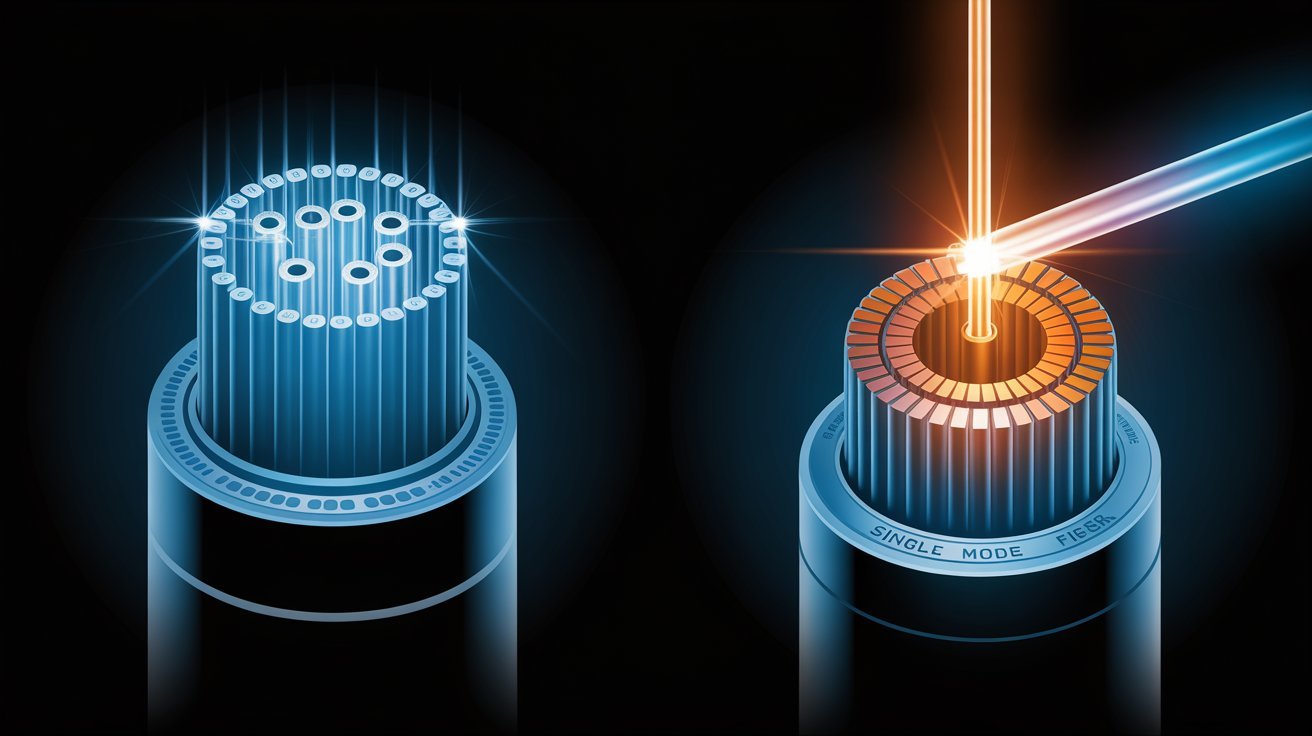
A side-by-side look at how multimode and single mode fiber compare on bandwidth, distance, cost, and performance.
| Feature | Multimode Fiber | Single Mode Fiber |
|---|---|---|
|
Core Size |
Larger |
Smaller |
|
Range |
A few hundred meters |
Hundreds of kilometers |
|
Light Source |
LED or VCSEL |
Laser |
|
Bandwidth |
Lower |
Higher |
|
Signal Loss |
Higher over distance |
Minimal |
|
Upfront Cost |
Lower |
Higher |
|
Long-Distance Cost |
Higher (more repeaters needed) |
Lower |
|
Connector Alignment |
Standard |
More precise required |
|
Best For |
Short-distance use |
High-speed, long-distance work |
How to Choose the Right Fiber Cable Type
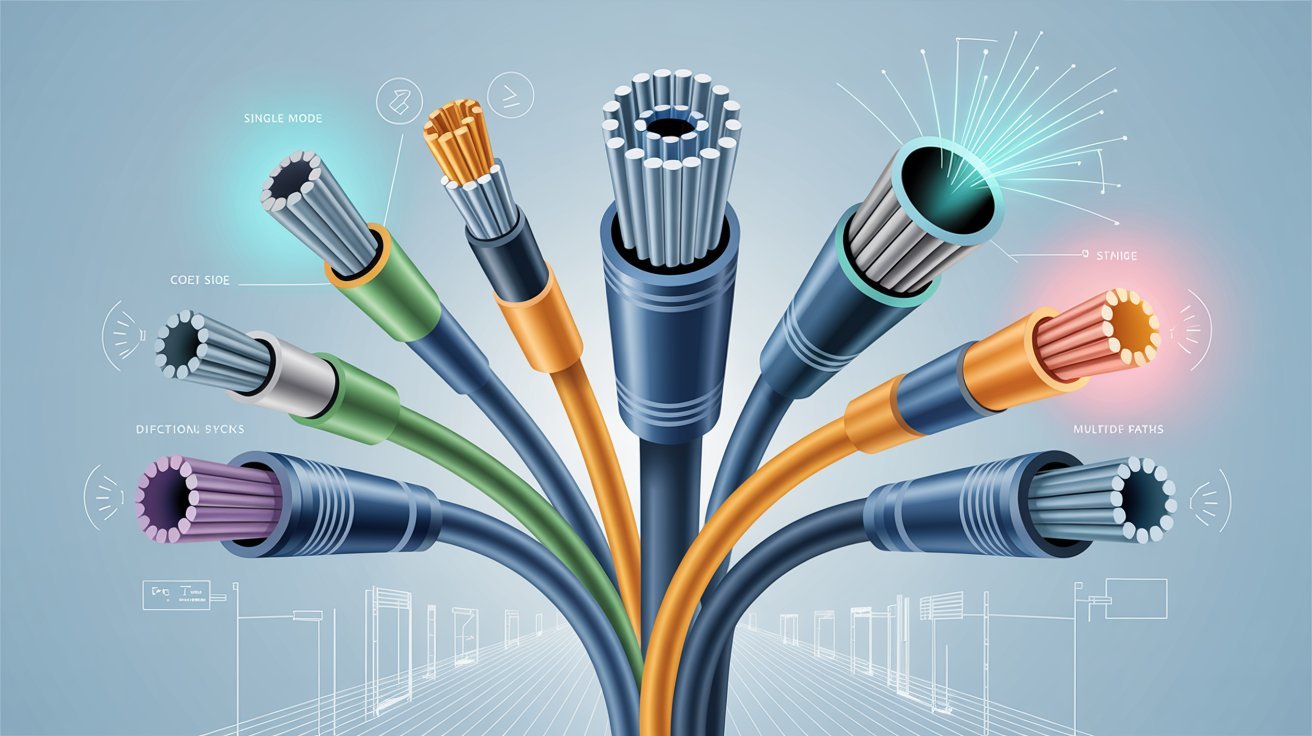
The right fiber cable depends on your distance needs, speed goals, environment, and long-term network plans.
- Choose multimode fiber for short runs under 500 meters in offices or data centers.
- Choose single mode fiber for long distances or outdoor installations.
- For data centers, OM3 or OM4 multimode is the most reliable option.
- For campus networks, go with OM4 or single mode depending on the distance.
- For telecom, internet, and outdoor long runs, OS2 single mode is the right pick.
- If you plan to scale speed or distance soon, single mode is the safer long-term investment.
- For short-range upgrades, OM5 multimode keeps your network ahead of demand.
Practical Tips for Using Optical Fiber Cable Types
Small habits in handling and testing fiber cables can prevent big problems and keep your network running at full speed.
- Clean connectors before every install using a fiber optic cleaner to avoid signal loss.
- Use an optical power meter to check signal strength before and after installation.
- Use a visual fault locator to spot breaks, bends, or faults in the cable.
- Never bend fiber cables past their minimum bend radius to protect the glass core.
- Avoid sharp kinks and heavy pressure on cables during and after installation.
Conclusion
Fiber cable types come in two main categories- multimode and single mode, each serving a different purpose based on speed, distance, and environment.
I learned early in my career that picking the wrong type can set a whole network back. Once you know the basics, the choice gets much easier. Think about your speed needs, distance, and budget before you decide.
If this post helped you figure out fiber cable types, drop a comment below or share it with your team. I would love to know which type you chose.
Frequently Asked Questions
What is the difference between multimode and single mode fiber?
Multimode fiber has a larger core and works over shorter distances. Single mode fiber has a smaller core and handles long-distance data transmission more efficiently.
Which fiber cable type is best for a data center?
OM3 or OM4 multimode fiber is the most common pick for data centers. These types support high speeds over the short distances found in most data center setups.
Can I use single mode fiber for short distances?
Yes, you can use single mode fiber for short distances, but it costs more upfront. Multimode fiber is usually the more practical and cost-effective option for shorter runs.
What does OS1 and OS2 mean in single mode fiber?
OS1 is a tight-buffered cable used indoors and supports up to 10 km. OS2 is a loose-tube cable built for outdoor use and supports distances up to 200 km.
How do I know if my fiber cable is damaged?
Use a visual fault locator or optical power meter to check for signal loss. Physical signs like sharp bends, kinks, or broken connectors also point to damage.