
Most laptops today run on lithium batteries, but not everyone knows what type they have or how to check.
I had no idea what kind of battery my old laptop used until I needed to replace it. That small gap in knowledge cost me time and money.
This article answers the question directly: do laptops have lithium batteries? You’ll also learn what types exist, how to identify yours, and how to keep it running well.
No tech background needed. Just clear, honest answers.
Do Laptops Have Lithium Batteries?
Almost every modern laptop uses some form of lithium battery, and here is what that actually means for you.
Yes, laptops do have lithium batteries. Almost every modern laptop sold today uses some form of lithium battery to store and supply power. This has been the standard for well over a decade.
The reason lithium took over is simple. These batteries hold more energy in a smaller space. They are lighter, last longer between charges, and recharge faster.
So if you are asking if laptops have lithium batteries in them, the short answer is yes.
The only real variable is whether yours uses lithium-ion or lithium-polymer.
What Type of Lithium Battery Is Used in Laptops?
Modern laptops rely on specific lithium battery types to deliver safe, rechargeable, and long-lasting power.
Lithium-Ion (Li-ion) Battery
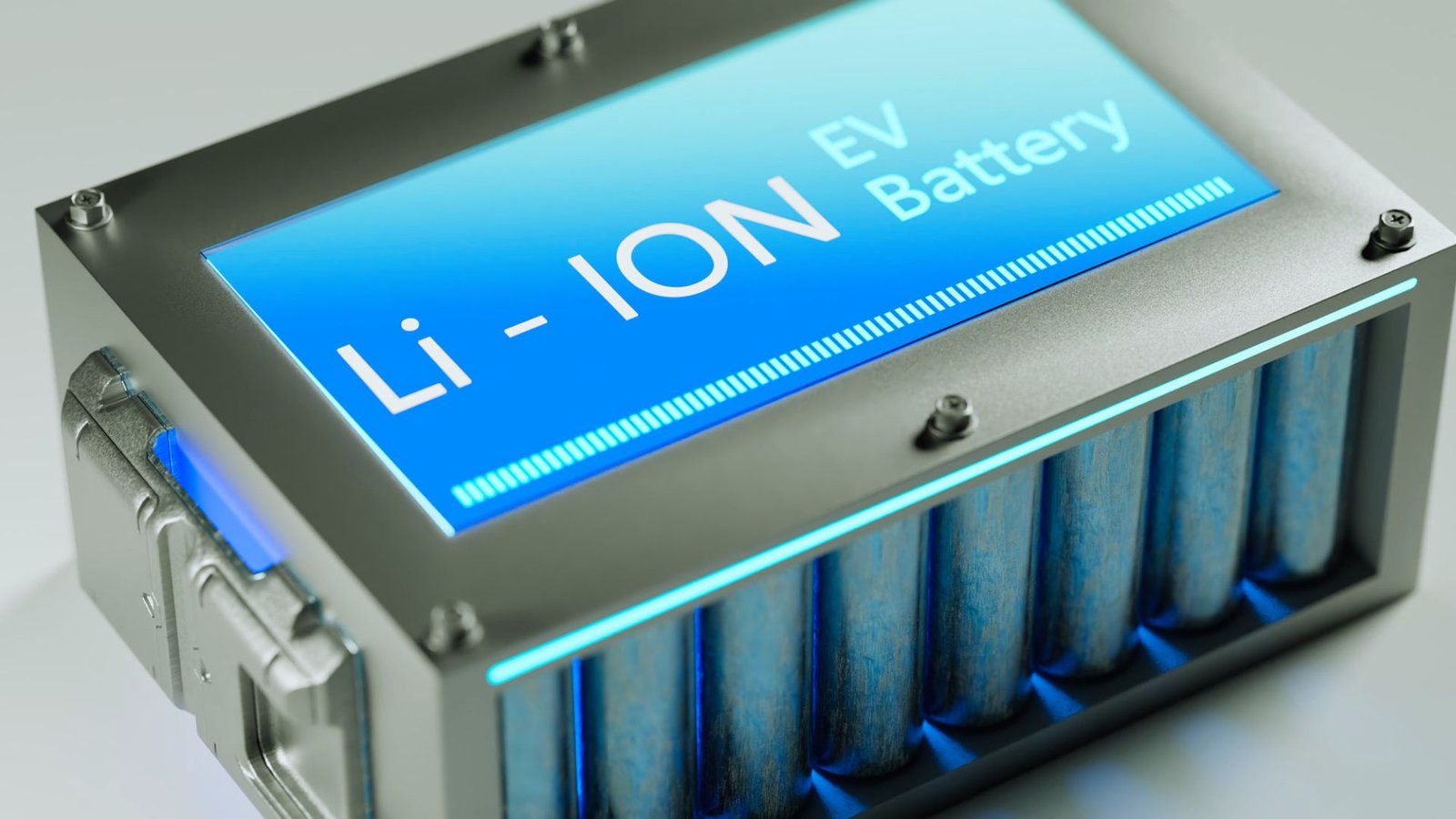
The most widely used rechargeable battery in laptops today.
A lithium-ion battery uses a liquid electrolyte to move lithium ions between electrodes, offering reliable performance, good energy density, and cost-effective manufacturing in a rigid casing.
Lithium-Polymer (Li-Po) Battery
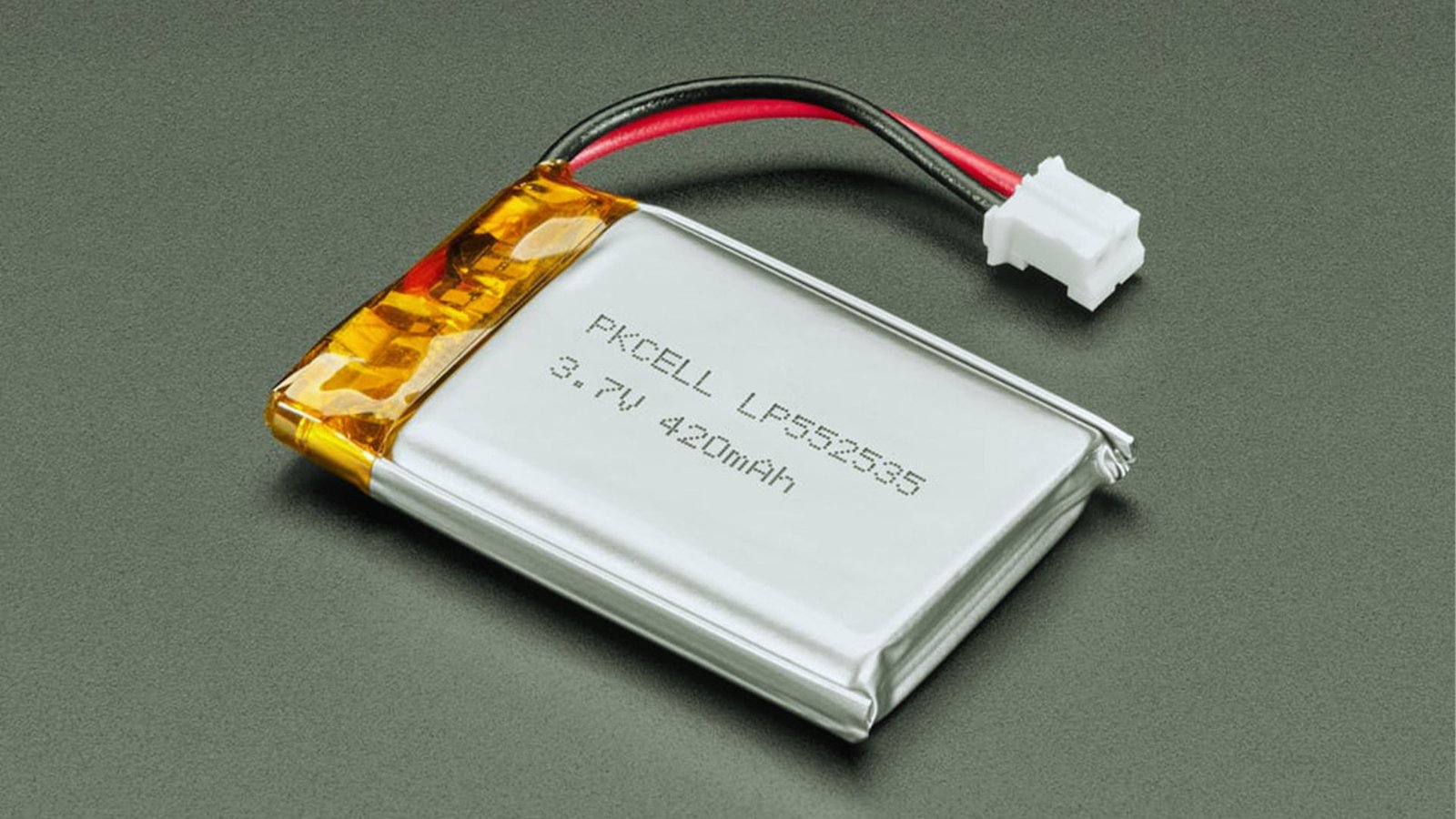
A thinner and lighter battery designed for slim and ultrabook laptops.
Lithium-polymer batteries use a gel-like or solid electrolyte, allowing flexible shapes, reduced weight, and compact designs without sacrificing performance.
Lithium (Primary) Battery

A single-use lithium battery that cannot be recharged.
These batteries are built for long shelf life and are not suitable for laptops, which require rechargeable power sources.
Nickel-Cadmium (Ni-Cd) Battery (Older Technology)
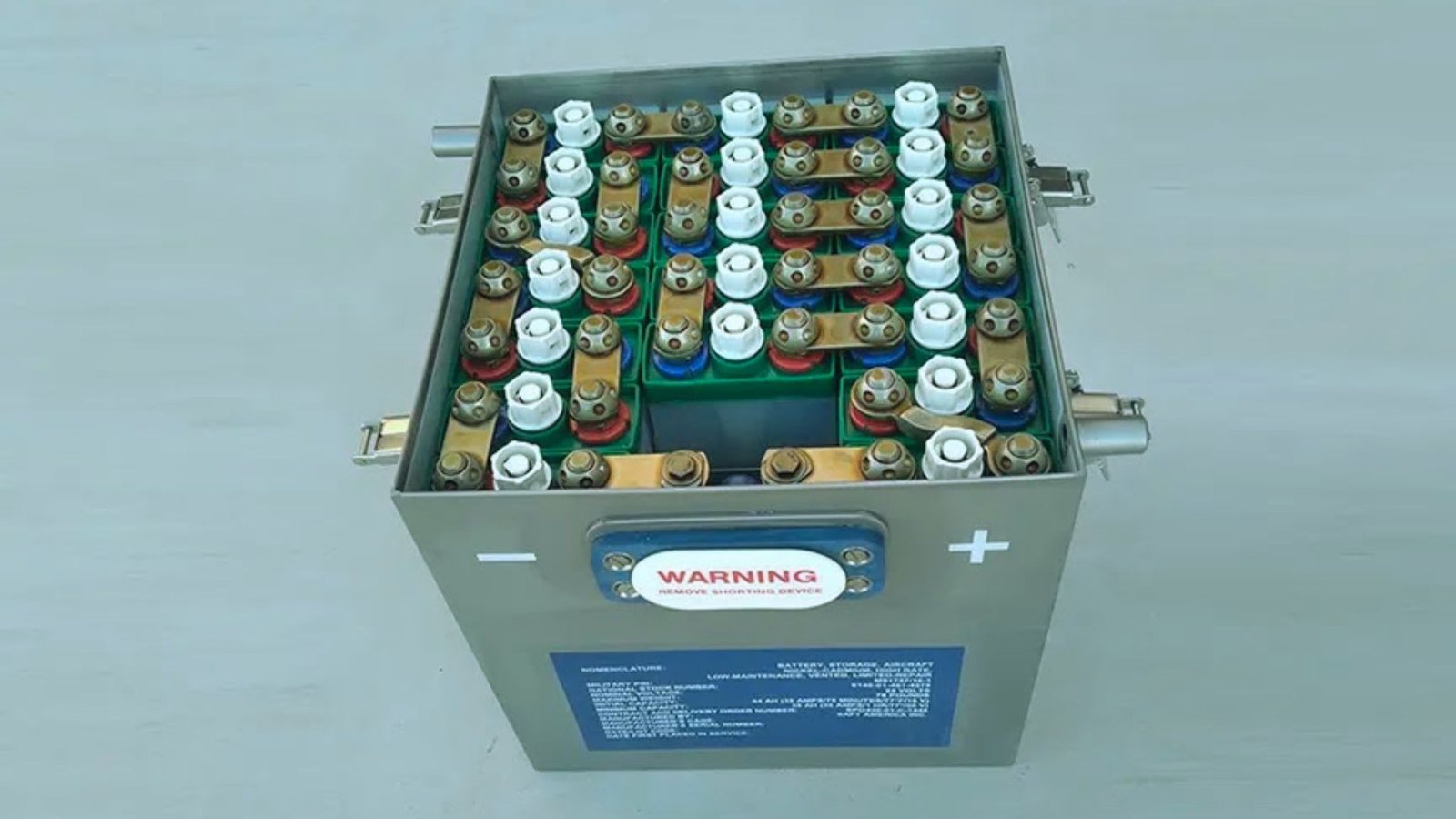
An outdated battery technology once used in early laptops.
Nickel-cadmium batteries were common in the 1990s but were phased out due to poor efficiency, memory effect, and environmental risks.
How to Check If Your Laptop Has a Lithium Battery
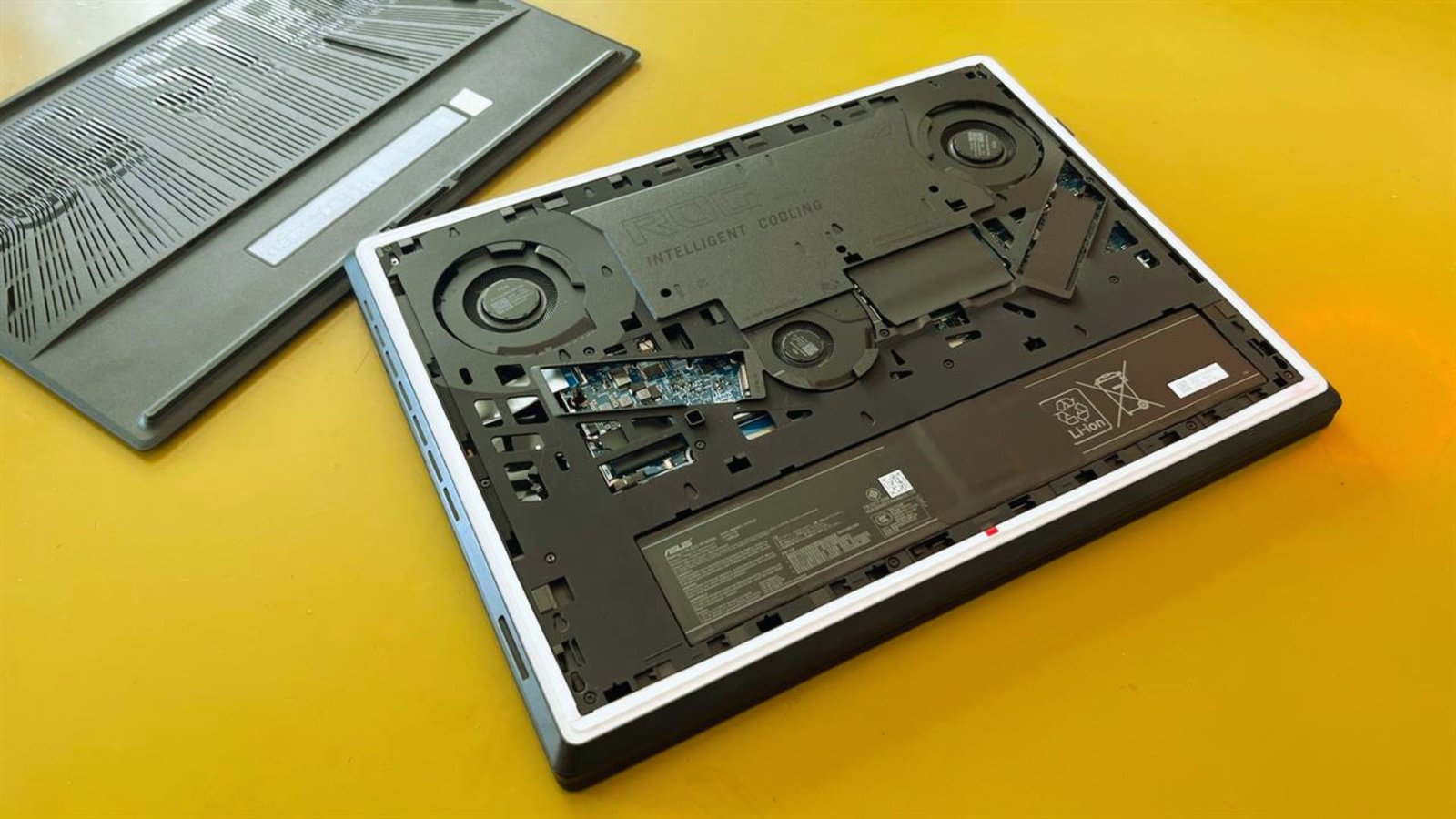
Checking your battery type takes just a few minutes and you do not need any technical background to do it.
Check the Battery Label or Laptop Documentation
The fastest way to find your battery type is often right on the battery itself.
If your laptop has a removable battery, flip it over and look for “Li-ion” or “Li-Po” on the label. If the battery is sealed, check the printed manual in the specifications section.
Check Battery Type in Windows
Windows gives you a built-in way to pull up a full battery report in just a few steps.
Open Command Prompt as Administrator, type powercfg /batteryreport, and press Enter. Open the saved HTML file and look for the battery chemistry field.
Check Battery Type in macOS
Mac users can find battery details in a matter of seconds through System Information.
Hold the Option key, click the Apple logo, and select System Information. Click Power in the left sidebar. The Battery Chemistry field will show “Lithium Ion” or “Lithium Polymer.”
Check Manufacturer Website or Support Page
Your laptop brand’s support page is one of the most reliable places to confirm battery specs.
Enter your laptop’s model number on the brand’s support page. The full specifications listing will include battery type and capacity. Dell, HP, Lenovo, and Apple all have detailed spec pages.
Using Built-In Battery Diagnostic Tools
Many laptops already have a battery tool installed that gives you everything you need in one place.
Dell has SupportAssist, Lenovo has Vantage, and HP has HP Support Assistant. Open the app, go to the Battery or Power section, and your battery details will be right there.
Do All Laptops Have Lithium Batteries?

The short answer is yes, but there are a few cases worth looking at more closely.
Do Laptops Have Lithium Batteries in Them by Default?
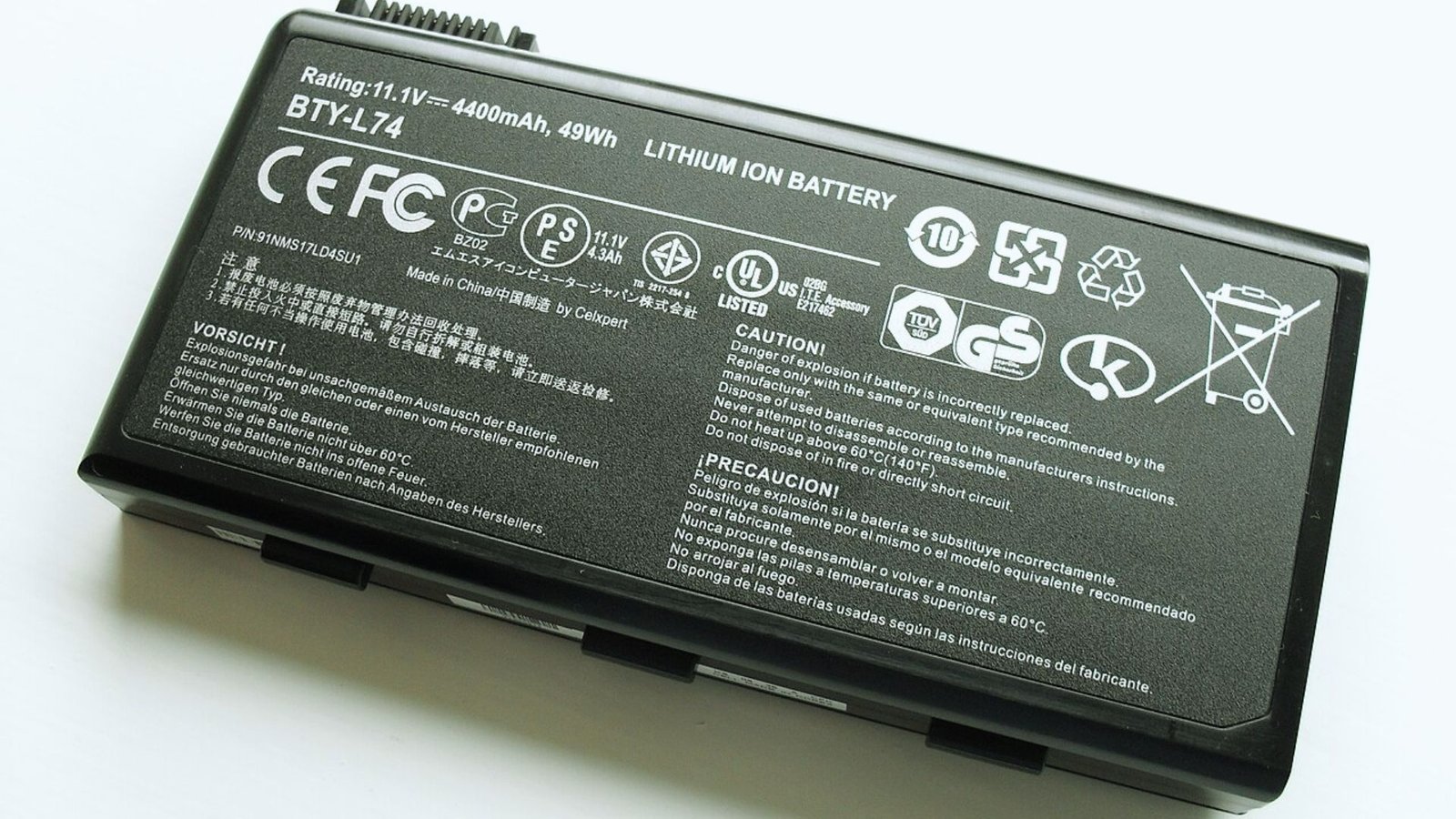
Yes, and this is true for almost every laptop on the market today.
Lithium-based batteries are the industry standard. When you buy a new laptop, a lithium battery is already inside. This applies to all major brands and price points.
Do Older Laptops Use Lithium Batteries?
Older laptops are a different story, and the answer depends on how old we are talking.
Laptops before 2005 sometimes used nickel-based batteries. From 2005 onward, lithium-ion became the default. If your laptop is from the last 15 years, it almost certainly has a lithium battery.
Do Gaming and Business Laptops Use Lithium Batteries?
Yes, and both categories rely on lithium for very good reasons.
Gaming laptops use larger lithium-ion packs to support powerful hardware. Business and thin laptops often use lithium-polymer for better weight and battery balance. Both are lithium-based.
Is It Safe to Use a Laptop With a Lithium Battery?
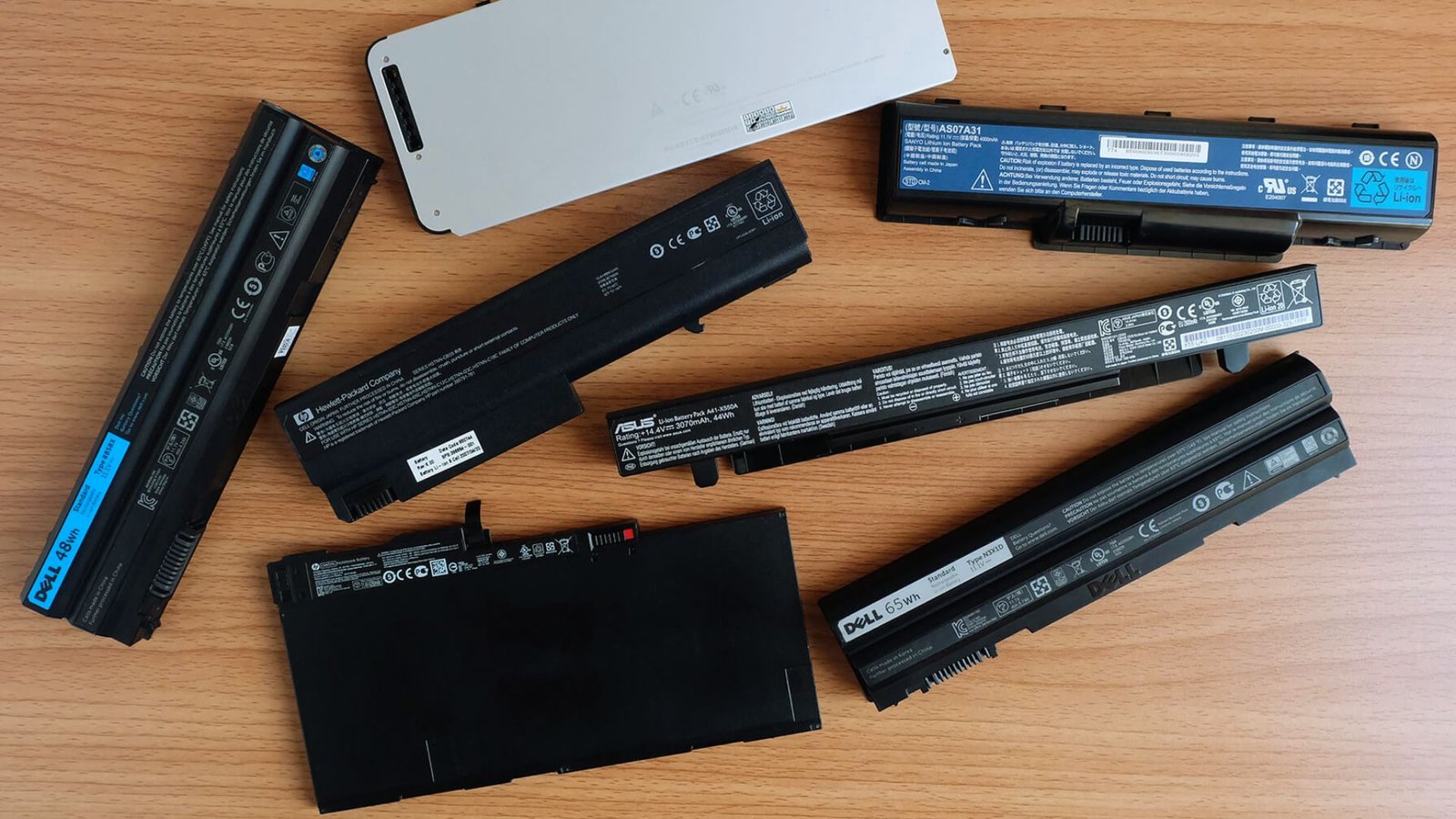
Yes, and modern laptops are built with multiple layers of protection to keep things running safely.
Laptop batteries include built-in circuits that monitor temperature, voltage, and charge levels.
If anything goes out of range, charging stops automatically. Most laptops also stop charging at 100% to reduce heat buildup.
Overheating is possible but rare. It usually happens with damaged or non-certified batteries. A swollen battery is a clear warning sign and should be dealt with right away.
As for common myths, you do not need to fully drain your battery before charging. That actually harms it. Keeping it between 20% and 80% is the healthier habit.
Tips to Identify and Maintain Your Lithium Laptop Battery
Taking care of your battery does not require much effort, just a few smart habits done consistently.
- Check the battery type before replacing it. Buying the wrong type or a low-quality replacement can cause problems and even void your warranty.
- Avoid charging to 100% constantly. Keeping the battery between 20% and 80% puts less stress on it and helps it last longer.
- Keep your laptop temperature under control. Do not use it on soft surfaces that block the vents. A cooling pad helps during long sessions.
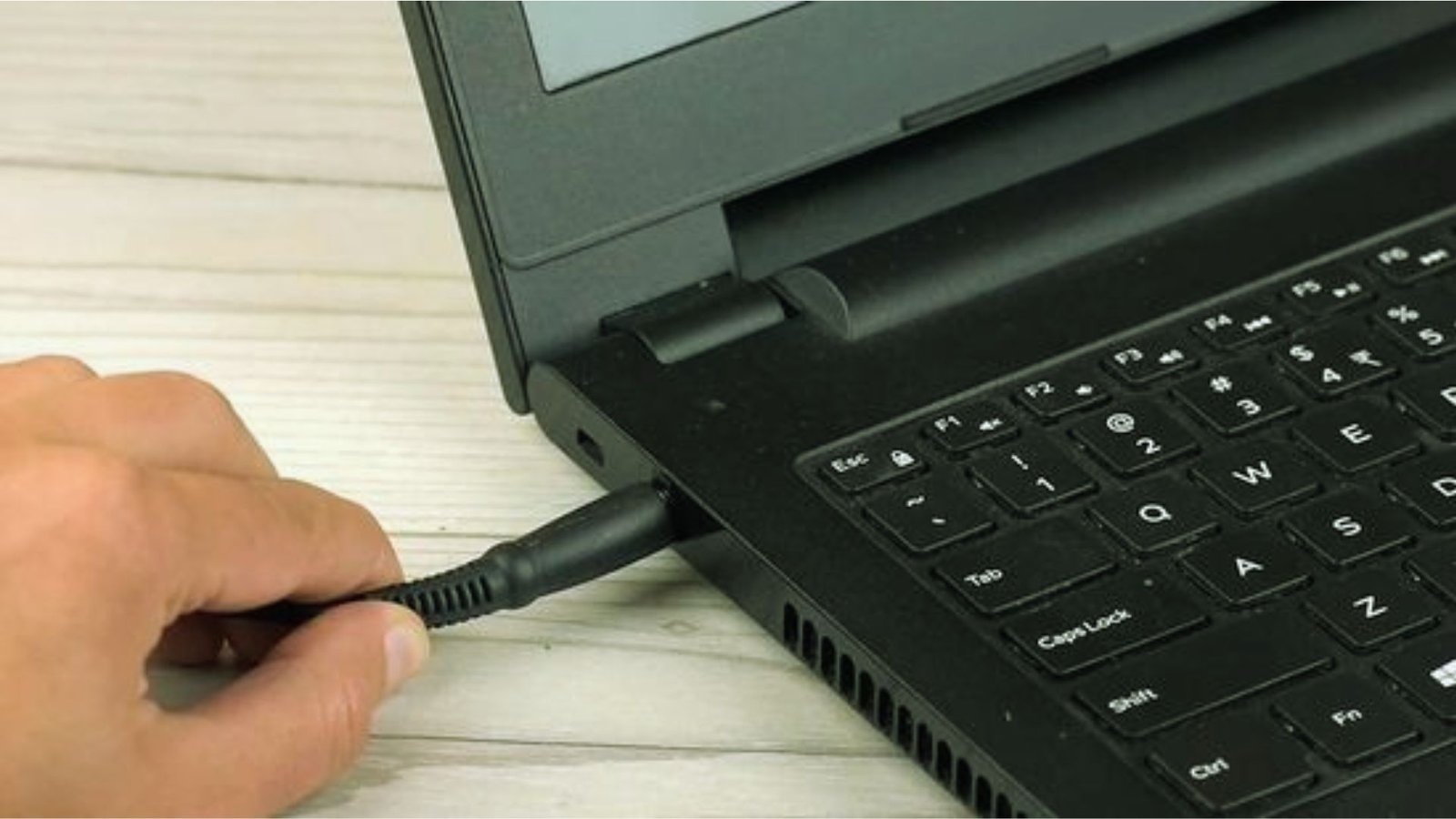
- Use original or certified chargers only. Off-brand chargers can deliver the wrong voltage and damage the battery over time.
- Enable battery health or charge-limit features if available. Brands like Apple, Lenovo, and Dell offer these in their software settings.
Conclusion
So, do laptops have lithium batteries? Yes, almost always.
I checked mine for the first time years ago and was surprised by how simple it was. Now I pay attention to how I charge it, and my battery health shows it.
To check yours, look at the battery label, visit the manufacturer spec page, or run a battery report on Windows or macOS.
Found this helpful? Share it with someone whose battery never seems to last.
Frequently Asked Questions
Do laptops have lithium batteries in them even if removable?
Yes. Both removable and built-in laptop batteries are almost always lithium-ion or lithium-polymer. The battery type does not change based on whether it is removable or sealed.
Can I replace a lithium laptop battery myself?
If your laptop has a removable battery, swapping it out is straightforward. For sealed batteries, it is often better to have a technician handle it to avoid damage.
Are lithium batteries safe for daily laptop use?
Yes. Modern lithium batteries have built-in safety circuits that regulate heat, voltage, and charge levels. Daily use is completely safe with a certified charger and normal conditions.
How do I know if my battery is lithium-ion or lithium-polymer?
Check the battery label for “Li-ion” or “Li-Po,” or use System Information on macOS or the battery report command on Windows to find the battery chemistry.
Do older laptops still work with lithium batteries?
Yes, as long as you replace it with the same type and specifications. Do not swap battery types unless your laptop is specifically designed to support more than one.