

If you’ve ever wondered what an MSP is in technology, you’re not alone. Many business owners ask the same question every day.
In this guide, I’ll break down exactly what MSPs are, how they work, and why they matter for your business. We’ll cover key roles, types, benefits, and tips for picking the right one.
I’ve spent time researching this topic to give you clear, honest answers you can actually use. By the end, you’ll know if an MSP is the right fit.
I’ve seen businesses struggle with IT costs, and this guide covers everything you need to know.
Understanding MSP in Technology

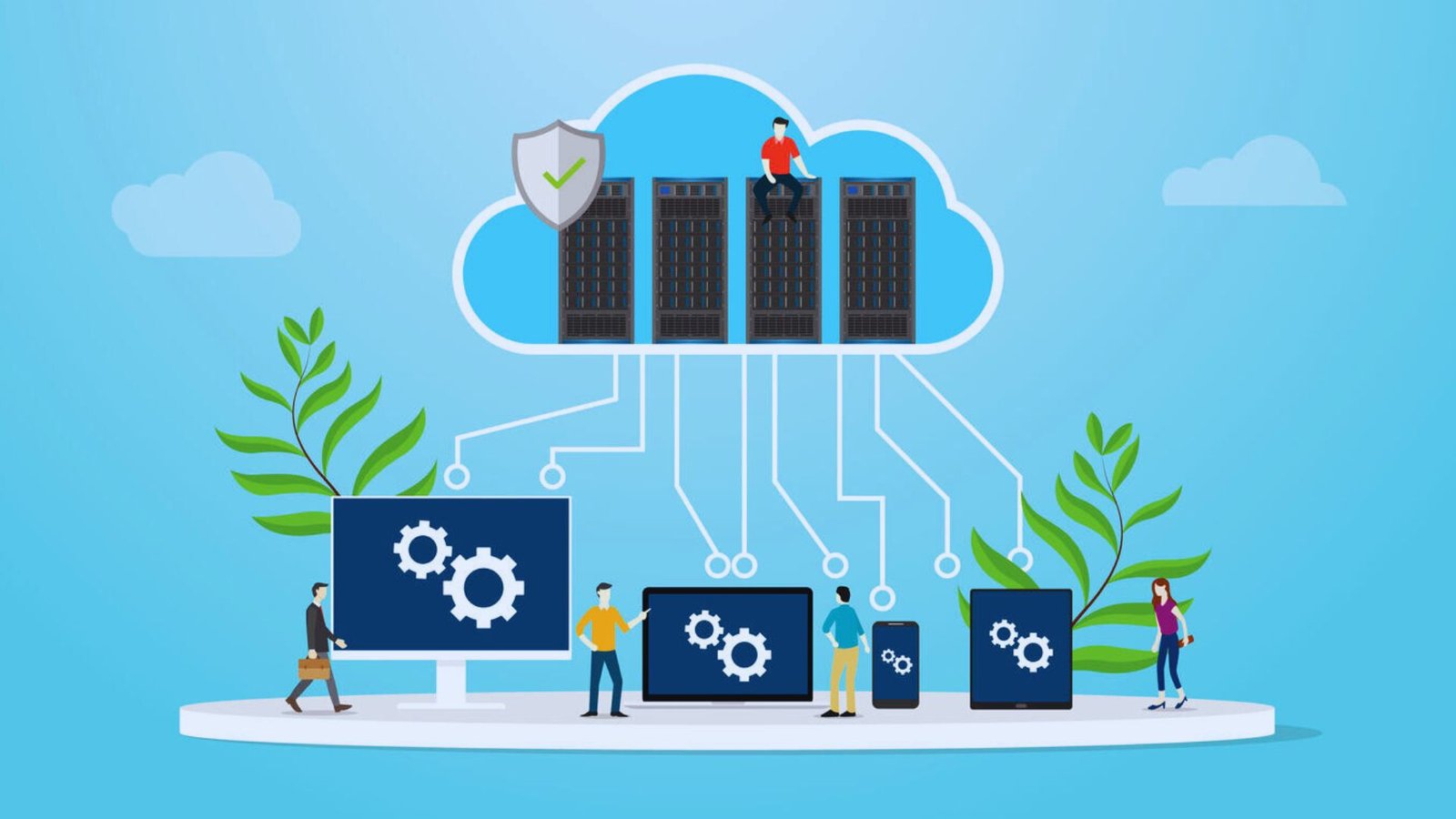
An MSP, or Managed Service Provider, is a third-party company that manages your IT systems, networks, and support on an ongoing basis. So, what is an MSP in technology for small businesses? It’s often their entire IT department, handling day-to-day operations so your team doesn’t have to.
MSPs started in the late 1990s when IT support was mostly break-fix. Something broke, you called someone to fix it. Over time, businesses needed more consistent support, which pushed providers toward proactive, subscription-based models.
By the 2000s, remote monitoring tools made it possible to manage systems without being on-site, and MSPs became more capable than ever.
Today, most MSPs operate under a Service Level Agreement (SLA), which is a contract that outlines response times, uptime guarantees, and service expectations. SLAs protect both sides and keep the MSP fully accountable to your business needs.
Key Functions and Roles of MSPs

MSPs do more than just fix computers. Here’s what they actually handle for your business.
IT Infrastructure Management
MSPs manage your core technology. This includes networks and servers, desktop systems, and cloud platforms. They use Remote Monitoring and Management (RMM) tools to watch your systems 24/7. If something goes wrong, they often catch it before you even notice.
Cybersecurity and Compliance
Cyber threats are growing every day. MSPs help you stay safe by installing security software, running employee awareness training, and managing risk. They also help businesses meet compliance requirements like HIPAA or GDPR. A single data breach can cost far more than a year of MSP fees.
Business Operations Support
Some MSPs go beyond IT. They support payroll systems, contingent workforce management, supply chain tools, and even marketing platforms. This broader support helps companies run more smoothly across departments without needing multiple outside vendors.
Types of MSPs

Not all MSPs are the same. Knowing the types helps you find the right fit for your business.
By Service Scope
Pure-play MSPs focus entirely on IT services and don’t offer staffing or other business functions. Staffing or legacy MSPs come from a staffing background and added IT services over time, though they may not have the same technical depth as pure-play providers.
High-level MSPs offer a wide range of services covering both strategic and operational support, making them a strong fit for larger businesses that need more than just basic IT management.
By Service Type
Monitoring and remote support MSPs keep a close eye on your systems and fix issues without visiting your office, responding quickly to minimize downtime. Proactive maintenance MSPs run regular updates, patches, and system checks to prevent problems before they start, saving businesses time and reducing unexpected costs.
Centralized management MSPs control all your IT systems from one platform for faster and more consistent oversight, while scheduled maintenance MSPs set regular service windows to keep everything running smoothly and up to date.
How MSPs Work and Service Delivery Models

Understanding how MSPs deliver their services helps you know what to expect from day one.
Assessment and Onboarding Process
Before work begins, a good MSP will assess your current IT setup. They look at your hardware, software, security, and gaps. This gap analysis helps them build a plan that fits your actual needs. Onboarding usually takes a few weeks to complete.
Technical Support vs Subscription Services
MSPs offer two main billing models. The pay-per-incident model means you pay only when something breaks. This works for businesses with very stable systems and low support needs.
The monthly recurring service model charges a flat fee each month. It covers proactive support, monitoring, and regular maintenance. Most businesses prefer this because costs stay predictable.
Tools MSPs Rely On
MSPs use two key types of software to get the job done. RMM tools let them watch your systems, run scripts, and fix issues remotely without stepping into your office.
PSA tools handle billing, ticketing, project tracking, and scheduling. Together, these tools keep MSP operations efficient, organized, and running smoothly for every client they manage.
Benefits of MSPs in Technology

Here’s why so many businesses are turning to MSPs instead of building in-house IT teams.
Cost Savings and Predictable Pricing
Hiring a full IT team is expensive. MSPs give you access to a whole team for a fraction of the cost. Pricing is flat and predictable, which makes budgeting much easier for businesses of all sizes.
Access to Experts and Round-the-Clock Support
MSPs employ specialists in networking, security, cloud, and more. You get that expertise without hiring each person individually. On top of that, they monitor your systems 24/7 and respond quickly when something goes wrong.
Business Continuity and Internal Focus
MSPs back up your data and have disaster recovery plans ready. If something fails, they help you recover fast. And when IT is handled externally, your internal team can focus on growth and strategy instead of fixing tech problems.
Tips for Choosing the Right MSP

The right MSP saves you time, money, and a lot of tech headaches.
- List your IT challenges and goals before speaking to any MSP. This helps you ask the right questions and avoid paying for services you don’t need.
- Check certifications, client reviews, and ask for references. A reputable MSP will have a strong track record with businesses similar to yours.
- Make sure they use modern RMM and PSA tools. Outdated tools mean slower response times and less reliable monitoring for your systems.
- Read the SLA carefully and know what is and is not included. Understanding the fine print protects your business from unexpected gaps in service.
- Ask how they handle security, patches, and compliance. Security should be built into their core service, not treated as an optional add-on.
- Confirm they offer support during your business hours, including nights and weekends if your operations run around the clock.
- Start with a short-term contract to test the relationship first. This gives you time to evaluate their performance before making a long-term commitment.
Conclusion
Learning what is an MSP in technology changed how I think about business IT. Honestly, I used to assume every company needed a full in-house tech team. I was wrong. MSPs offer real expertise, better security, and lower costs, all in one package.
If your business is spending too much time on tech problems, it might be time to consider this option.
Start by listing your biggest IT pain points. Then find an MSP that fits your budget and goals. Have questions? Drop them in the comments below.
Frequently Asked Questions
What does MSP stand for in technology?
MSP stands for Managed Service Provider. It refers to a company that manages IT services and systems for other businesses on a subscription basis.
How is an MSP different from regular IT support?
Regular IT support is usually reactive, meaning they fix things after they break. MSPs are proactive. They monitor, maintain, and prevent issues before they affect your business.
How much does an MSP typically cost?
Costs vary based on business size and services needed. Most MSPs charge a flat monthly fee per user or device, which makes budgeting easier and more predictable.
Is an MSP a good fit for small businesses?
Yes. Small businesses often benefit the most from MSPs because they get access to enterprise-level IT support without the cost of hiring a full internal team.
What should I look for in an MSP contract?
Focus on response time guarantees, service scope, security practices, termination clauses, and escalation procedures. A clear and fair contract protects your business from gaps in service.