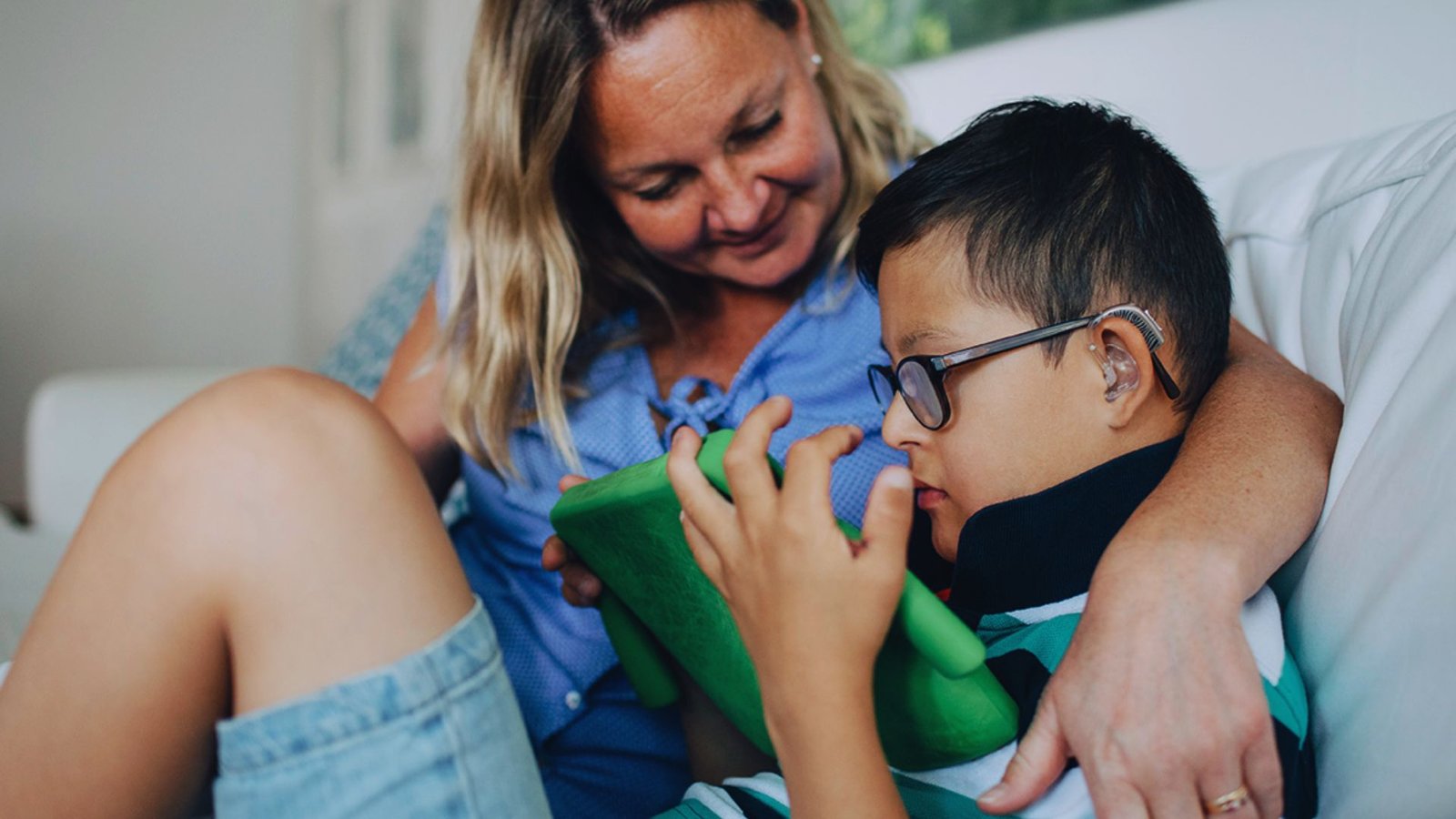


The right tools can help seniors stay safe, comfortable, and independent at home.
Watching a loved one struggle with daily tasks is hard. I’ve been there. My grandmother would skip meals rather than ask for help. She didn’t want to feel like a burden.
The right gadgets for elderly to make life easier changed that. She felt capable again.
No complicated tech. No expensive devices. Just simple tools that solve real problems like missed medications, nighttime falls, and feeling isolated.
If you want your loved one to stay safe and independent at home, you’re in the right place.
How Gadgets Help Elderly People in Daily Life
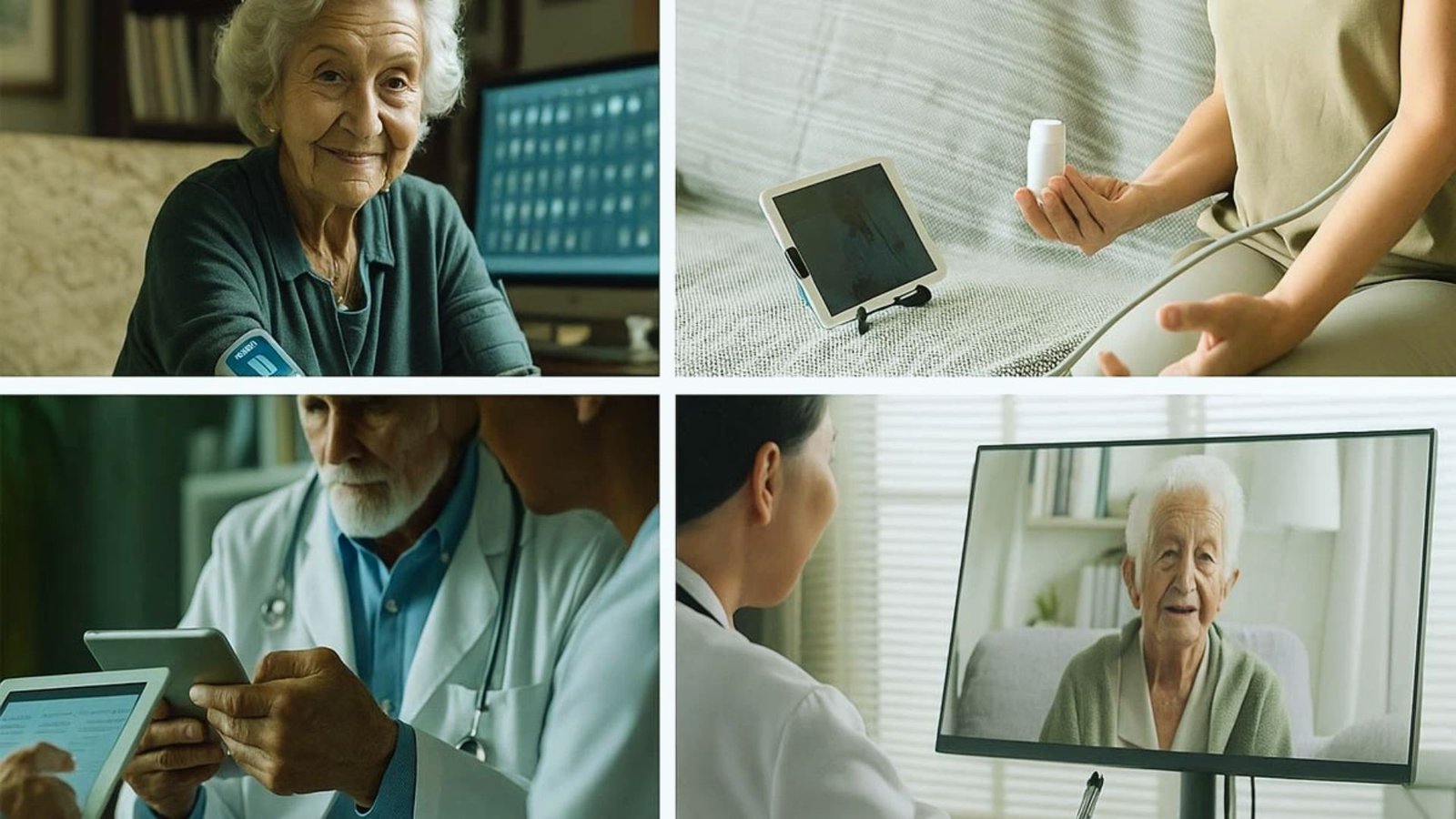
Simple tools make a surprising difference in how seniors manage their day.
Most seniors want to stay home as long as possible. Tools like automatic pill dispensers and voice assistants handle small tasks independently, keeping seniors feeling capable and confident.
Falls, poor lighting, and missed medications are serious concerns. The right gadgets act as a quiet safety net without getting in the way.
Asking for help can feel like a loss of freedom. Smart gadgets handle reminders, cleaning, and communication so seniors stay more independent and caregivers get a little breathing room.
When daily tasks feel manageable, seniors feel better mentally and physically. Small tools make a bigger emotional difference than most people expect.
13 Gadgets for Elderly to Make Life Easier
These tools make daily life safer, simpler, and more comfortable for seniors.
1. Wearable Fall Detection Devices
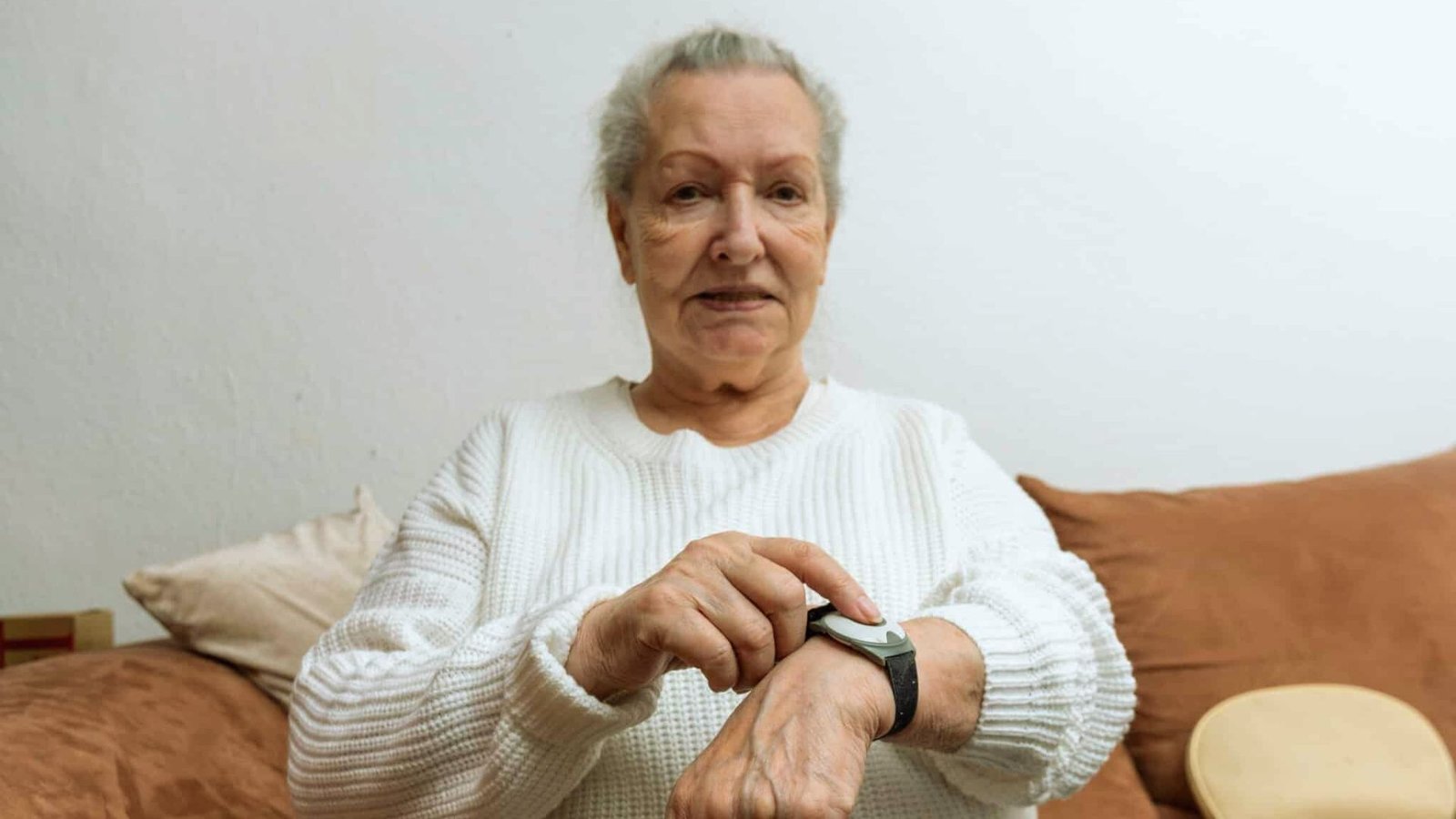
These devices send automatic alerts the moment a fall is detected.
Worn like a watch or pendant, they detect sudden movement and alert a family member or emergency contact right away.
If the senior can’t call for help, the device does it for them. For seniors living alone, this kind of instant response can make all the difference.
2. Smart Home Security Systems
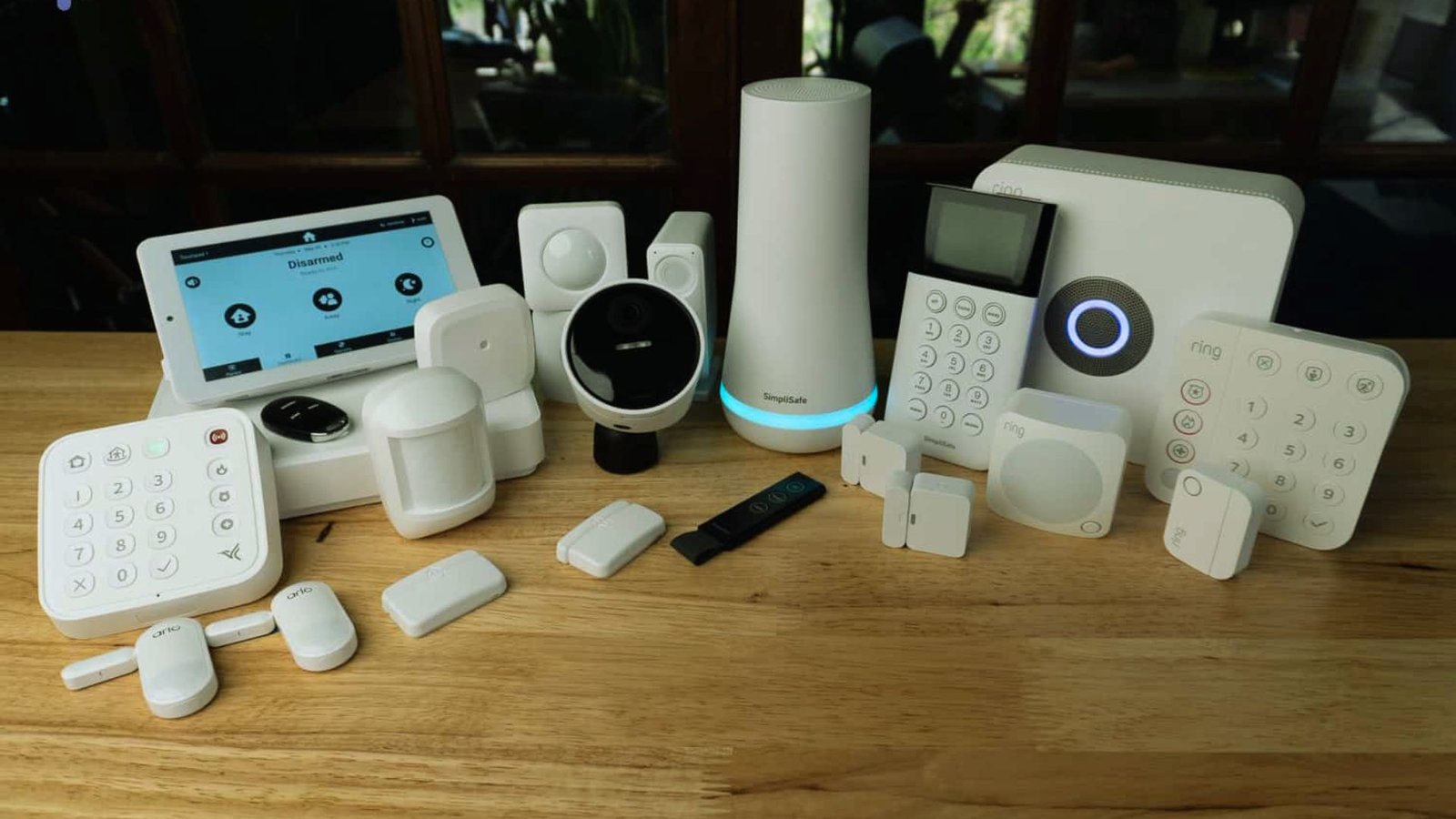
Motion sensors and app alerts keep seniors and families safe around the clock.
These systems handle door locks, motion alerts, and remote monitoring all in one place. Families can check in through a phone app without being physically present.
If a door is left open or unusual movement is detected, an alert goes out immediately.
3. Automatic Pill Dispensers
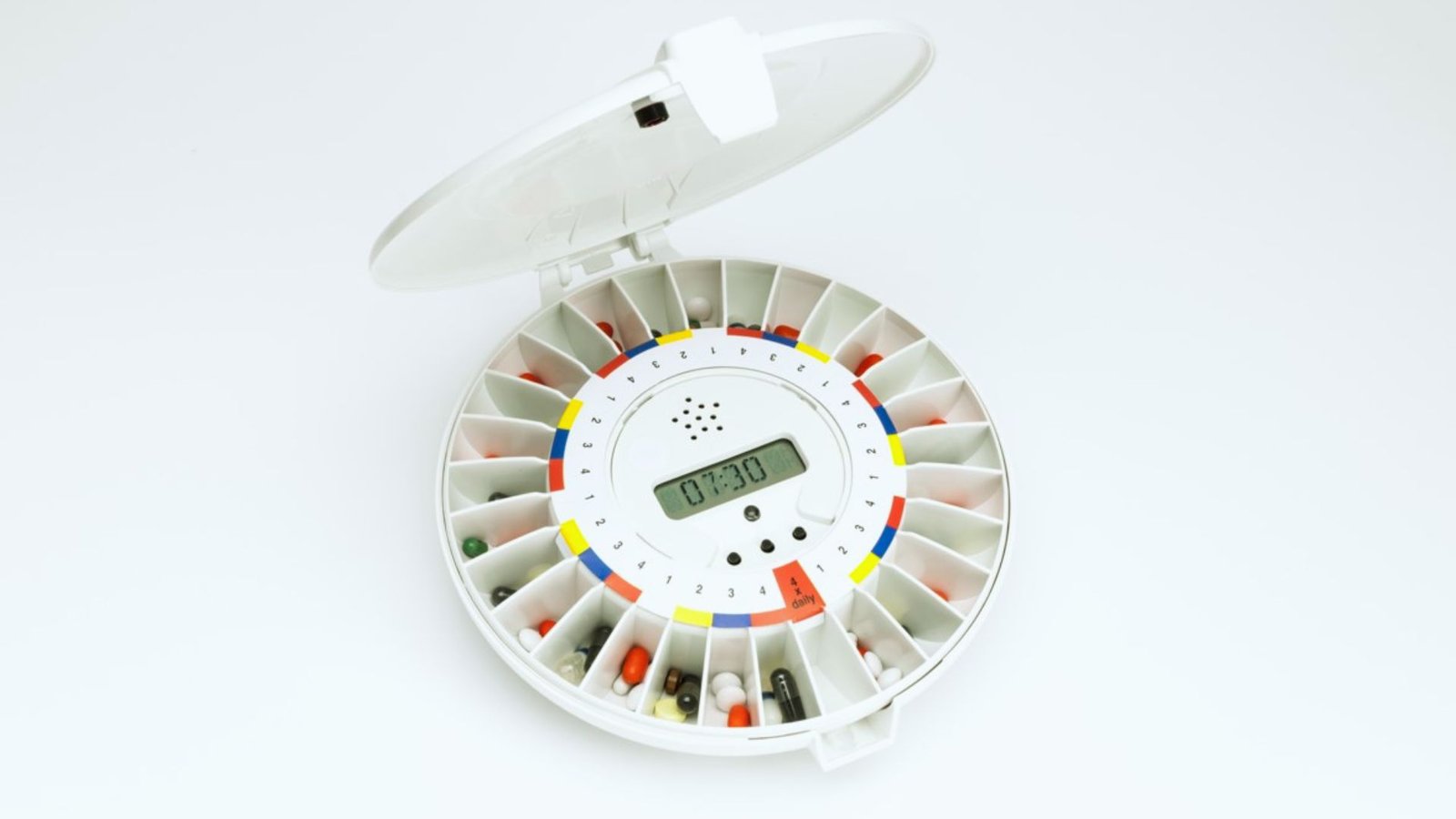
These devices sort doses and remind seniors exactly when to take their medication.
They beep or light up at the right time and lock compartments to prevent double doses. Some models even send alerts to family members if a dose is skipped.
No more missed or accidental medications.
4. GPS Tracking Devices for Elderly
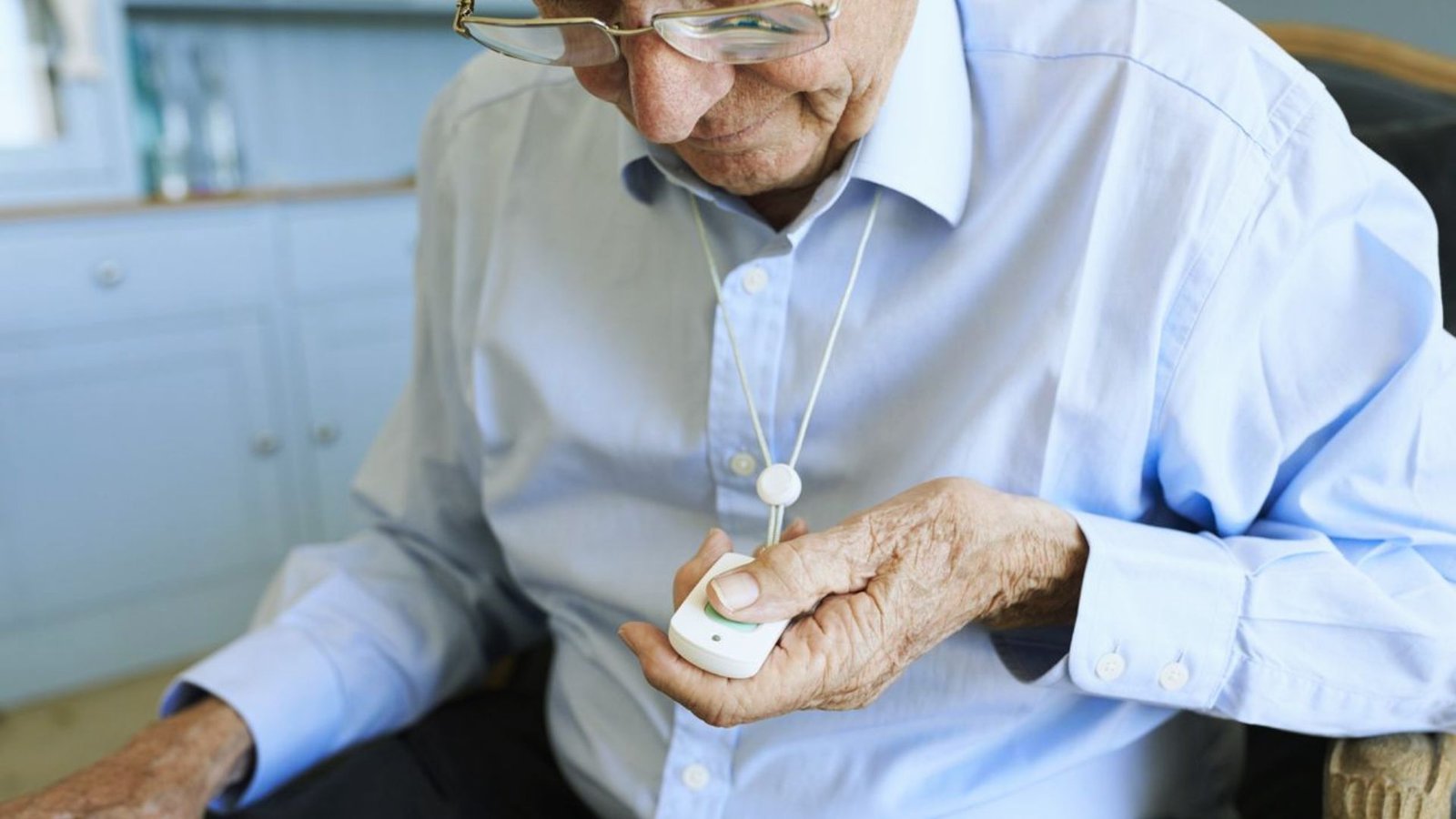
These small devices share a senior’s real-time location with family members.
Great for seniors with memory issues, they fit easily in a pocket or on a wrist. Families can set up safe zone alerts and get notified the moment their loved one leaves a designated area.
It adds a layer of safety without making seniors feel restricted.
5. Voice-Activated Virtual Assistants
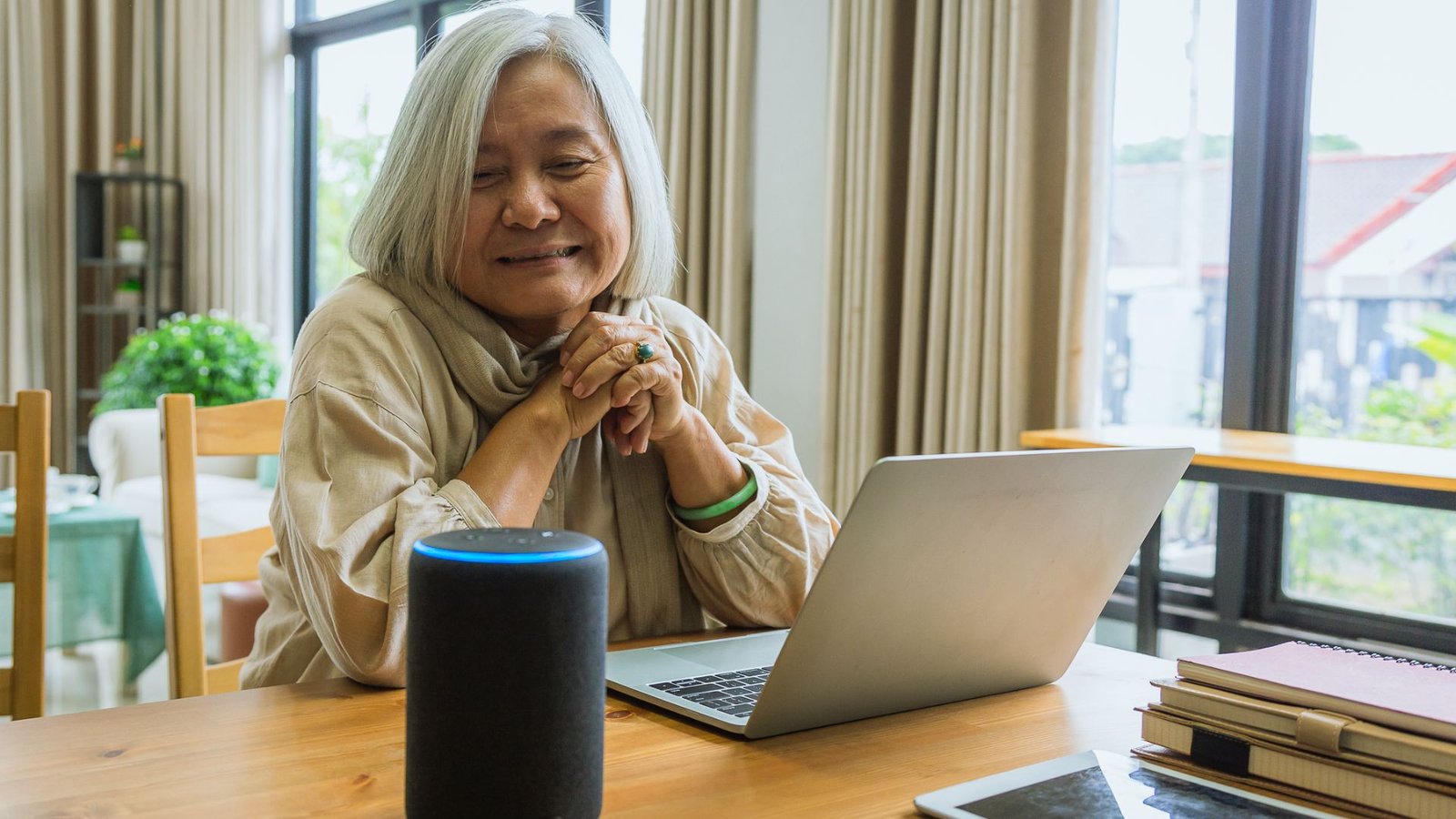
Seniors can set reminders, make calls, and control devices using just their voice.
Devices like Amazon Echo or Google Nest are completely hands-free and simple to use. They can play music, answer questions, control smart home devices, and even make emergency calls.
Especially helpful for seniors with arthritis, limited mobility, or vision challenges.
6. Wearable Fitness Trackers
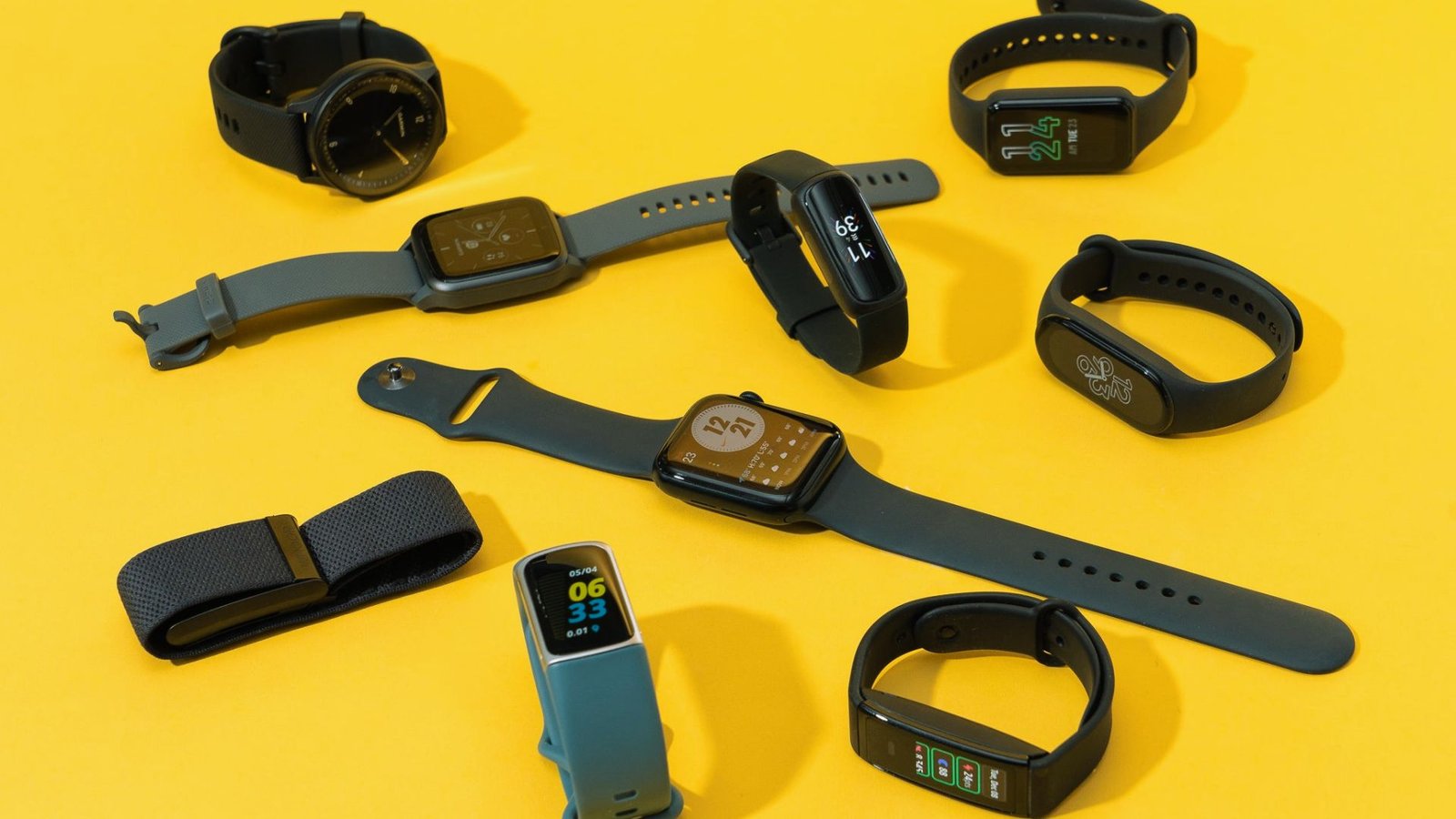
These devices monitor steps, heart rate, and sleep for easy health tracking.
They give seniors gentle motivation to stay active without any pressure. Some models track blood oxygen levels and send alerts to family members if readings fall outside a safe range.
A simple way to keep an eye on health from home.
7. Smart Thermostats
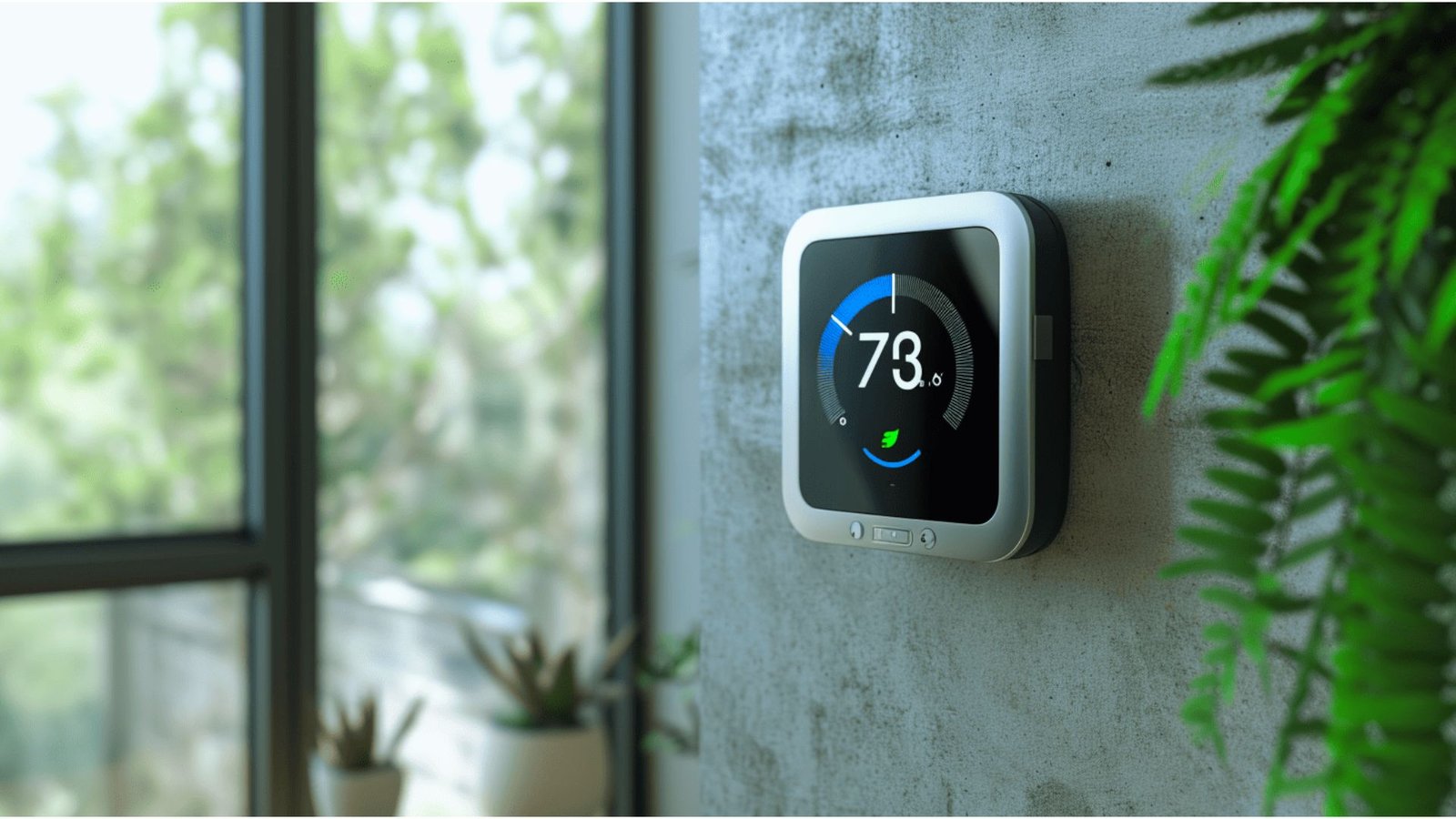
Smart thermostats keep the home comfortable without confusing controls.
Set a schedule or control by voice and the thermostat handles the rest. Some models learn a senior’s preferences over time and adjust automatically.
This saves energy, cuts down on utility bills, and keeps the home at a steady, comfortable temperature all day.
8. Fall Detection Sensors for Home

Placed in high-risk spots, these sensors alert caregivers if something goes wrong.
Unlike wearables, they don’t need to be put on each morning. They monitor bathrooms, hallways, and kitchens silently in the background.
If someone falls or stops moving for too long, an automatic alert goes straight to a caregiver or family member.
9. Remote Monitoring Cameras
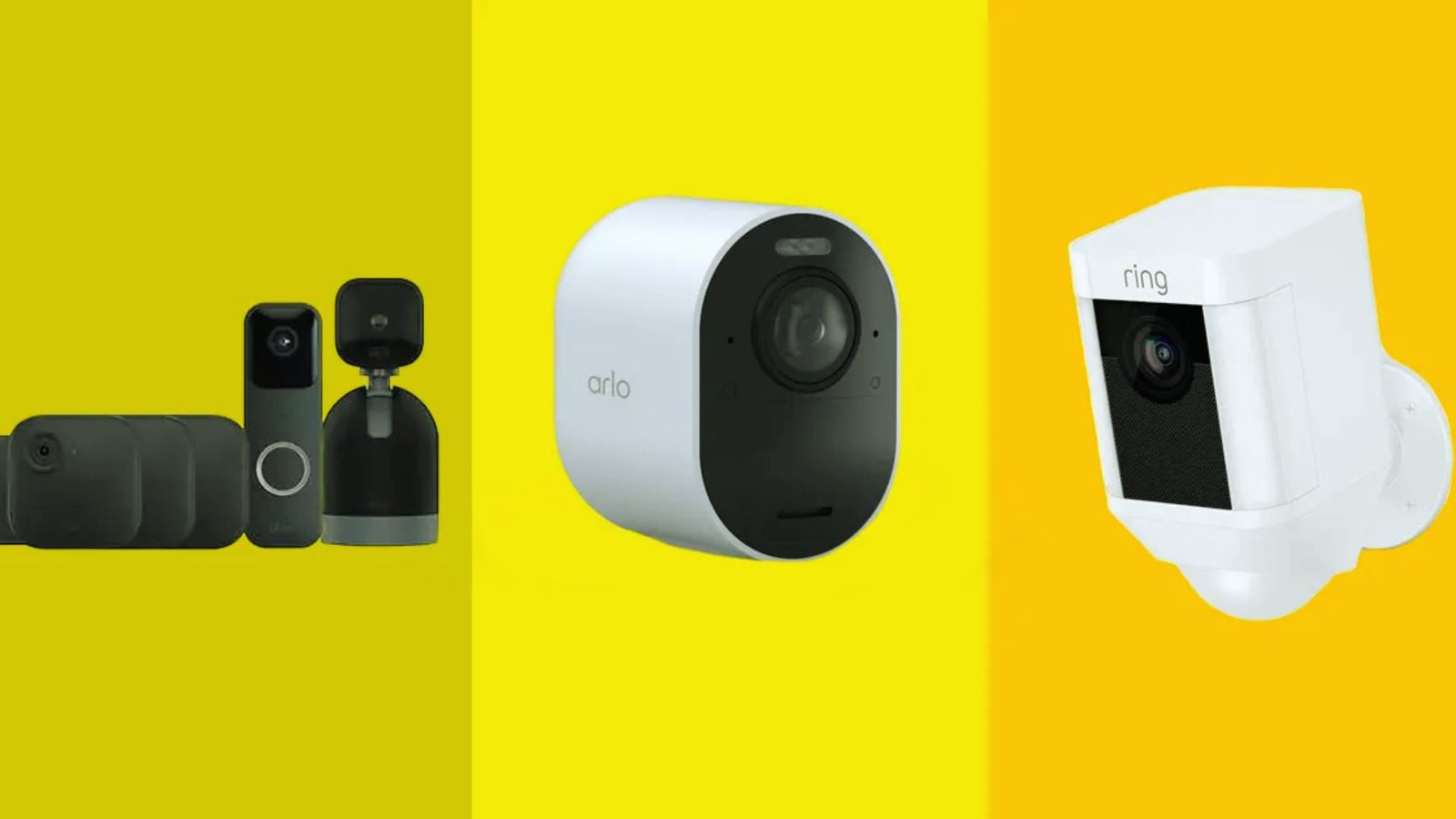
Indoor cameras let families check in without intruding on a senior’s privacy.
Placed in common areas like the living room or kitchen, they stream live footage directly to a phone or tablet.
Many include two-way audio so families can talk with their loved one in real time. A simple and reassuring way to stay connected from a distance.
10. Large-Button Phones and Easy-Use Smartphones
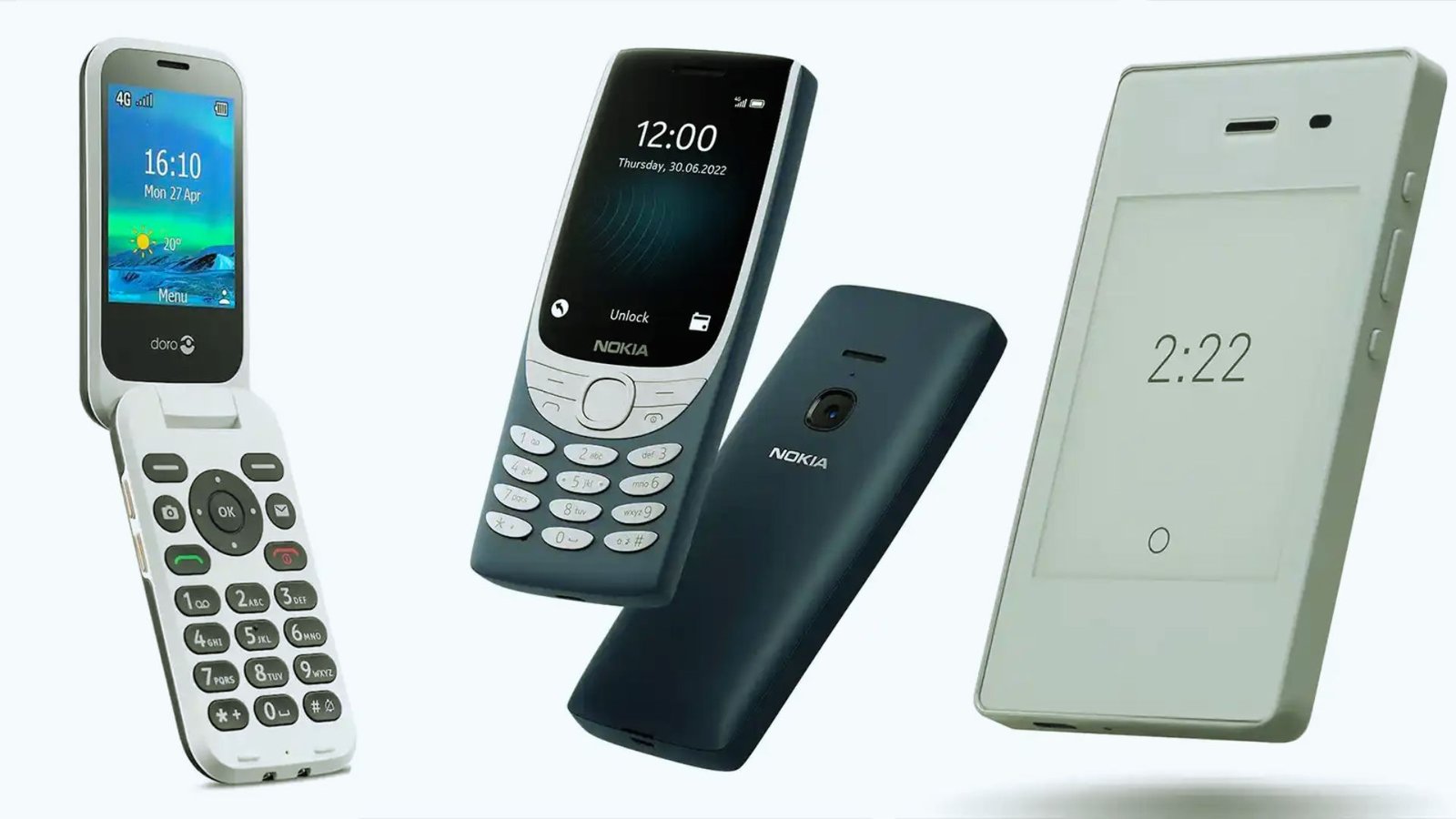
Built for seniors with bigger keys, louder speakers, and one-touch emergency calling.
These phones skip the clutter and focus on what matters most, calling, texting, and staying connected. One dedicated emergency button connects directly to a family member or emergency services with a single press.
Clear displays and loud audio make communication easy for seniors with vision or hearing challenges.
11. Robotic Vacuum Cleaners
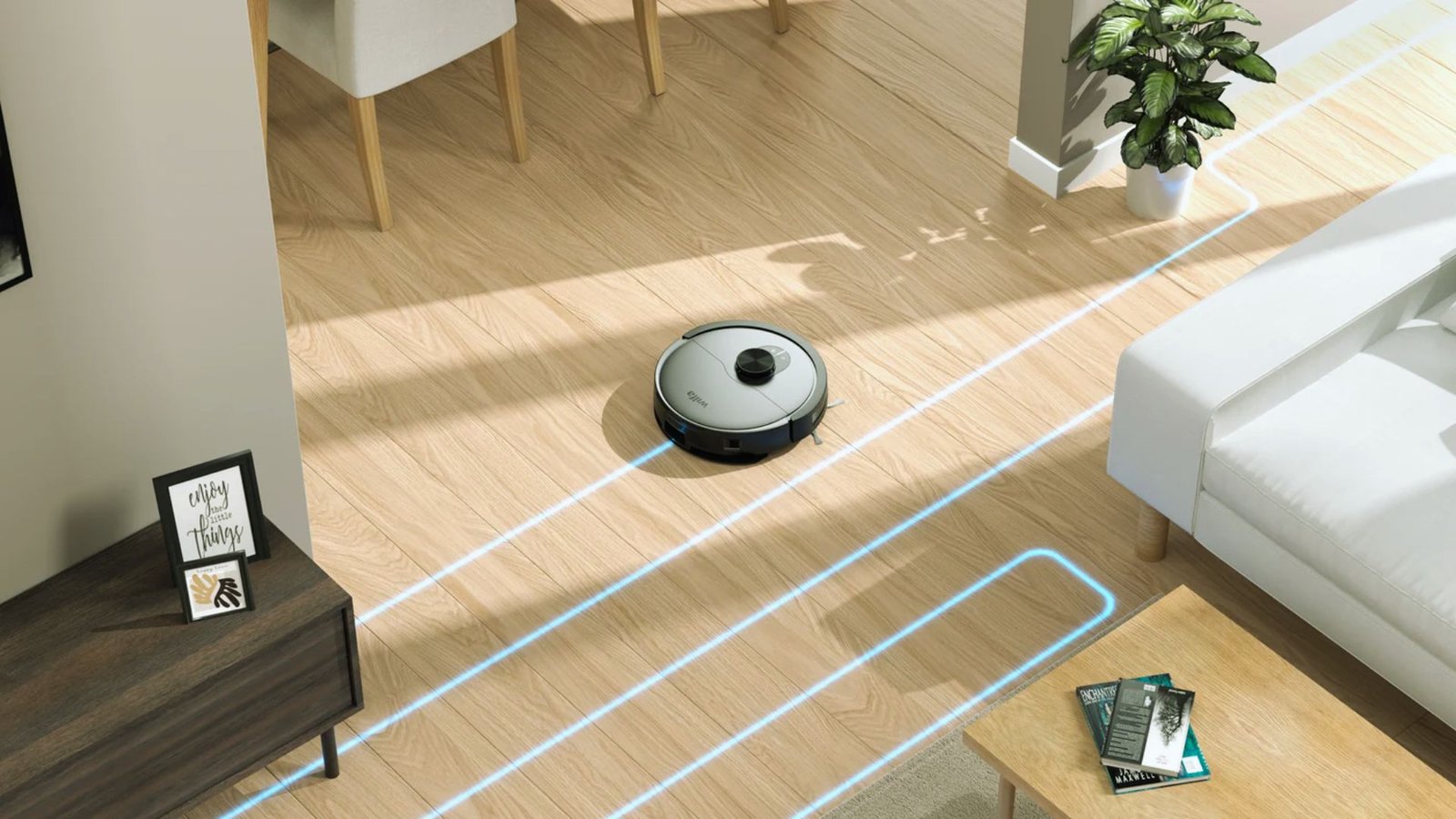
A robotic vacuum keeps the home clean without any physical effort from the senior.
Set a schedule and let it run while the senior relaxes or sleeps. No bending, no heavy lifting, no strain on the back or knees.
Perfect for seniors with limited mobility, chronic pain, or anyone who simply finds vacuuming too physically demanding.
12. Assistive Kitchen Gadgets for Seniors

Easy-grip tools and electric openers make cooking safer and less physically demanding.
Electric jar openers, one-touch can openers, and easy-grip utensils reduce hand strain and make meal prep much more manageable.
These tools help seniors keep cooking their favorite meals independently without needing to ask for help. That sense of independence in the kitchen matters more than most people realize.
13. Smart Lighting Systems
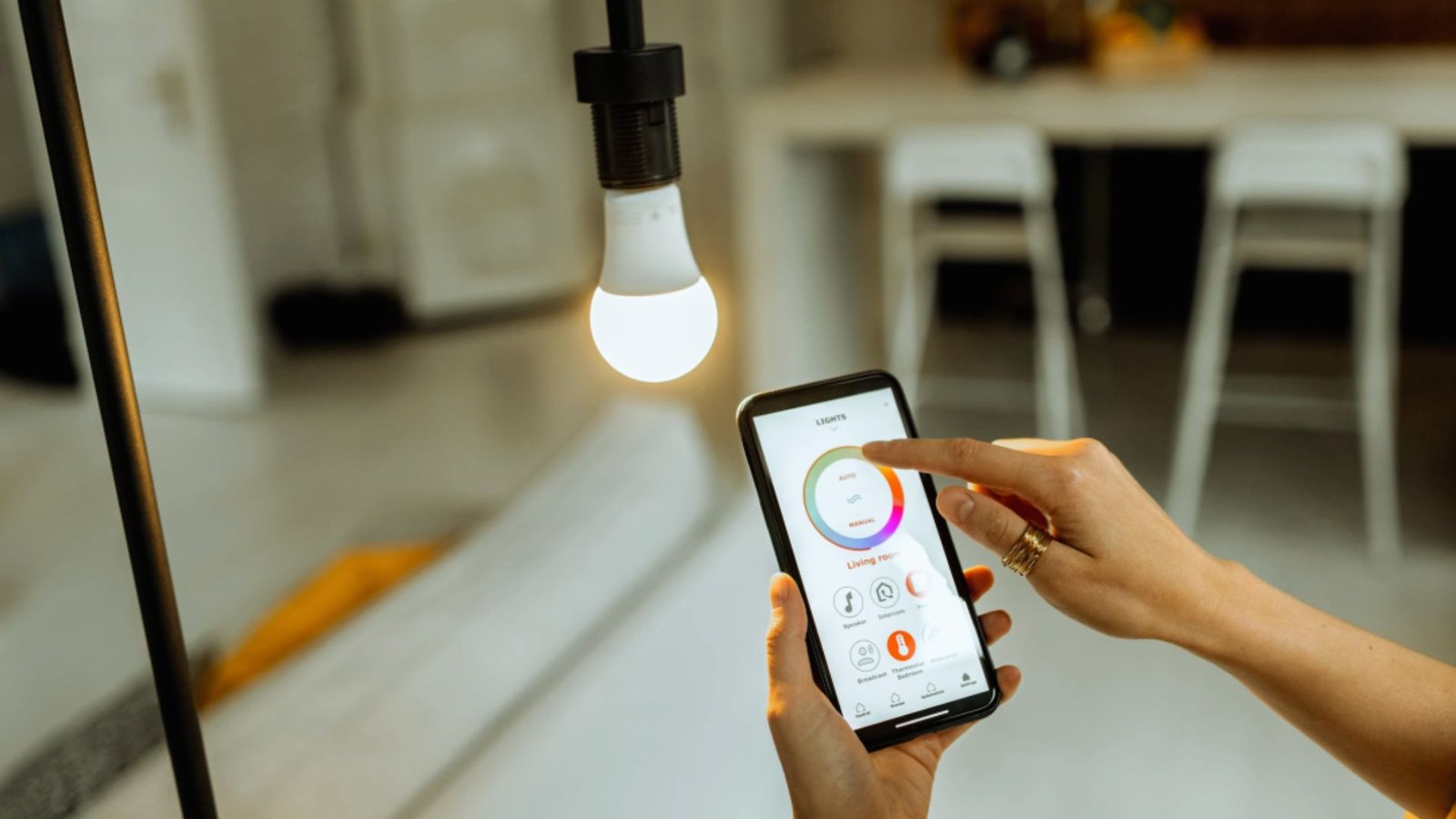
Motion-activated lights turn on automatically to prevent dangerous nighttime falls.
No switches needed. Lights turn on when motion is detected and switch off when the room is empty. They work silently in the background without any effort from the seniors.
Simple, hands-free, and one of the most effective ways to prevent dangerous nighttime accidents at home.
How to Choose the Best Gadgets for Elderly to Make Life Easier
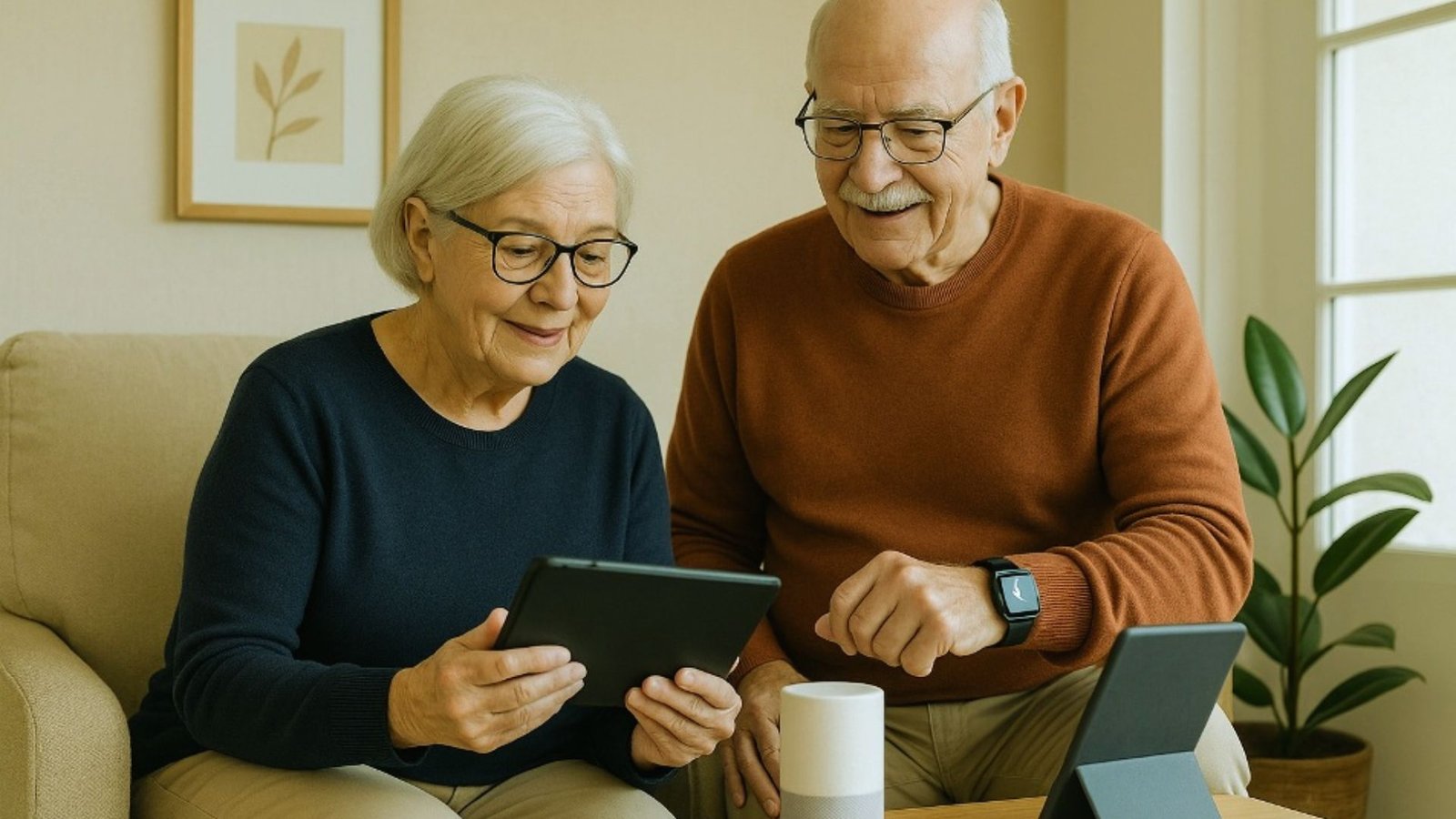
Start with your loved one’s actual daily needs before buying anything.
Every senior is different. Focus on the problems that cause the most difficulty and choose tools that directly address those first.
Look for large buttons, clear displays, and minimal steps. If setup takes too long, it’s probably not the right fit.
Many affordable options work just as well as high-end devices. Some senior programs even offer gadgets at no cost.
Always check that a new gadget works with what your loved one already has. A device that connects to a familiar phone or tablet is far more convenient than starting from scratch.
Tips for Introducing Technology to Elderly Users
A few simple habits make it easier for seniors to get comfortable with new gadgets.
- Start with one gadget that solves the most urgent need before introducing anything else.
- Choose devices made for older adults with large buttons, simple displays, and clear audio.
- Walk through how the gadget works more than once and leave large-print instructions nearby.
- Check in regularly and offer encouragement whenever the senior uses the gadget successfully.
- Remind them that mistakes are okay and celebrate every small step forward.
Conclusion
A few simple gadgets can help seniors hold onto the independence they worked hard to build.
My grandmother lit up the first time she called me using just her voice. No buttons, no help. Just her.
Gadgets for elderly to make life easier are not just tools. They protect independence. Start small, be patient, and pick what fits your loved one best.
Found Is this helpful? Leave a comment or share it with someone who needs it.
Frequently Asked Questions
What are the best gadgets for elderly to make life easier at home?
Fall detection devices, automatic pill dispensers, voice assistants, and smart lighting are great starting points. They tackle the most common daily challenges seniors face.
Are these gadgets suitable for elderly living alone?
Yes. Most are designed with solo seniors in mind, offering safety alerts, medication reminders, and easy communication without needing a caregiver nearby.
How affordable are assistive gadgets for seniors?
Many are available at budget-friendly prices. Large-button phones and robotic vacuums are great value options, and some senior programs offer devices at no cost.
Can seniors with limited tech knowledge use these gadgets?
Absolutely. Most are built for simplicity with large buttons, voice controls, and straightforward displays that anyone can figure out quickly.
Do these gadgets require a smartphone to work?
Not always. Pill dispensers, fall sensors, and large-button phones work completely on their own without any app or smartphone required.