


I have seen businesses lose hours, money, and clients because their IT broke down at the worst time. Proactive IT management changes that.
In this guide, I will walk you through what it means, how it works, and why it matters for your business.
We will cover the core components, how to put it in place, real benefits, and tips to get the most from it. With over a decade helping businesses stay online and secure, I know this approach works.
You will leave here with a clear plan and real confidence.
Understanding Proactive IT Management

Proactive IT management means fixing problems before they happen. Instead of waiting for something to break, your IT team watches systems around the clock using monitoring tools, regular maintenance, and forward planning.
Think of it like changing your car oil before the engine fails. You do not wait for a breakdown. This approach includes continuous system monitoring, automated software updates, risk assessments, and regular performance reviews.
Reactive IT support means you call for help after something has already broken. That leads to downtime, data loss, and emergency repair bills that add up fast. Proactive IT management catches problems before they reach you. Costs stay predictable.
Security gaps get closed faster. Systems stay updated. Your team keeps working without constant interruptions. The difference between the two is simple. One puts you in control. The other leaves you reacting to problems you could have avoided from the start.
Core Components of a Strong Proactive IT Management Strategy

These five building blocks form the base of any solid proactive IT plan.
Monitoring, Patching, and Smart Alerts
Every device on your network needs to be watched. Monitoring tools track performance and flag unusual activity before small issues grow. Automated patch management keeps software current without manual effort.
On top of that, smart alert systems filter out noise and focus only on real threats, with some issues getting fixed automatically before anyone even notices.
IT Asset Lifecycle Management
Every piece of hardware and software has a lifespan. Tracking your assets helps you plan replacements before something fails at the worst possible time.
It also makes budgeting easier and removes the stress of unexpected costs catching you off guard.
Business Continuity and Disaster Recovery (BCDR)
Power outages, cyberattacks, and hardware failures are real risks for any business. A solid BCDR plan makes sure your business can recover fast when something goes wrong. Data gets backed up regularly, systems get restored quickly, and downtime stays as short as possible so your operations keep moving.
How to Implement Proactive IT Management Successfully
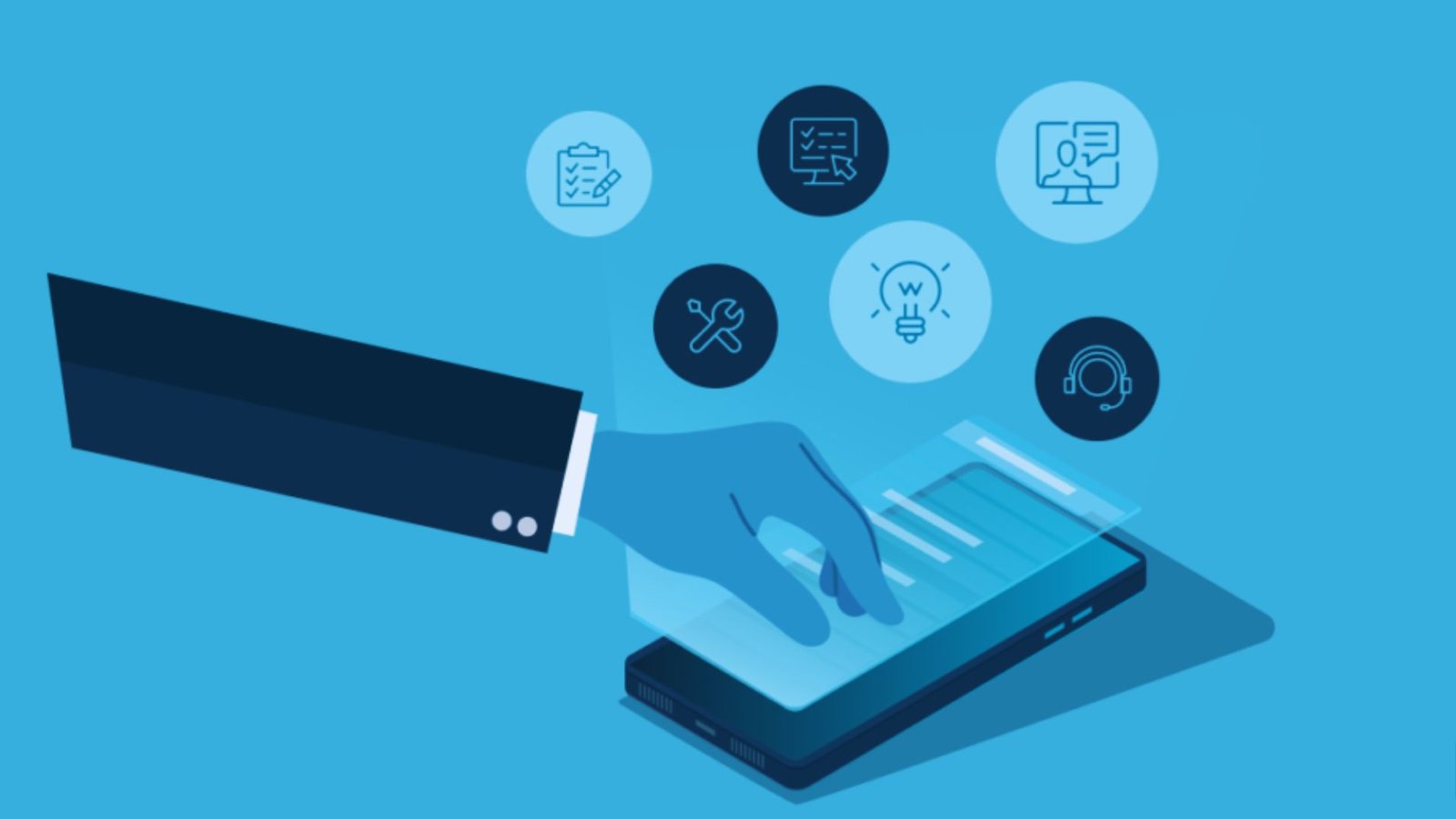
Follow these steps to move from reactive chaos to a steady, well-managed IT environment.
Start with a Clear Assessment and the Right Tools
First, look at what you currently have. Find weak points, outdated hardware, and security gaps. Once you know where things stand, deploy Remote Monitoring and Management (RMM) tools.
These let your IT team watch and manage systems from anywhere, track performance, and flag issues in real time.
Automate Tasks and Build a Scalable Setup
Manual work slows teams down and leads to mistakes. Automate routine tasks like backups, updates, and system checks so your IT team can focus on bigger priorities.
At the same time, build an infrastructure that grows with your business. Cloud-based tools make it easy to add users and services without starting from scratch each time.
Keep Reviewing and Improving Over Time
Proactive IT is not something you set up once and forget. Regular reviews help you catch new risks, improve system performance, and make sure your IT strategy stays in line with your business goals.
Small, consistent improvements over time make a big difference in the long run.
Proactive IT Management for Local Businesses

Regional businesses have specific needs, and proactive IT support can be built around them.
Proactive IT Management Wisconsin
Wisconsin businesses face real pressure to stay compliant and competitive. Proactive IT support helps local companies meet industry regulations, keep systems running without interruption, and grow without forcing a full IT overhaul each time.
It keeps compliance documentation current and security tight at all times. When IT runs well in the background, your team can stay focused on growing the business instead of dealing with tech problems.
Proactive IT Management Pittsburgh
Pittsburgh companies are modernizing fast and older systems are not keeping up. A proactive IT strategy helps businesses move to newer, more secure setups without major disruption.
Security-first planning means threats get handled before they cause real damage to your operations. Having the right IT foundation in place makes every other part of the business run more reliably.
Proactive IT Management Illinois
Illinois has many growing businesses that need IT support that scales with them. Cost-effective proactive models give companies enterprise-level protection without the high price tag.
That balance matters for businesses that are expanding but not yet ready for a large in-house IT team. The right proactive setup gives you the support you need now while staying flexible enough to grow with you later.
Benefits of Proactive IT Management
Here is why businesses that switch to this model rarely go back.
Less Downtime and Stronger Security
Problems get caught early, so your team spends less time dealing with outages. At the same time, regular updates and monitoring keep your defenses strong against growing cyber threats. Your business stays up and your data stays safe.
Predictable Costs and Better Productivity
No more surprise repair bills. Proactive support means you pay a steady amount each month, making budgeting simple. When IT runs smoothly, your team focuses on real work instead of fixing tech issues all day.
Compliance and Documentation Made Simple
Many industries require strict records and security standards. Proactive IT management keeps your documentation current and your compliance on track, so you are always ready for audits without last-minute stress.
Tips for Maximizing Proactive IT Management

Small adjustments can make a big difference in how well your IT strategy performs.
- Run performance audits every quarter to catch small gaps before they grow into bigger problems.
- Set smart alert thresholds so your team only gets notified about real issues, not minor noise.
- Keep all software and systems patched on a regular schedule to close security gaps.
- Train staff on IT basics and security awareness to reduce costly human errors.
- Align your IT plan with your business goals so technology supports growth, not just daily operations.
- Review and adjust your IT strategy often to stay ahead of new risks and changes.
Conclusion
When I first started working with businesses on their IT, most of them were stuck in a cycle of fixing things after they broke. It was stressful and costly for everyone. Switching to proactive IT management changed that completely. Systems stayed up.
Teams stayed productive. Costs became predictable. If you are ready to stop putting out fires and start staying ahead, this is the path.
Drop a comment below and share what IT challenge you are facing right now. I would love to help you think it through.
Frequently Asked Questions
What is the main goal of proactive IT management?
The main goal is to prevent problems before they happen. It keeps systems running, reduces downtime, and protects your business from unexpected failures.
How is proactive IT different from break-fix support?
Break-fix support only responds after something goes wrong. Proactive IT management monitors systems constantly and fixes issues before they affect your business.
Is proactive IT management suitable for small businesses?
Yes, it works well for small businesses. Many providers offer scalable plans that give smaller companies access to strong IT support without a large budget.
How often should IT systems be reviewed under a proactive model?
Most businesses benefit from monthly or quarterly reviews. These check-ins help spot new risks, review performance, and keep the strategy aligned with business needs.
What tools are used in proactive IT management?
Common tools include Remote Monitoring and Management (RMM) software, automated patch management systems, backup solutions, and security monitoring platforms. These work together to keep systems healthy and secure.