
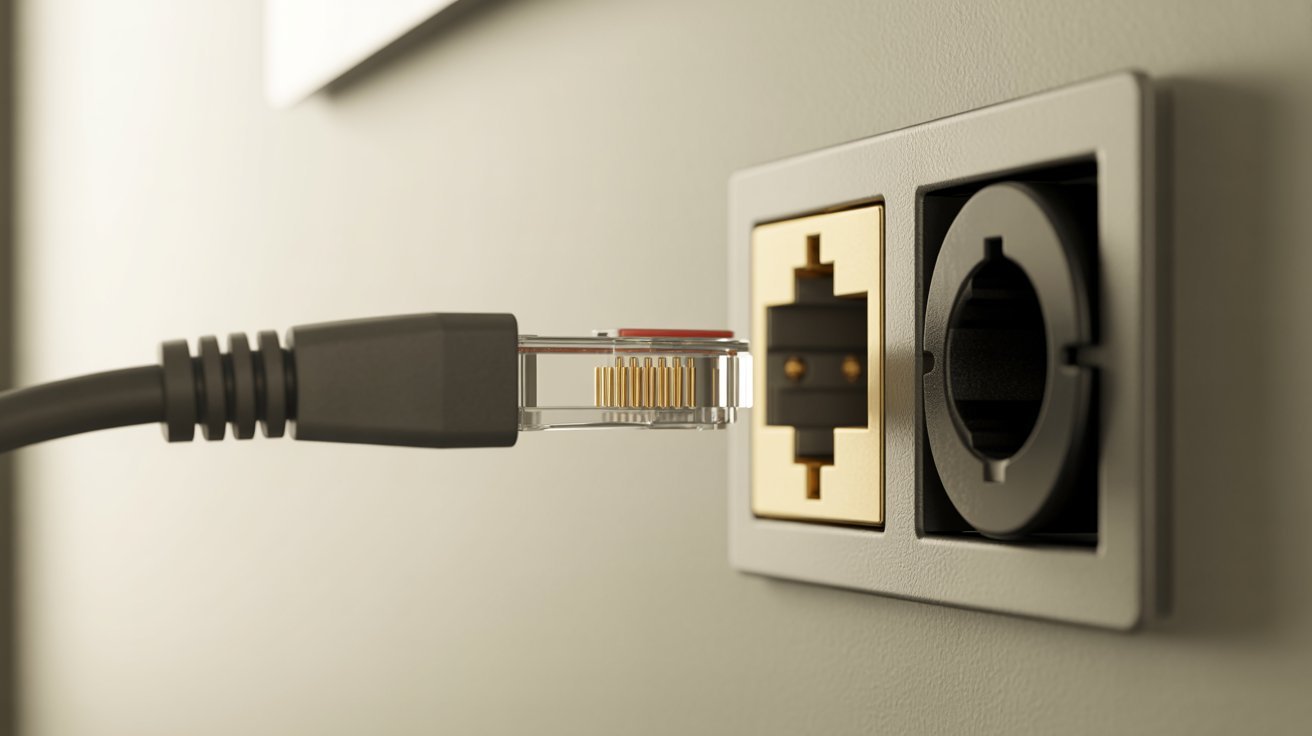
I’ve been there. You’re setting up a router or connecting a device, and you stare at two ports that look almost identical.
Which one is Ethernet? Which one is the phone jack? It’s a confusing situation, and one wrong plug can cause real problems. In this blog, I’ll walk you through exactly how to tell the two apart.
You’ll learn what each port looks like, how they differ in size and pins, and how to avoid plugging into the wrong one. Let’s clear this up for good.
Understanding Ports and Connectors
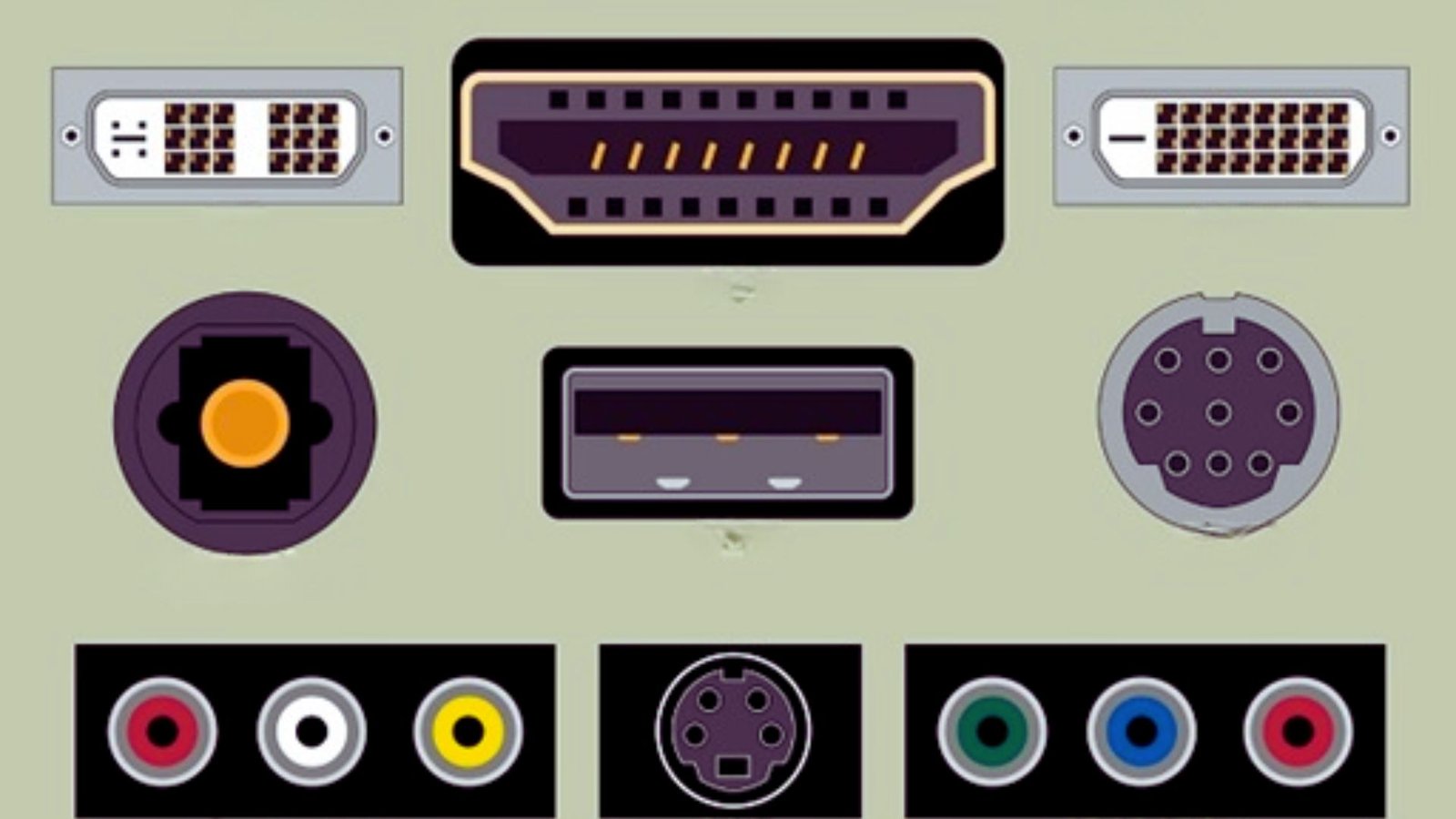
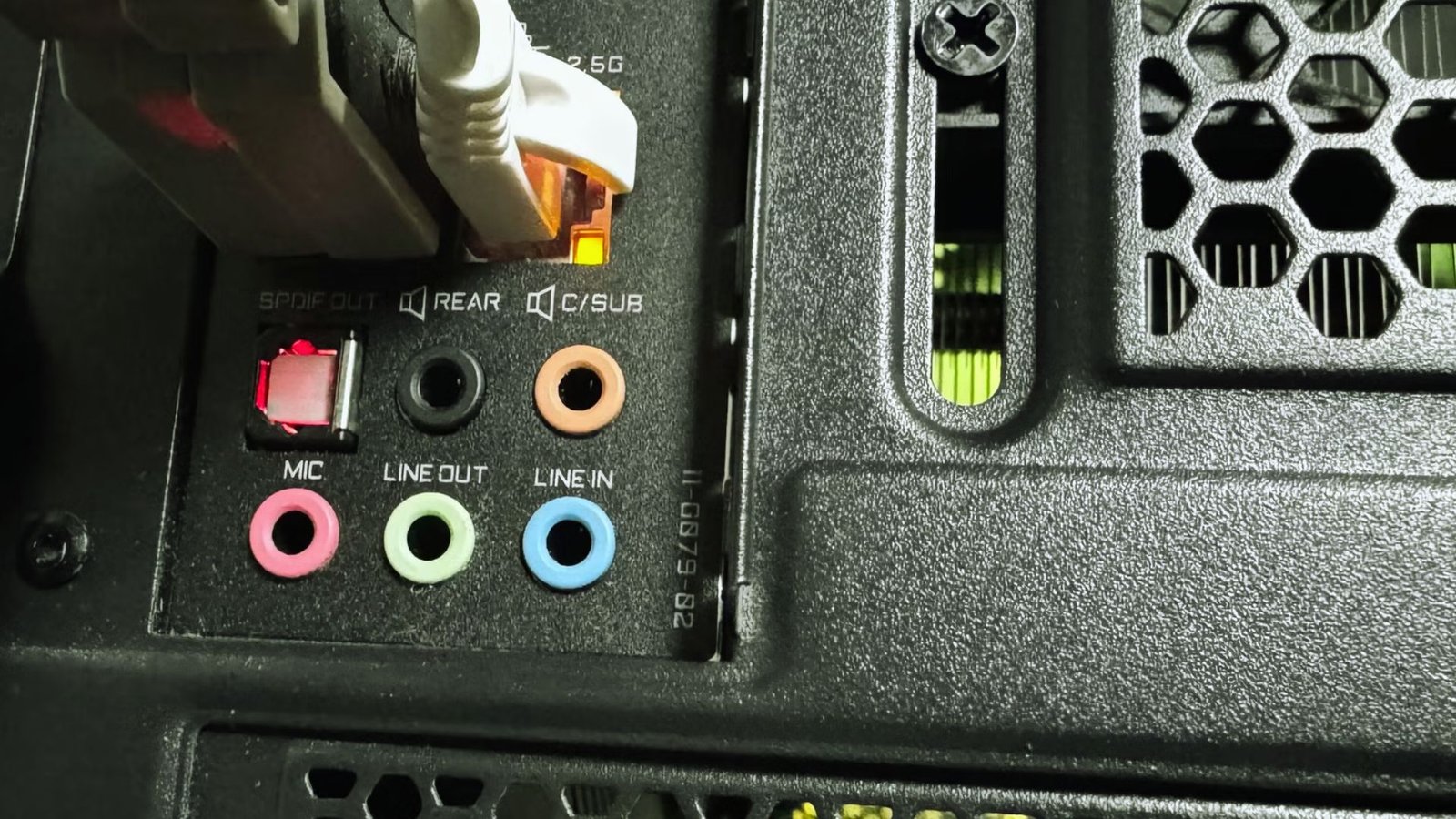
Ethernet ports and phone jacks look almost the same at first glance. Both are small, rectangular slots with a plastic clip on the cable.
That similar design is exactly why so many people mix them up. But they serve very different purposes. One handles internet data for your computer, router, or gaming console.
The other carries analog signals for landline phones or older DSL setups. Knowing the difference saves you from connection problems and a lot of unnecessary troubleshooting.
What Is an Ethernet Port?
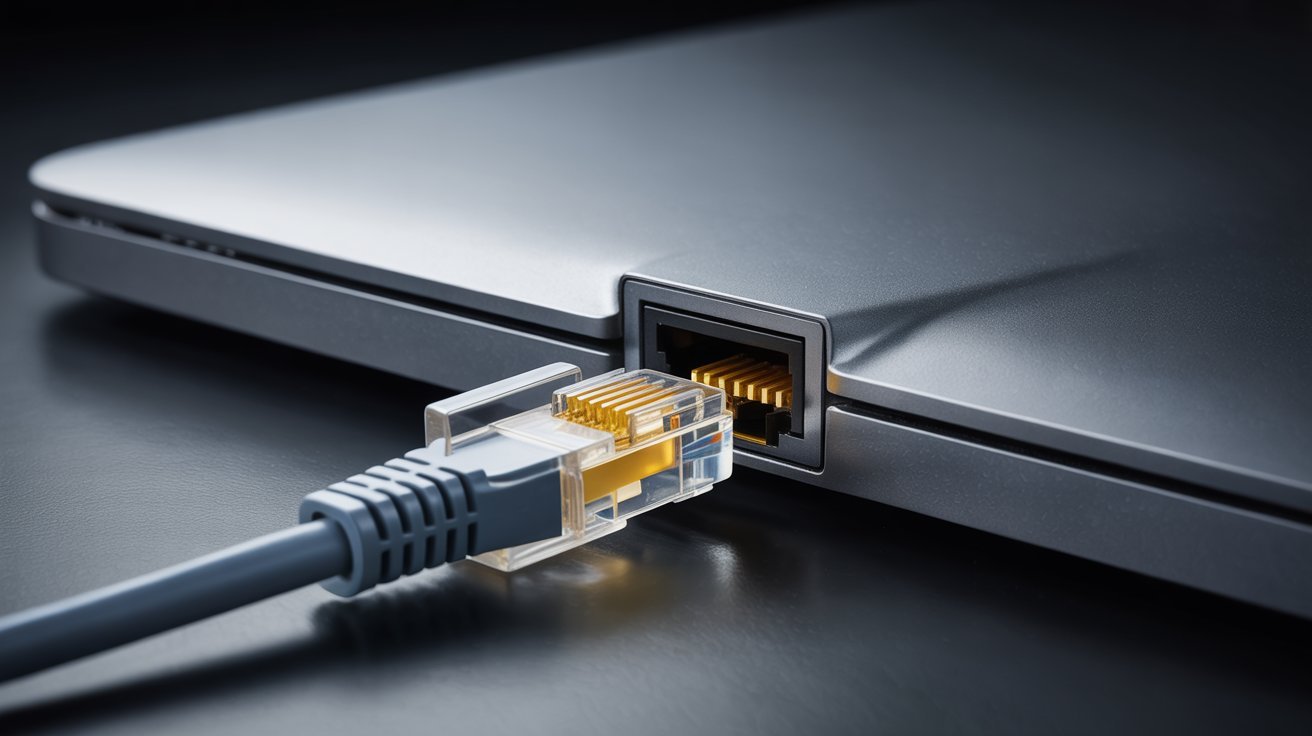
Everything you need to know about Ethernet ports and how to spot one on any device.
Definition and Purpose
An Ethernet port connects devices to a wired network. It allows fast, stable internet access. You’ll find it on laptops, desktops, routers, and wall panels in homes and offices.
Key Identification Features
Here’s how to recognize an Ethernet port
- It uses an RJ45 connector
- It has 8 metal pins inside
- It is wider and slightly taller than a phone jack
- It is labeled LAN, ETH, or has a small network symbol near it
What Is a Phone Jack?
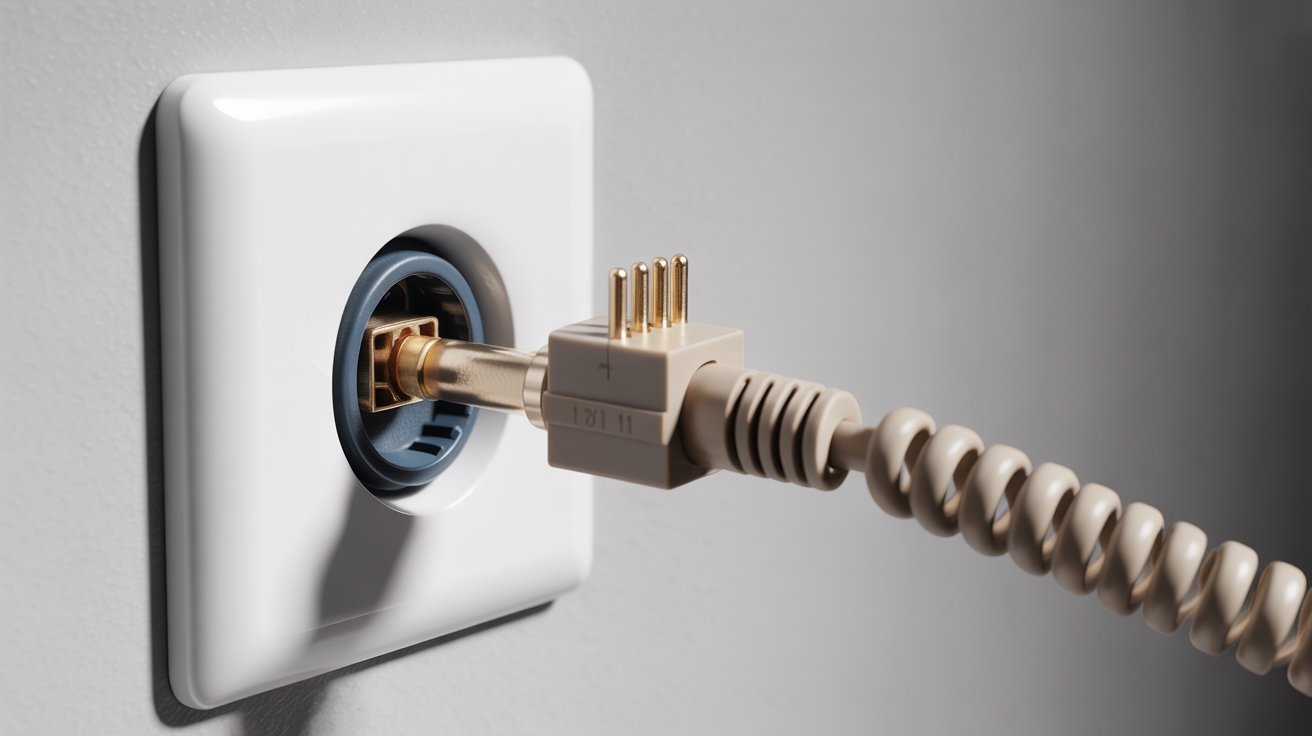
A clear breakdown of the phone jack, its role, and the features that set it apart from Ethernet.
Definition and Purpose
A phone jack connects landline phones to the telephone network. In older homes, it also carried DSL internet signals. You’ll spot them near baseboards or on older wall outlets.
Key Identification Features
Here’s what a phone jack looks like
- It uses an RJ11 connector
- It has 2 to 6 metal pins inside
- It is narrower and smaller than an Ethernet port
- It is labeled TEL or PHONE, or has a small telephone symbol
Ethernet vs Phone Jack- Key Visual Differences
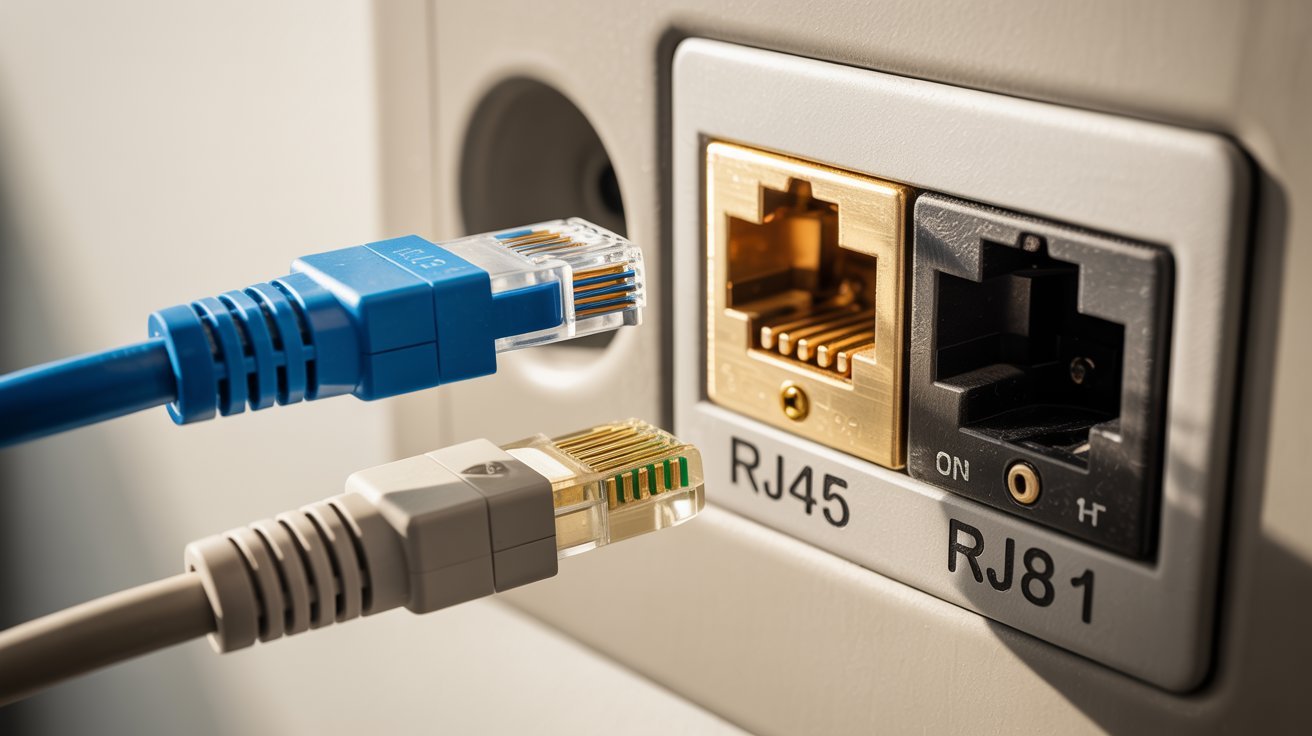
A side-by-side comparison of both connectors so you can tell them apart fast and with confidence.
| Feature | Ethernet Port (RJ45) | Phone Jack (RJ11) |
|---|---|---|
|
Connector Type |
RJ45 |
RJ11 |
|
Width |
Wider and taller |
Narrower and smaller |
|
Number of Pins |
8 thin metal pins in a row |
2 to 6 pins (usually 2 to 4 active) |
|
Common Label |
LAN, ETH |
TEL, PHONE |
|
Primary Use |
Internet/Networking |
Voice/DSL |
|
Found On |
Routers, PCs, switches |
Landlines, old wall outlets |
|
Size Comparison |
RJ45 plug is noticeably bigger |
RJ11 plug is visibly smaller |
|
Cable Fit |
Clicks in firmly and snugly |
Feels loose in an Ethernet port |
|
Cross Compatibility |
RJ45 won’t fit properly in RJ11 slot |
RJ11 won’t lock into an Ethernet port |
|
How to Check |
Place side by side, size difference is clear |
Fewer pins visible inside the connector |
How to Tell the Difference Quickly
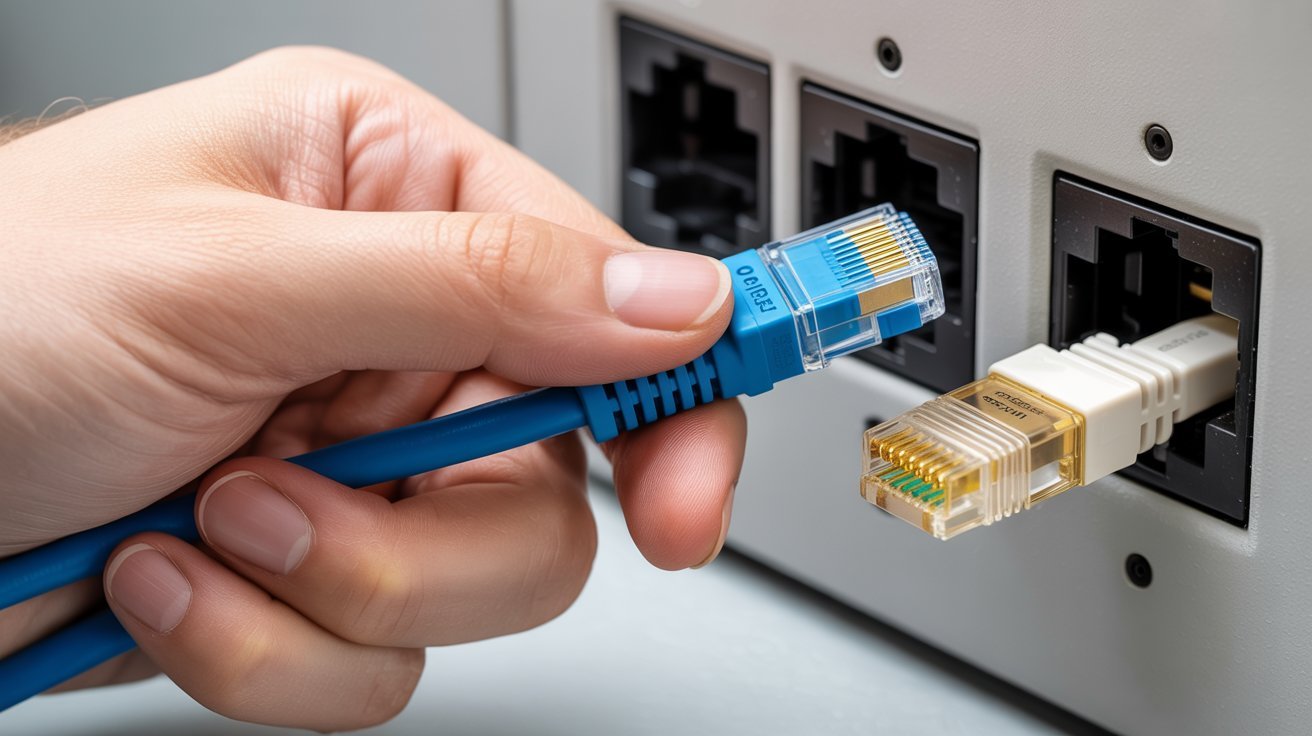
A simple step-by-step guide to help you check ports on your own without any special tools.
Step-by-Step Visual Check
Follow these three steps to check any port-
- Look at the size. Ethernet ports are wider.
- Count the pins. Eight pins mean Ethernet. Fewer pins mean a phone jack.
- Compare the connector. RJ45 is larger. RJ11 is smaller.
Check Labels and Device Placement
Labels are your best friend here. Look for-
- LAN or ETH near the port for Ethernet
- PHONE or TEL for phone jacks
Ethernet ports are usually on the back of routers or near desks. Phone jacks are often near baseboards or on walls in older homes.
Test with the Right Cable
Plug in the Ethernet cable and check if it clicks in firmly. If it feels loose or doesn’t lock, it’s the wrong port. Never force a cable into a port. Forcing can damage both the cable and the connector.
Can You Use a Phone Jack for Ethernet?
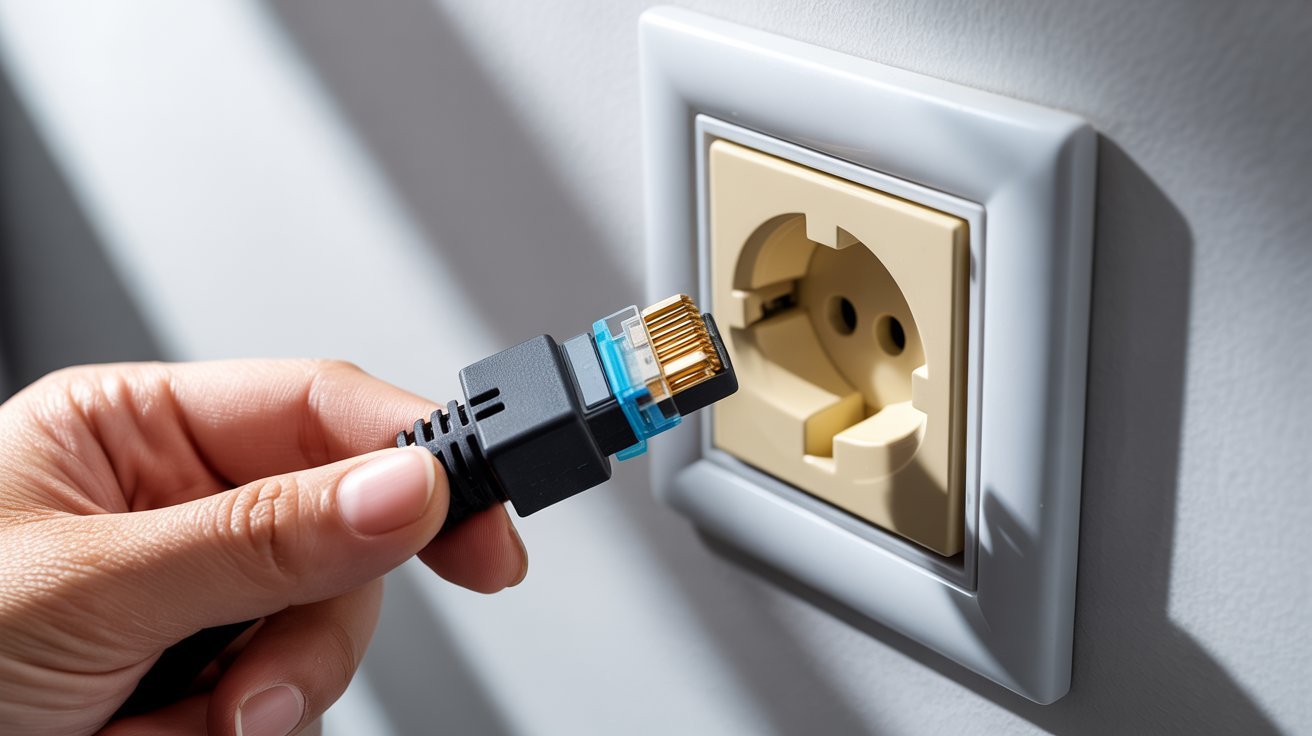
A phone jack is not built for internet use. It has fewer wires and a much lower bandwidth than an Ethernet port, so modern internet simply cannot run through it properly.
The only exceptions are older DSL setups or special phone-to-Ethernet rewiring projects. For regular home internet, a phone jack will not work and can cause very slow speeds, frequent drops, or no connection at all.
It is not worth trying. Always use the correct Ethernet port.
Practical Tips to Avoid Port Confusion
Simple habits that save time, frustration, and keep your internet connection running smoothly.
- Always use RJ45 cables for Ethernet ports and RJ11 cables for phone jacks. Never swap them.
- Check the connector size before plugging in if you are ever unsure which cable to use.
- Label your cables with tape or cable tags so you always know which one goes where.
- Look for port labels like LAN or ETH for Ethernet and TEL or PHONE for phone jacks before connecting.
- If your home still runs on old phone wiring, upgrade to proper Ethernet cables for faster and more stable speeds.
Conclusion
Once you know what to look for, telling an Ethernet port from a phone jack is actually pretty simple. Check the size, count the pins, and read the labels.
I used to mix these up myself, and one wrong plug meant 20 minutes of troubleshooting. Now I always double-check before connecting anything.
If this blog helped you, drop a comment below and let me know. Share it with someone who’s been confused by these ports too. And if you want more helpful tech tips, check out our other posts.
Frequently Asked Questions
What is the main difference between an Ethernet port and a phone jack?
An Ethernet port uses an RJ45 connector with 8 pins and handles internet data. A phone jack uses an RJ11 connector with 2 to 6 pins and carries voice signals.
Can an Ethernet cable fit into a phone jack?
An Ethernet cable is too wide to fit properly into a phone jack. It may enter loosely but won’t click in or work correctly. Always use the right cable for the right port.
How do I know if I have an Ethernet port or a phone jack on my wall?
Look at the size and pin count. Ethernet ports are wider with 8 pins. Phone jacks are narrower with fewer pins. You can also check the label printed near the port.
Will my internet work if I plug into a phone jack by mistake?
Most likely not. Phone jacks don’t support the wiring needed for modern Ethernet internet. You may get no connection at all or a very slow and unstable one.
Is it safe to force a cable into the wrong port?
No. Forcing a cable can bend or break the metal pins inside the port. It can also damage the cable connector itself. Always confirm the fit before applying any pressure.