
I get this question a lot. Friends, family, even coworkers ask me if their Chromebook is really safe or if they need to install something extra. It is a fair concern. Do Chromebooks need antivirus protection?
The short answer is; not always, but it depends on how you use your device. In this blog, I will walk you through how ChromeOS security works, what threats are actually real, and when antivirus software might make sense for you.
I have spent time looking into this so you do not have to guess.
The Real Answer to Chromebook Antivirus Protection
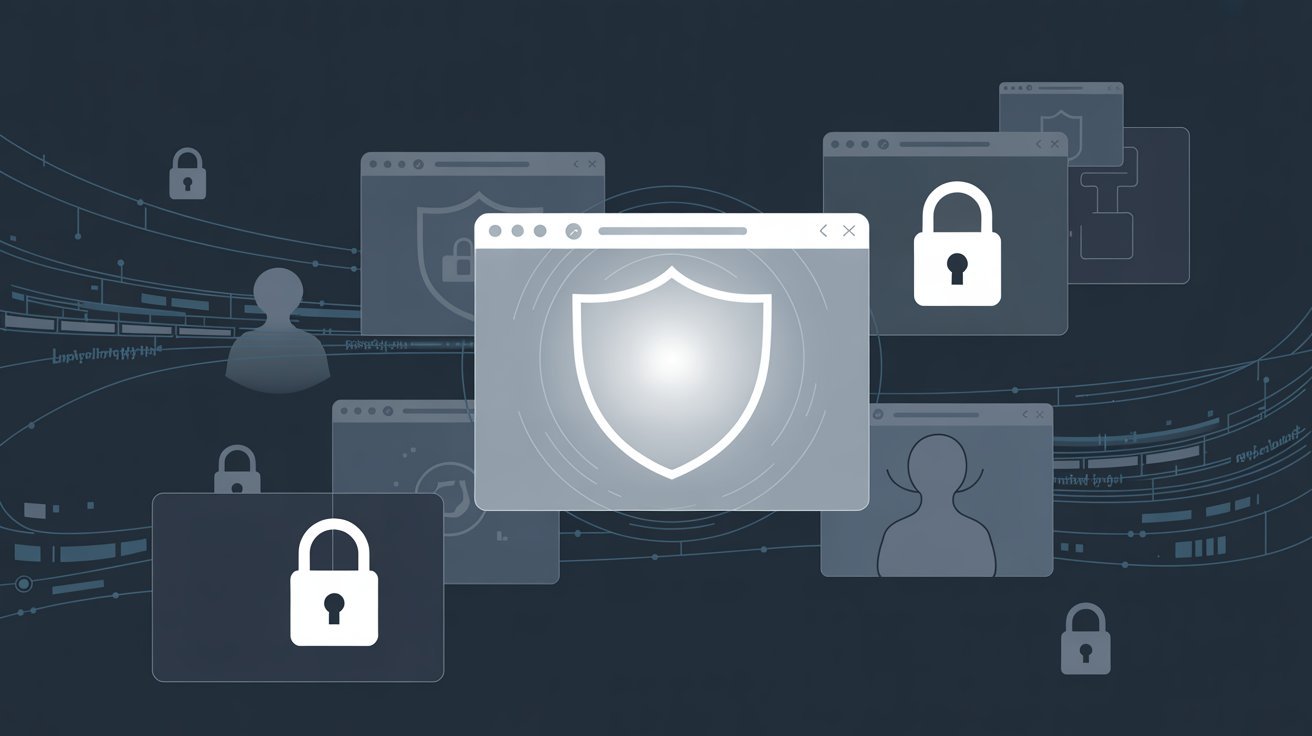
Most users do not need antivirus software on a Chromebook. ChromeOS is designed from the ground up to block most threats through a layered security system that runs quietly in the background.
That said, threats like phishing sites, bad Chrome extensions, and unsafe Android apps can still reach you.
In this blog, you will learn how ChromeOS protects you by default, what threats can still affect Chromebooks, when antivirus software is worth it, and simple steps to stay protected without any extra apps.
Understanding Chromebook Security. How Safe Are They?
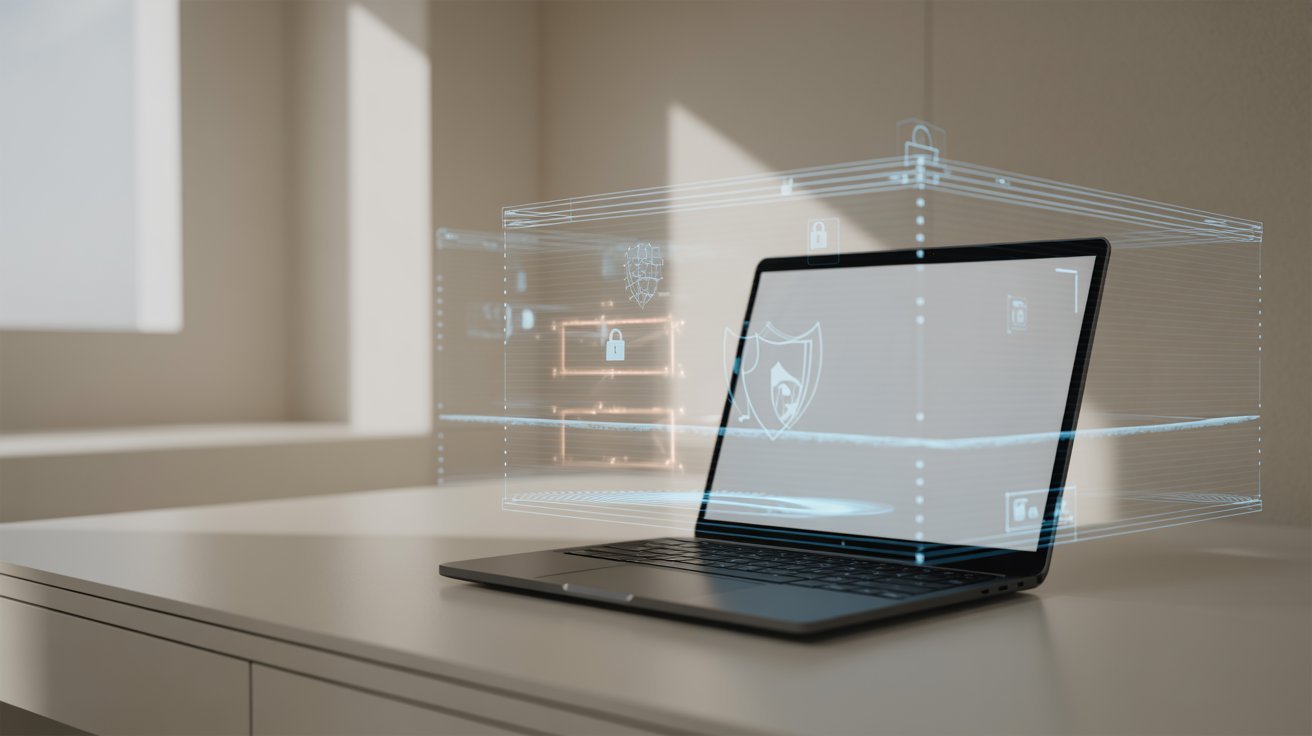
ChromeOS comes packed with built-in protections that make it one of the safer operating systems available today.
Built-in Security Features of ChromeOS
ChromeOS uses three core protections;
Sandboxing keeps each tab and app isolated. If one gets infected, it cannot spread to the rest of your system.
Verified Boot checks your system every time you start up. If anything looks wrong, it fixes itself automatically.
Auto Updates run in the background without you doing anything. You always have the latest security patches.
These three features work together and they work well.
Why Chromebooks Are Safer Than Traditional Laptops
Traditional laptops run .exe files. Most malware is built to target those files. ChromeOS does not run them. That alone removes a huge category of threats.
Chromebooks also limit what apps can access on your device. This makes it harder for any bad software to do real damage even if it gets in.
Can Chromebooks Get Viruses or Malware?

Chromebooks are resistant to traditional viruses, but a few types of malware can still find their way in.
Why Traditional Viruses Are Rare
Classic viruses need to install themselves and run in the background. ChromeOS does not let that happen. Apps are sandboxed.
Files cannot run freely across the system. This design makes traditional virus infections almost impossible on a Chromebook.
Types of Malware That Can Still Affect Chromebooks
Even with strong protections, a few threats can slip through:
- Adware injected through bad browser extensions
- Spyware hidden inside shady Android apps
- Browser hijackers that change your settings without permission
- Phishing pages that trick you into giving up your login info
These are not viruses in the traditional sense. But they can still cause real problems.
Common Threats That Make Users Ask “Do Chromebooks Need Antivirus?”
Real-world threats still exist for Chromebook users, even if full viruses are rare.
Phishing and Scam Websites
These are fake sites that look real. They try to steal your passwords, credit card numbers, or personal info. ChromeOS cannot block these on its own. You need to stay alert and check URLs before entering any data.
Malicious Chrome Extensions
Some extensions in the Chrome Web Store are not safe. They can track your browsing, inject ads, or steal data. Always check reviews and permissions before installing anything.
Unsafe Android Apps
Chromebooks can run Android apps through the Play Store. Not all Play Store apps are vetted perfectly. Some carry hidden code that tracks you or bombards you with ads. Stick to well-known apps with strong ratings.
Google Account Breaches
Your Chromebook is tied to your Google account. If that account gets compromised, your data, emails, and files are at risk. This has nothing to do with ChromeOS itself, but it is a real threat worth addressing.
Do Chromebooks Need Antivirus Software for Everyday Use?
Antivirus is not always necessary, but the answer changes based on how you use your Chromebook.
When Antivirus Is Not Necessary
If you mostly browse the web, use Google Docs, and stream videos, ChromeOS protections are enough. Stick to trusted extensions, keep your system updated, and avoid random links. For basic use, antivirus adds little value.
When Antivirus Protection Is Recommended
Consider antivirus software if you install many Android apps, use your Chromebook for work, let kids use the device unsupervised, or often visit less mainstream websites.
Benefits of Using Antivirus Software
A good antivirus app can scan Android apps, block phishing sites in real time, and alert you to suspicious account activity. It is worth it if you handle sensitive data regularly.
Tips to Protect Your Chromebook Without Antivirus
You can keep your Chromebook secure with a few simple habits and no extra software required.
- Only download apps and extensions from the Chrome Web Store or Google Play Store
- Check app permissions before installing — too much access is a red flag
- Never click links in unknown emails or download files from random sites
- Set up two-factor authentication on your Google account for an extra layer of security
- Go to Settings and check for ChromeOS updates regularly to stay protected
Conclusion
So, do Chromebooks need antivirus protection? For most people, no. ChromeOS does a solid job on its own. But if you use your device for work, install lots of apps, or handle personal data regularly, a little extra protection never hurts.
Personally, I keep my Chromebook clean by sticking to trusted apps and enabling 2FA. Small habits make a big difference.
Try one tip from this post today and see how it feels. Have questions or a tip of your own? Drop it in the comments below!
Frequently Asked Questions
Can a Chromebook get hacked?
Yes, it is possible. ChromeOS is very secure, but your Google account can still be targeted. Using strong passwords and 2FA greatly reduces this risk.
Is Google Play safe on a Chromebook?
Most Play Store apps are safe, but not all. Always check app permissions and read user reviews before downloading anything new.
Do I need to pay for antivirus on a Chromebook?
Not necessarily. Free options like Malwarebytes offer basic protection. Paid versions add more features, but free tools work well for most users.
Does antivirus slow down a Chromebook?
It can, slightly. Chromebooks often have limited RAM, so a heavy antivirus app may affect performance. Choose lightweight options designed for ChromeOS.
How do I know if my Chromebook has malware?
Watch for signs like slow performance, constant ads, new extensions you did not install, or your browser homepage changing on its own. These point to a possible infection.