
I started caring about browser privacy after noticing how targeted ads followed me everywhere online. It felt intrusive. If you feel the same, you are not alone.
This guide covers the 11 best conservative web browsers for privacy and security. I will walk you through what makes a browser truly private, why so many people are switching away from Big Tech, and which option fits your needs best.
I have spent time researching each one so you do not have to. By the end, you will know exactly which browser keeps your data safe.
What Is a Conservative Web Browser?

Most mainstream browsers collect more data than you might expect. Every click, search, and site visit can be tracked and used for ads.
A conservative web browser works differently. It limits tracking, keeps no hidden logs, and never builds a profile on you. The goal is simple- keep your information away from third parties. No behavioral data. No profiling.
Just clean, secure browsing. People are waking up to how much Chrome and similar browsers collect. More users now want a browser that respects their privacy right from the start.
Why Users Are Switching to Conservative Web Browsers
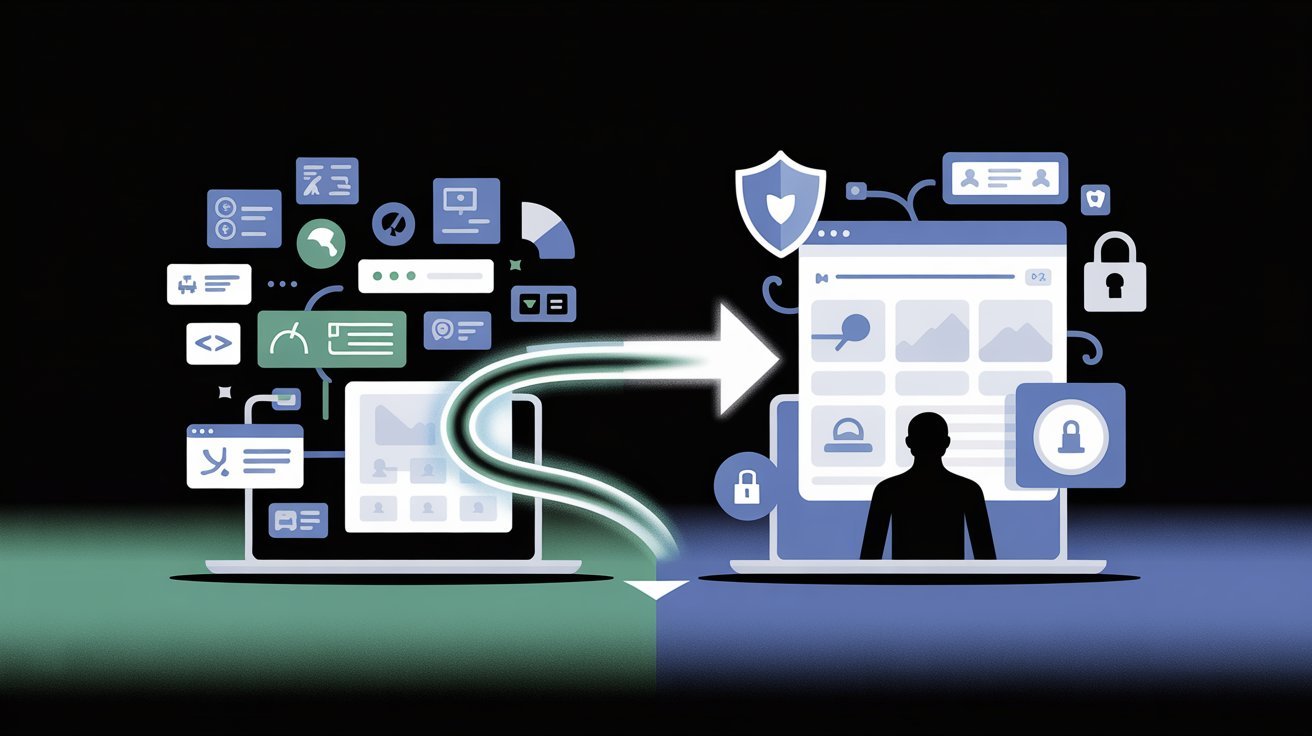
More people are ditching Big Tech browsers for ones that put privacy first.
Concerns About Data Tracking
Most mainstream browsers track your behavior. They collect browsing history, location data, and search patterns. Conservative browsers block tracking scripts and avoid storing personal data altogether.
Need for Private & Anonymous Browsing
Some users need true anonymity. Journalists, activists, and everyday people who value their privacy all benefit from browsers that do not follow them around the web.
Desire for More Control
Conservative browsers let you decide what gets blocked and what does not. You get full transparency. No hidden settings. No data sent to a corporation without your knowledge.
Key Features to Look for in a Conservative Web Browser

Know what to check before picking a browser that truly protects your privacy.
No Tracking or Data Collection
Look for browsers that keep no logs and block third-party cookies by default.
Strong Security Protection
HTTPS enforcement and encryption are must-haves. They protect your connection from being intercepted.
Built-in Ad & Tracker Blocking
A good private browser blocks ads and trackers automatically. This also speeds up page loading.
Transparency & Open Source
Open-source browsers let anyone review the code. That means no hidden data collection tricks.
Customization & User Control
You should be able to adjust privacy settings to match your comfort level at any time.
11 Best Conservative Web Browsers for Privacy & Security
Here are the top picks that offer real privacy protection without the Big Tech baggage.
1. Brave Browser

Brave blocks ads and trackers by default. It has a built-in VPN option and a rewards system. Privacy level- High.
Best for- Users who want speed paired with strong privacy.
2. Tor Browser

Tor routes your connection through multiple servers worldwide. It offers the highest level of anonymity available in a browser. Privacy level- Very High.
Best for- Users who need serious, no-compromise privacy.
3. Mozilla Firefox (Hardened)
Firefox is open source and highly customizable. With the right settings and extensions, it becomes a powerful privacy tool. Privacy level- High.
Best for- Tech-savvy users who like to configure their setup.
4. LibreWolf

LibreWolf is a Firefox fork built specifically for privacy. It comes with strict settings right out of the box. Privacy level- High.
Best for- Users who want Firefox without the extra data sharing.
5. Ungoogled Chromium
This is Chrome without Google. It removes all Google services and tracking. Privacy level- High. Best for- Users who love Chrome’s speed but not the surveillance.
6. Epic Privacy Browser
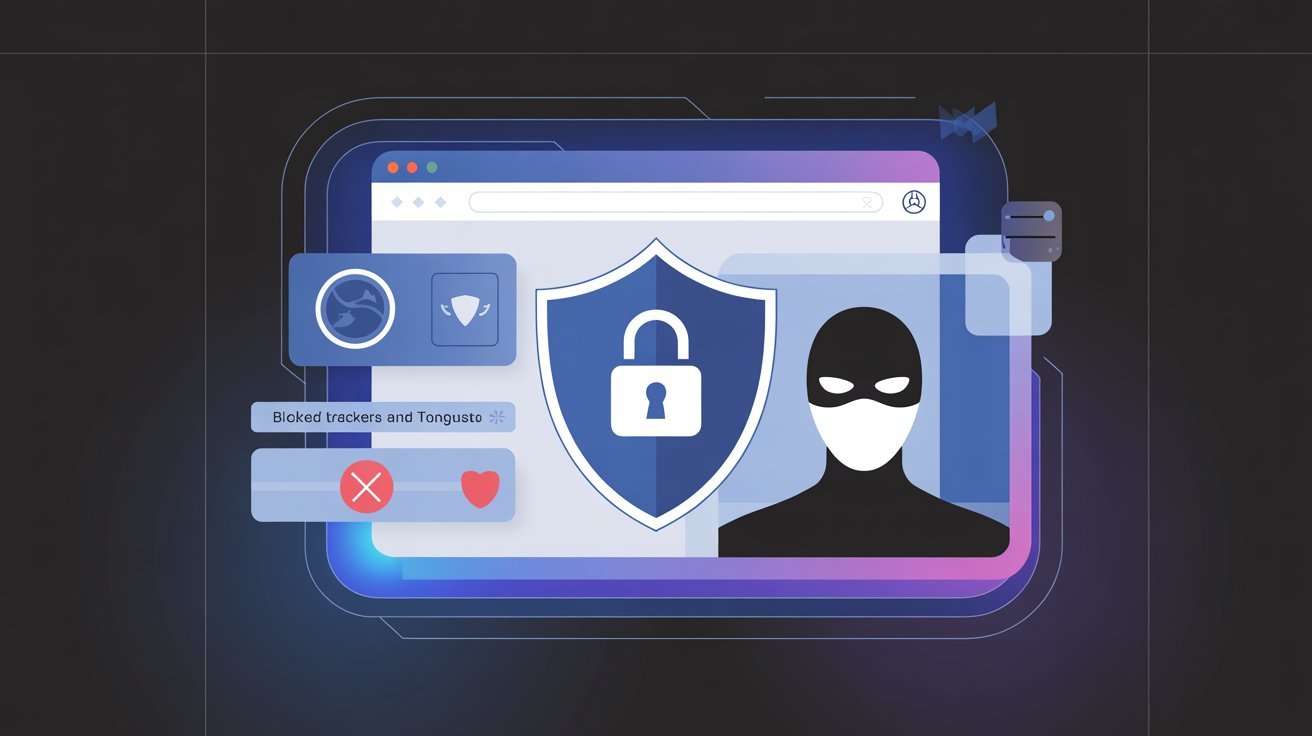
Epic blocks trackers, ads, and even DNS requests. It has a built-in encrypted proxy. Privacy level- High.
Best for- Users who want strong privacy without a complicated setup.
7. Waterfox
Waterfox is a Firefox-based browser focused on speed and privacy. It also supports older Firefox extensions. Privacy level- Medium-High.
Best for- Users moving away from modern Firefox.
8. Pale Moon

Pale Moon is lightweight and efficient. It focuses on user customization and minimal data collection. Privacy level- Medium-High.
Best for- Users with older machines or a preference for a classic browsing feel.
9. Basilisk Browser
Basilisk is another Firefox-based option with good extension support. It skips telemetry and extra data collection entirely. Privacy level- Medium-High.
Best for- Minimalist users who want simplicity.
10. Iridium Browser

Iridium is based on Chromium but strips out all tracking features. It is regularly updated for security patches. Privacy level- High.
Best for- Chromium fans who want more control over their data.
11. DuckDuckGo Browser

DuckDuckGo’s browser blocks trackers by default and is very beginner-friendly. Privacy level- High.
Best for- Users who want privacy without any technical setup.
Are Conservative Web Browsers Better Than Chrome or Edge?
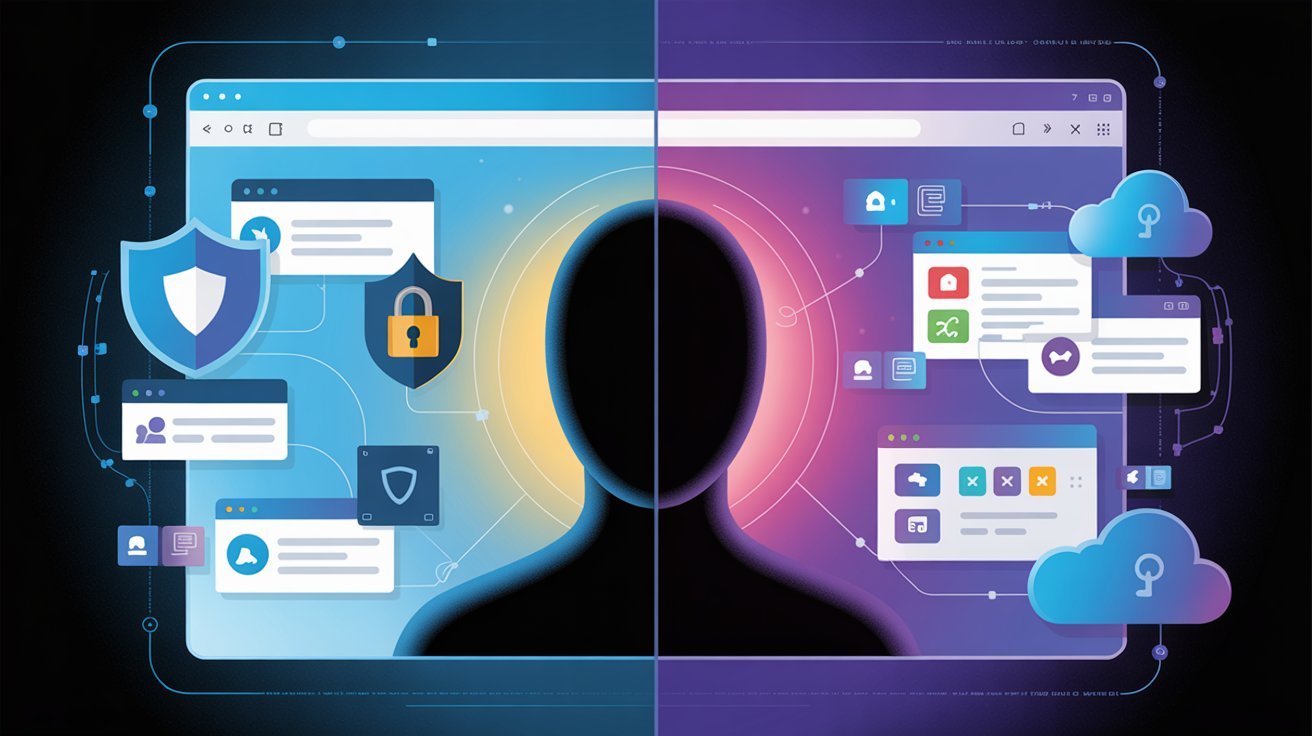
A straight comparison of privacy browsers versus the most popular mainstream options.
Advantages
Privacy browsers do not collect your data. They block most tracking scripts. They often deliver a cleaner, faster experience because they are not loading ad content in the background.
Limitations
Some websites may not work perfectly on privacy browsers. Extensions and syncing features may feel limited compared to Chrome or Edge.
Who Should Use Them
Anyone who values their data should consider making the switch. Journalists, remote workers, and privacy-conscious users will benefit the most from these options.
Tips to Maximize Privacy While Using a Conservative Web Browser
Small steps can make a big difference in how private your browsing really is.
- Add extensions like uBlock Origin or Privacy Badger for extra tracker blocking.
- Turn on the strictest privacy settings available in your browser.
- Stay logged out of accounts to keep your sessions clean.
- Use a VPN to hide your IP address and add another layer of protection.
- Always run the latest browser version to stay safe from new threats.
Conclusion
Switching to a conservative web browser was one of the best decisions I made for my online privacy. Once I stopped using Chrome, I noticed fewer intrusive ads and a lighter, faster experience.
You do not need to be a tech expert to make the switch. Start with something simple like Brave or DuckDuckGo. Try one, get comfortable, and go from there. Your data is yours. No one else should have it.
Drop a comment below and share which browser you are trying. I would love to hear your experience!
Frequently Asked Questions
What is the safest conservative web browser?
Tor Browser offers the highest level of anonymity available today. Brave is a close second and is much easier to use on a daily basis.
Are these browsers completely anonymous?
No browser offers 100% anonymity. Tor comes closest, but pairing any private browser with a VPN adds a meaningful extra layer of protection.
Can I switch from Chrome easily?
Yes. Most conservative browsers let you import bookmarks and passwords directly from Chrome. Brave and DuckDuckGo make the process very simple and fast.
Do these browsers slow down browsing?
Most privacy browsers are actually faster than Chrome. Blocking ads and trackers reduces page load times, which often makes browsing feel noticeably quicker.
Which browser is best for beginners?
DuckDuckGo Browser is the easiest starting point. Brave is also very beginner-friendly and works well right out of the box with no setup required.