
I have spent a lot of time in front of screens. When I first tried a curved monitor, I was not sure it would make any real difference.
But it did. In this post, I will walk you through the benefits of curved monitors so you can decide if one is right for you. I will cover everyday use, gaming, downsides, and tips.
If you are a gamer, a work-from-home professional, or just someone who wants a better screen experience, this guide will help you make a smart choice.
Benefits of Curved Monitor
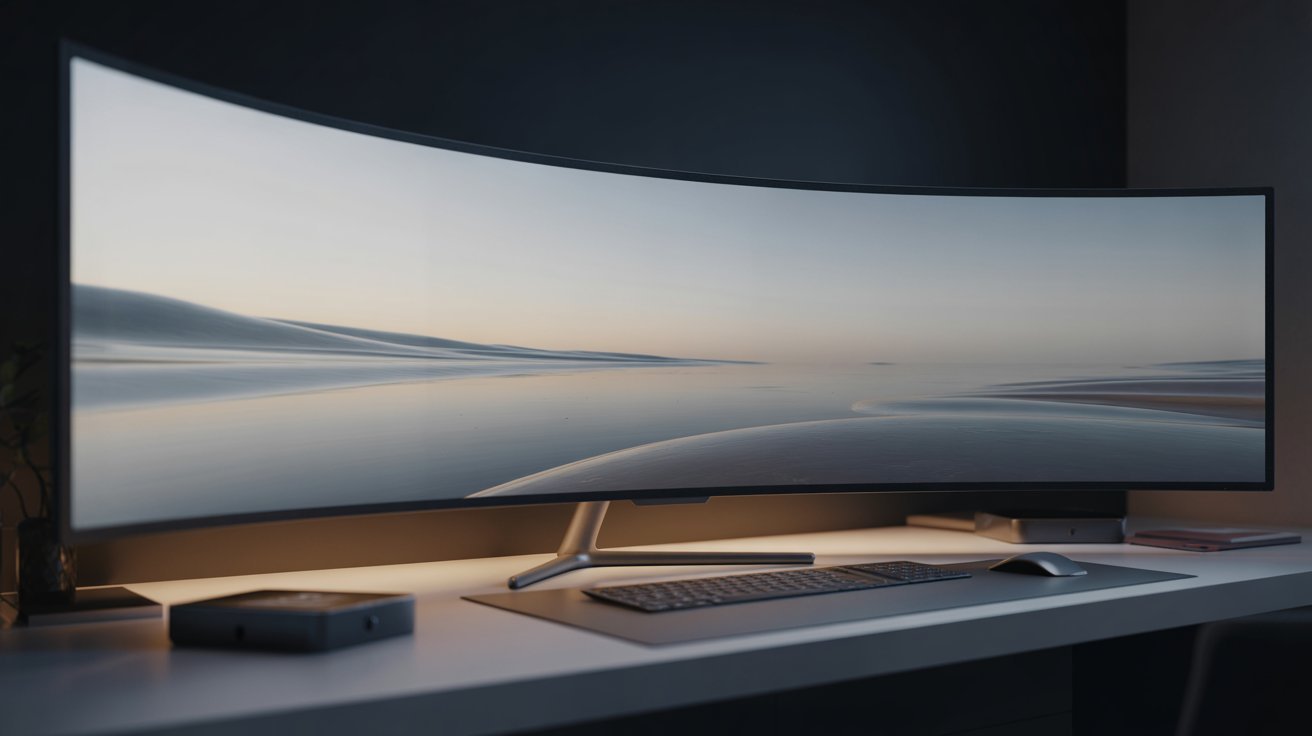
Curved monitors are growing fast in popularity, but most people still wonder if they are worth the money.
Curved monitors are everywhere now. You see them in gaming setups, office desks, and home studios. Sales have gone up steadily over the past few years.But here is the big question. Are the benefits real, or is it just clever marketing?
Gamers, video editors, and people who work long hours tend to get the most out of them. Casual users may not notice as big a difference. This guide breaks it all down for you.
Understanding Curved Monitors: Purpose and Design
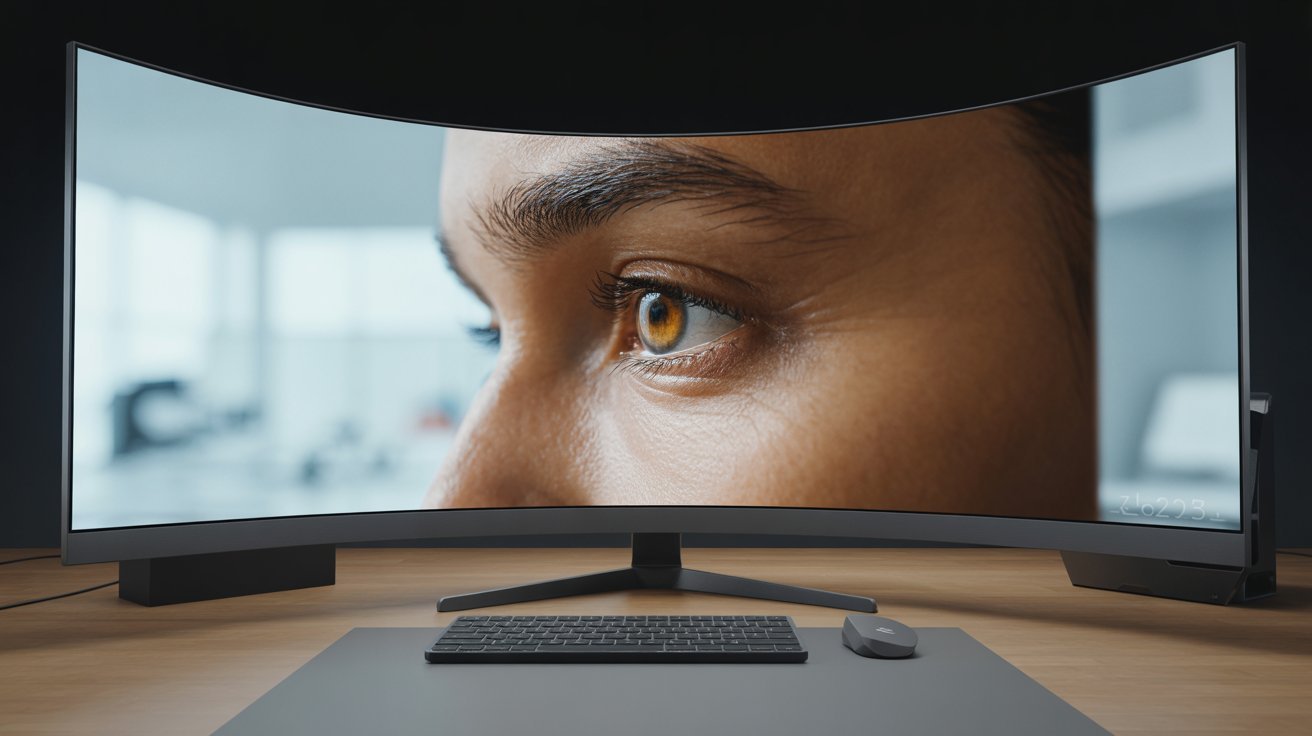
Learn what sets curved monitors apart from flat screens and why they were made in the first place.
What Makes a Monitor “Curved”?
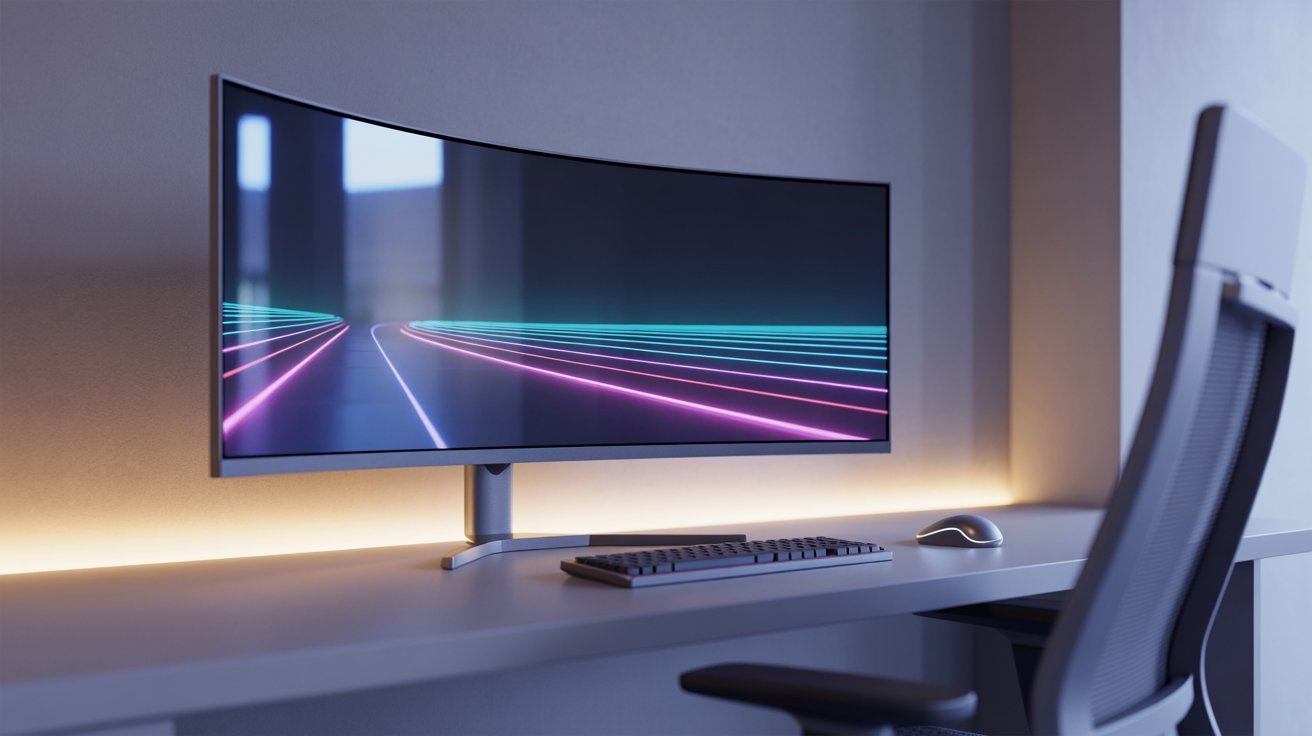
A curved monitor has a screen that bends slightly inward. This curve is measured in millimeters. A 1800R curve means the screen would form a full circle at 1800mm radius. The smaller the number, the more curved the screen.
Why Curved Screens Were Created
Curved screens were made to match how human eyes actually see the world. Our eyes have a natural field of vision that is wide and slightly curved. A flat screen fights against that. A curved screen works with it.
The result is an image that feels more natural. Colors and details stay consistent from edge to edge. There is less need to move your head or refocus your eyes.
Key Benefits of Curved Monitor in Everyday Use
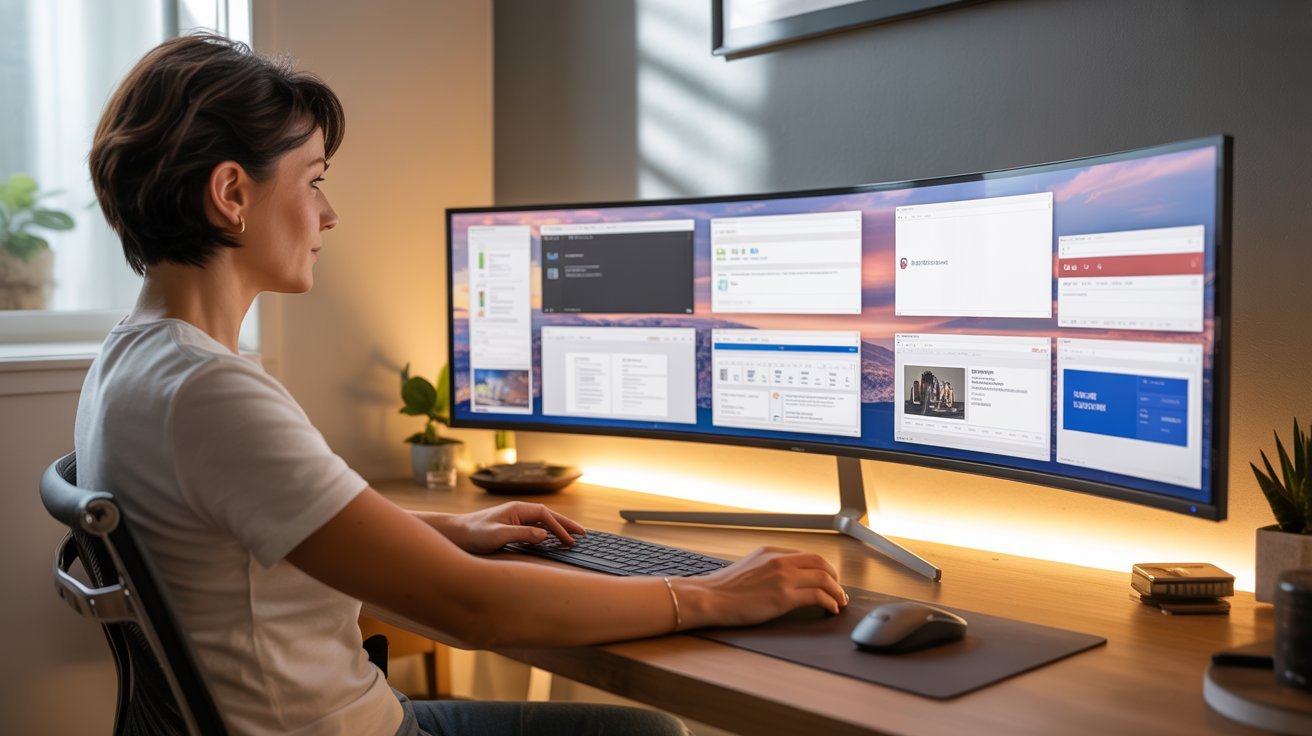
From work to entertainment, curved monitors offer real advantages that flat screens simply cannot match.
More Immersive Viewing Experience
The curve pulls the image closer on the sides. This makes you feel more inside the content. Movies, shows, and games feel more engaging. It is not just a visual trick. The wrap-around effect is genuinely more immersive.
Wider Field of View for Better Multitasking
Curved ultrawide monitors give you more screen space without turning your head. You can have two or three windows open side by side. This makes multitasking much easier. I noticed this right away when I switched from a flat monitor.
Reduced Distortion and Uniform Image Quality
Flat screens stretch the image at the edges. This causes slight distortion, especially on wider screens. Curved monitors reduce that stretch. The image looks more consistent from corner to corner.
Improved Eye Comfort and Viewing Ease
Your eyes do not have to work as hard to scan across a curved screen. The distance from your eyes to each part of the screen stays more even. This can reduce eye strain during long sessions.
Better Focus for Work and Productivity
The curved shape creates a natural boundary around your workspace. It keeps your attention on the screen. Many users report feeling more focused when using a curved monitor for writing, coding, or design work.
Benefits of Curved Monitor for Gaming
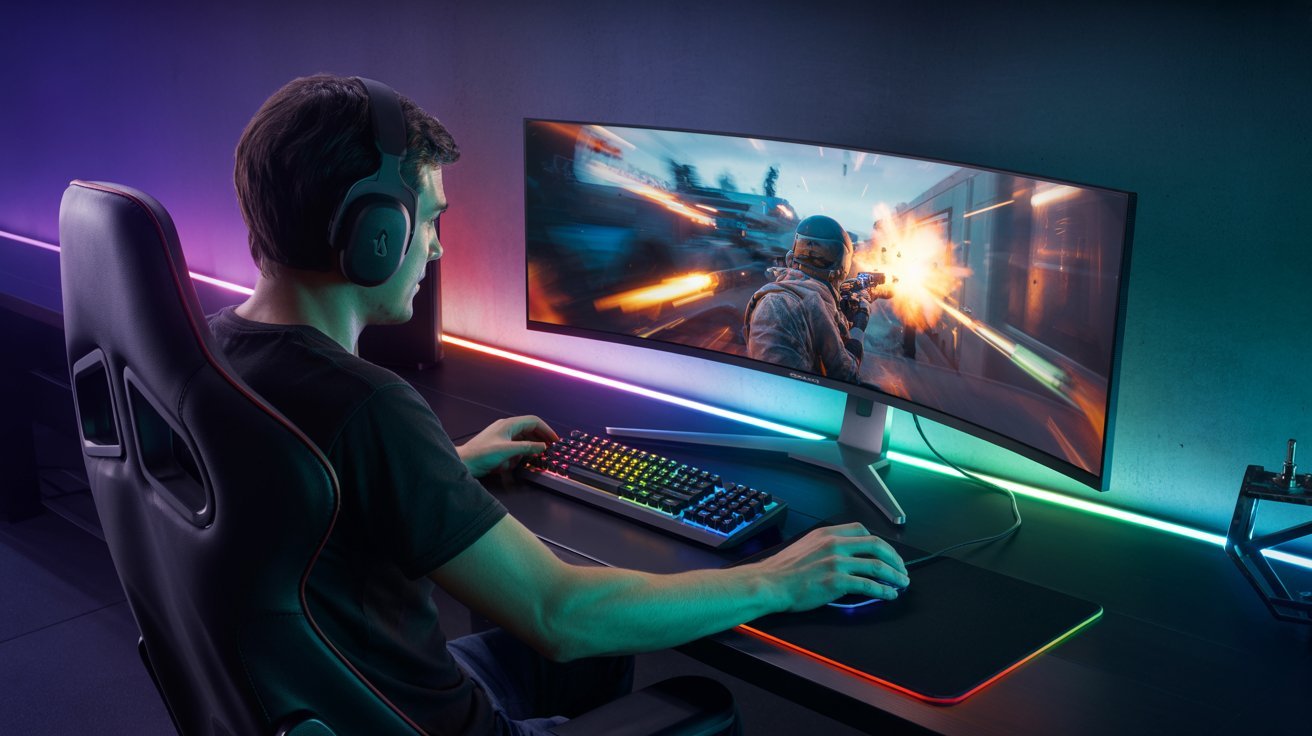
Gamers get some of the biggest gains from curved monitors, especially in fast-paced and open-world games.
Enhanced Immersion and Realism
Gaming on a curved screen feels different from the first minute. The image wraps around your vision. First-person games feel especially real. You feel like you are in the scene, not just watching it.
Better Peripheral Vision in Gameplay
The curved edges bring more of the game into your side vision. You catch movement earlier. This can actually help in competitive games where spotting enemies fast matters.
Improved Depth Perception and Awareness
The slight curve adds a sense of depth to flat game worlds. Distances feel more accurate. Spatial awareness improves. This is useful in racing games, shooters, and open-world titles.
Replacing Multi-Monitor Gaming Setups
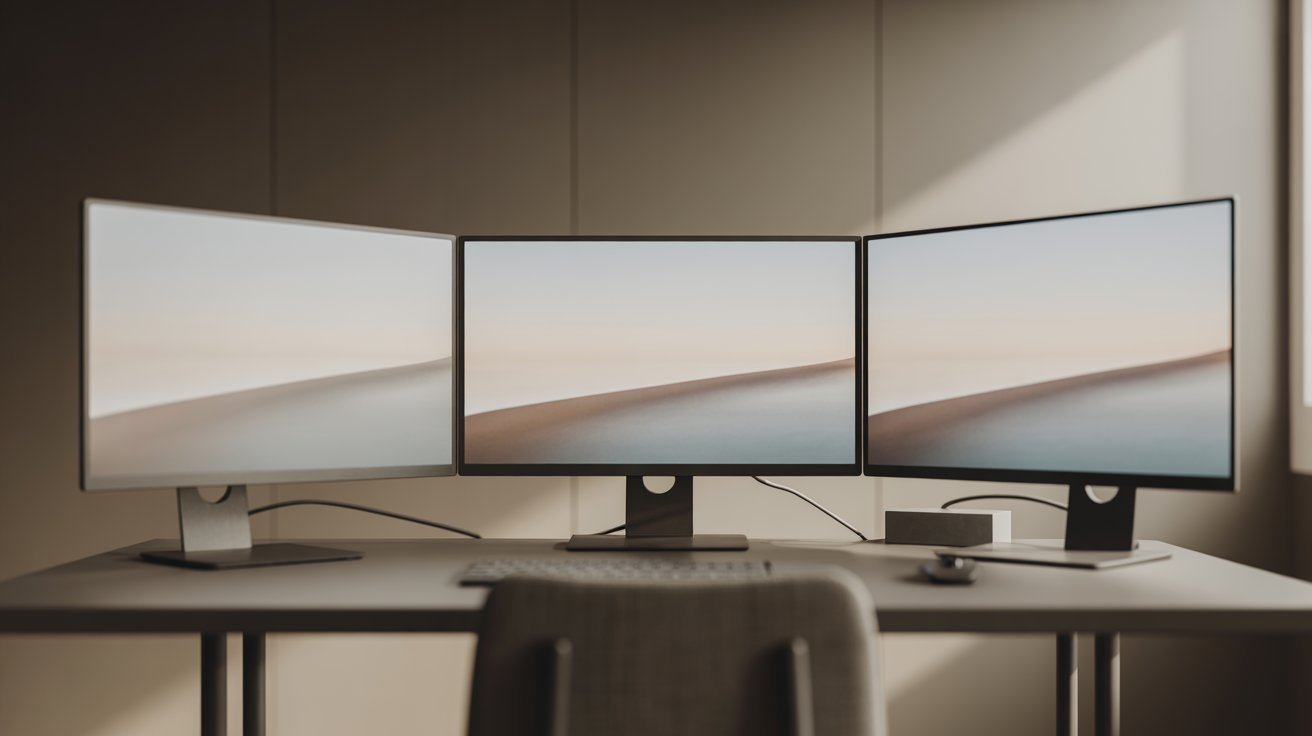
A curved ultrawide can replace a two or three-monitor setup. You get a seamless image without bezels cutting through the middle. It is cleaner and often more practical for gaming.
Are Curved Monitors Really Better or Just Hype?
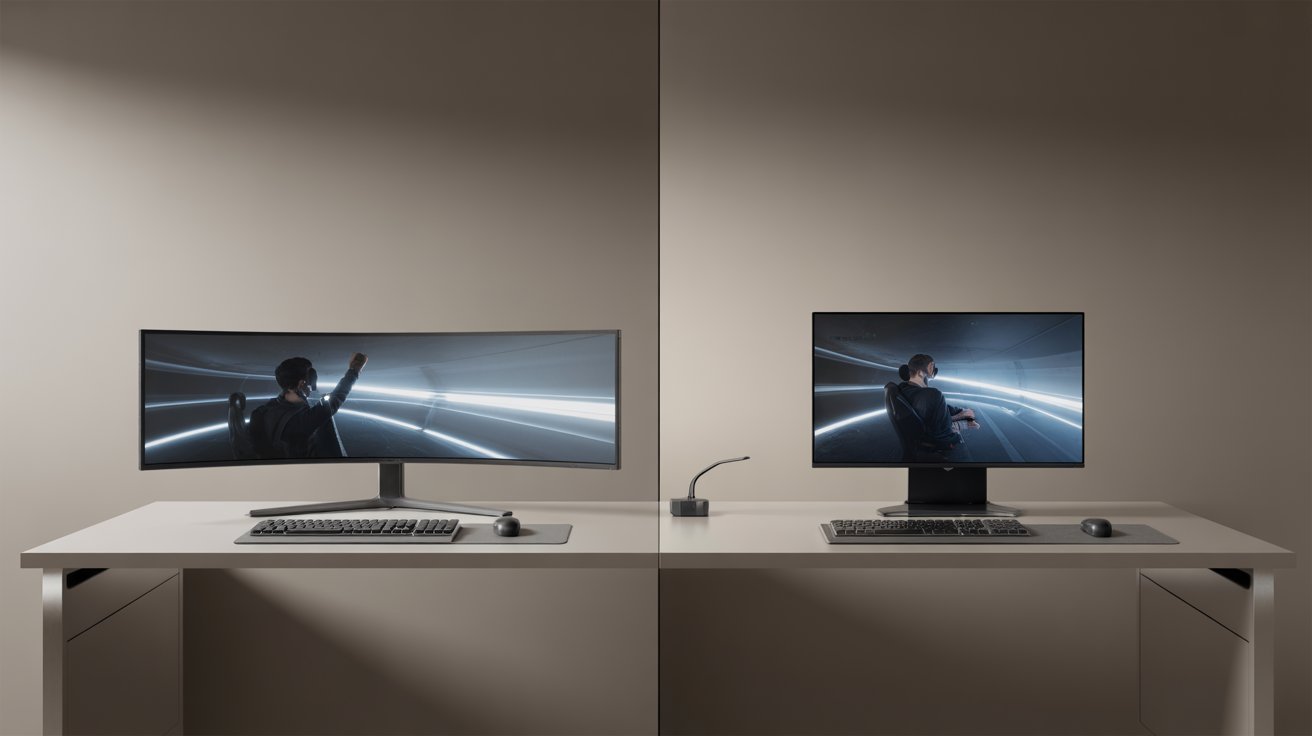
Not every claim about curved monitors holds up. Here is an honest look at what is real and what is not.
Situations Where Curved Monitors Shine
Curved monitors work best for immersive content. Gaming, movies, and creative work benefit the most. If you spend long hours at a desk, the reduced eye strain is a real advantage. Ultrawide curved monitors are especially strong for productivity.
Where They Don’t Add Much Value
For tasks like reading documents, spreadsheets, or casual web browsing, the curve adds little. If you mostly look at text all day, a good flat monitor with sharp resolution may serve you just as well.
Common Misconceptions About Curved Displays
Some people think curved monitors have better resolution or color out of the box. That is not true. Resolution and panel quality depend on the monitor specs, not the shape. A curved monitor with a low-quality panel will still look dull.
Downsides That Impact the Benefits of Curved Monitor
Curved monitors have real drawbacks. Knowing them upfront helps you avoid buyer’s remorse.
- Curved monitors cost more than flat screens with similar specs. The price gap gets bigger with larger ultrawide models. Always check if the benefits match your budget before buying.
- They also take up more desk space. The curve works best when you sit directly in front of it. Wall mounting looks odd, and shared setups do not work well with curved screens.
- Glare is another issue. The curved surface catches light differently than flat screens. Bright windows can make it worse. Viewing from the side reduces image quality, so showing your screen to someone next to you is not ideal.
- Graphic designers may find the curve distracting when working with straight lines. Switching from a flat screen takes a short adjustment period before it feels normal.
Tips to Get the Most Benefits of a Curved Monitor
A few simple changes to your setup can make a big difference in how your curved monitor performs.
- Go for a 27-inch screen or larger to actually feel the curve make a difference.
- Always sit centered in front of the screen for the best image quality.
- Use a bias light behind the monitor to cut down on glare.
- Set the monitor at eye level to avoid neck strain during long sessions.
- Check for a high refresh rate and low response time before buying for gaming.
Conclusion
I will be honest. When I first got my curved monitor, I thought it might just be a flashy gimmick. But after a few weeks, I did not want to go back.
The benefits of curved monitors are real, especially for gaming and long work sessions. That said, they are not for everyone. If you game, edit video, or spend hours at a desk, it is worth the investment.
If you mostly browse or read, a flat screen may be the smarter pick. Drop a comment and let me know what you think.
Frequently Asked Questions
Are curved monitors better for your eyes?
Yes, curved monitors can reduce eye strain because the distance from your eyes to the screen stays more consistent. This means your eyes do less work during long sessions.
Do curved monitors help with gaming?
Curved monitors improve immersion and peripheral vision in games. They work especially well in racing games, shooters, and open-world titles where depth and awareness matter.
What size curved monitor should I get?
A 27-inch or larger curved monitor gives you the best experience. Smaller sizes do not show off the curve as well, and the benefits are much harder to notice.
Are curved monitors good for office work?
They work well for multitasking and creative work. However, for tasks like reading documents or working with spreadsheets all day, the curve adds less value than it does for media or gaming.
Do curved monitors cost more than flat ones?
Yes, curved monitors typically cost more than flat monitors with similar specs. The price difference is most noticeable in the ultrawide category, but budget curved options do exist.